

You can send RELAYTO experiences in a mass email campaign and still track individual recipient engagement. The secret: adding a personalized email parameter to the experience link. This allows RELAYTO to associate views and interactions with each email address, even in bulk sends.
Step 1
Use your preferred email marketing platform, for example:
✅ Mailchimp: “Regular Email” campaign
✅ HubSpot: Marketing → Email
✅ Salesforce Marketing Cloud, Klaviyo, or others
Draft your message and prepare it for bulk distribution.
Step 2
Create a RELAYTO Experience and Copy Its URL.
✅ Go to RELAYTO
✅ Create or select the experience you want to share
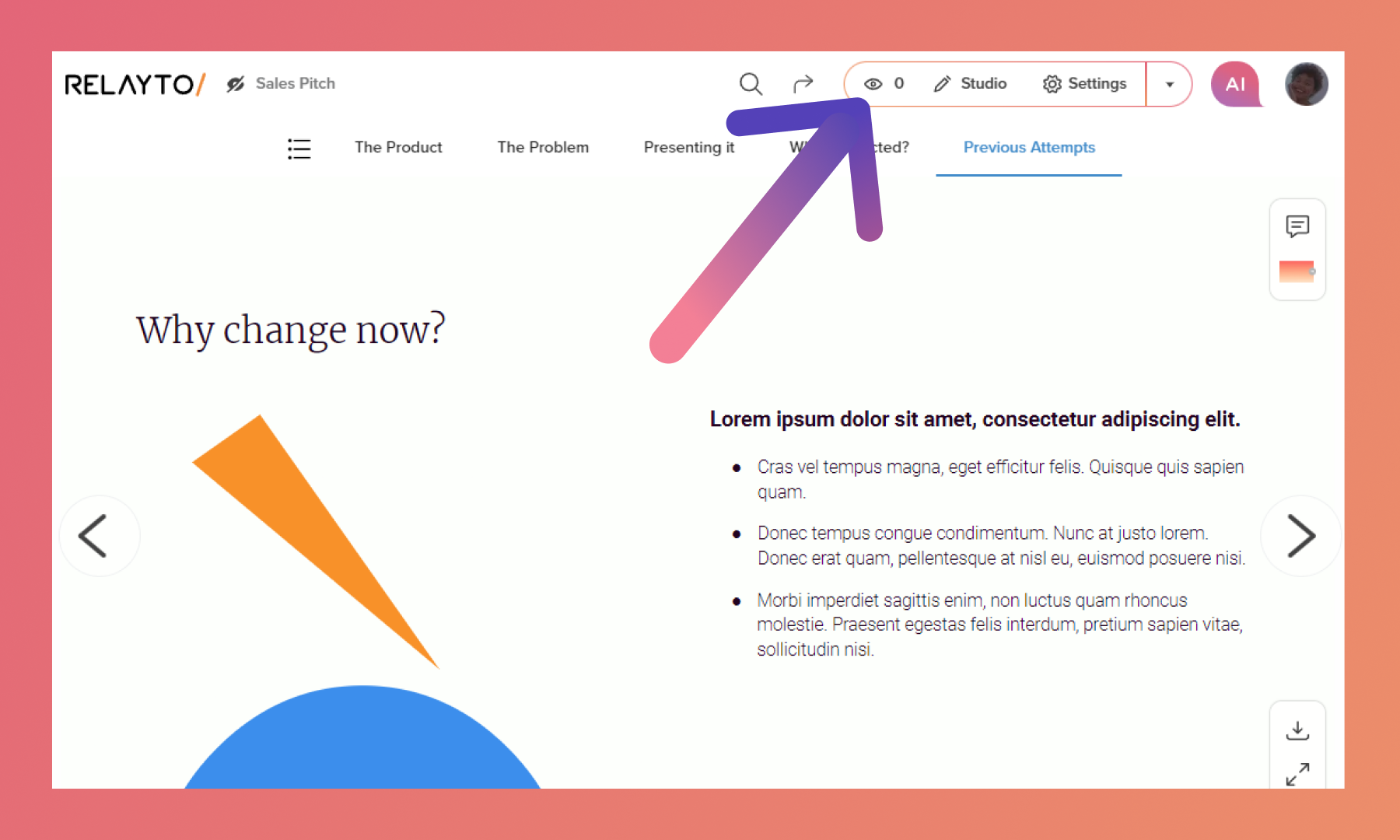
✅ Click Share → Copy Link to get the URL
Example: https://yourcompany.relayto.com/myexperience
💡Tips: To learn how to share, view the guide on how to share content here
.png)
Step 3
To track who viewed the experience, you need to append each recipient’s email to the URL using your platform’s merge tag. Examples by platform:
✅ Mailchimp: https://yourcompany.relayto.com/myexperience?email={{Email}}
✅ HubSpot: https://yourcompany.relayto.com/myexperience?email={{contact.email}}
✅ Salesforce: https://yourcompany.relayto.com/myexperience?email=*|EMAIL|*
This ensures each recipient gets a unique, personalized URL.
Step 4
First, review your content and audience, then send it to your full list or a segment. Personalization will work for each contact automatically. Each recipient will receive the same email layout but with a unique URL tied to their email address.
Step 5
RELAYTO automatically captures the email parameter from the link. Now you can track Individual Engagement in RELAYTO. To see viewer-specific insights, go to RELAYTO → Analytics. There, you can view engagement data per email address: who opened the experience, time spent, pages viewed, and Interaction heatmaps.
💡Tips: To learn how to use RELAYTO Content Analytics, view the Complete Guide here
Related Articles:
How to upload your content to RELAYTO
Thank you for joining us in this tutorial! If you have any questions or need help, feel free to email us at support@relayto.com or book a call here.