

🎧 Narration – Reads Both Pages of a Flipbook Spread
September 30, 2026
- AI Narration in the new viewer now continues through the whole spread: the cover alone, then each left and right page in turn.
- It handles switching between two-page and single-page view on narrow screens without repeating a page.
Why It Matters:
- Narration follows what readers are looking at.
- Hands-free reading of the full flipbook.
🔒 Version History – Respects Edit Permissions
September 30, 2026
- Only people who can edit a piece of content can now list, create, revert or delete its versions.
- Viewing, deleting and reverting a specific version is more dependable.
Why It Matters:
- Your content history is protected.
- Version control stays with the right people.
📧 Form Notifications – Name the Right Document
September 29, 2026
- Form submission emails now identify and link to the exact RELAYTO document or experience the form was submitted from.
Why It Matters:
- Know instantly which page generated each lead.
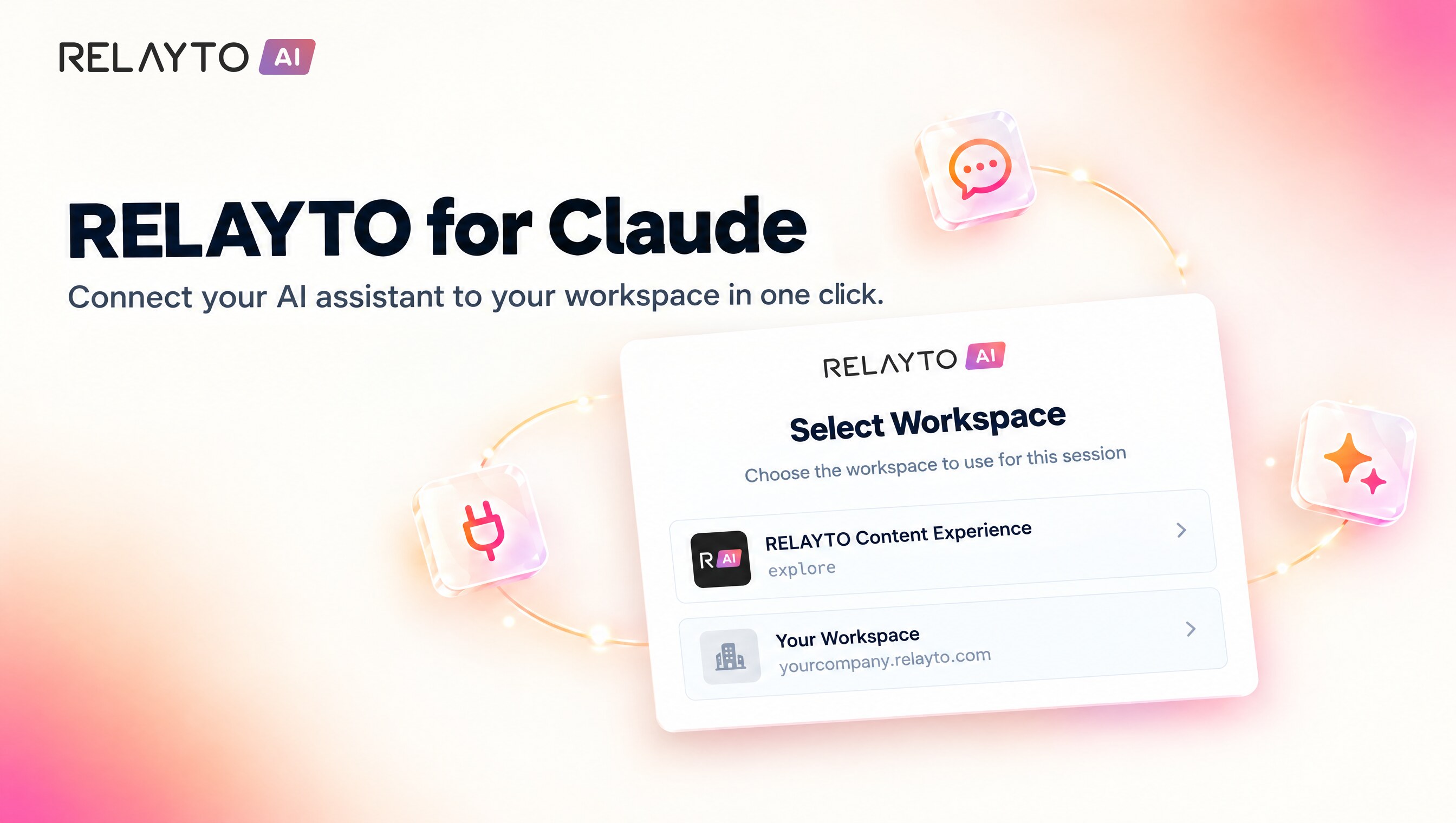
🤖 RELAYTO for Claude – Connect Any AI Agent via MCP
September 29, 2026
- Any MCP-compatible agent, such as Claude or ChatGPT, can connect to RELAYTO's MCP server.
- Search and chat with your content, and create, upload and publish new experiences from within the agent.
- No dashboard needed.
Why It Matters:
- Bring your governed content into the AI tools your team already uses.
- Create and publish without leaving the conversation.
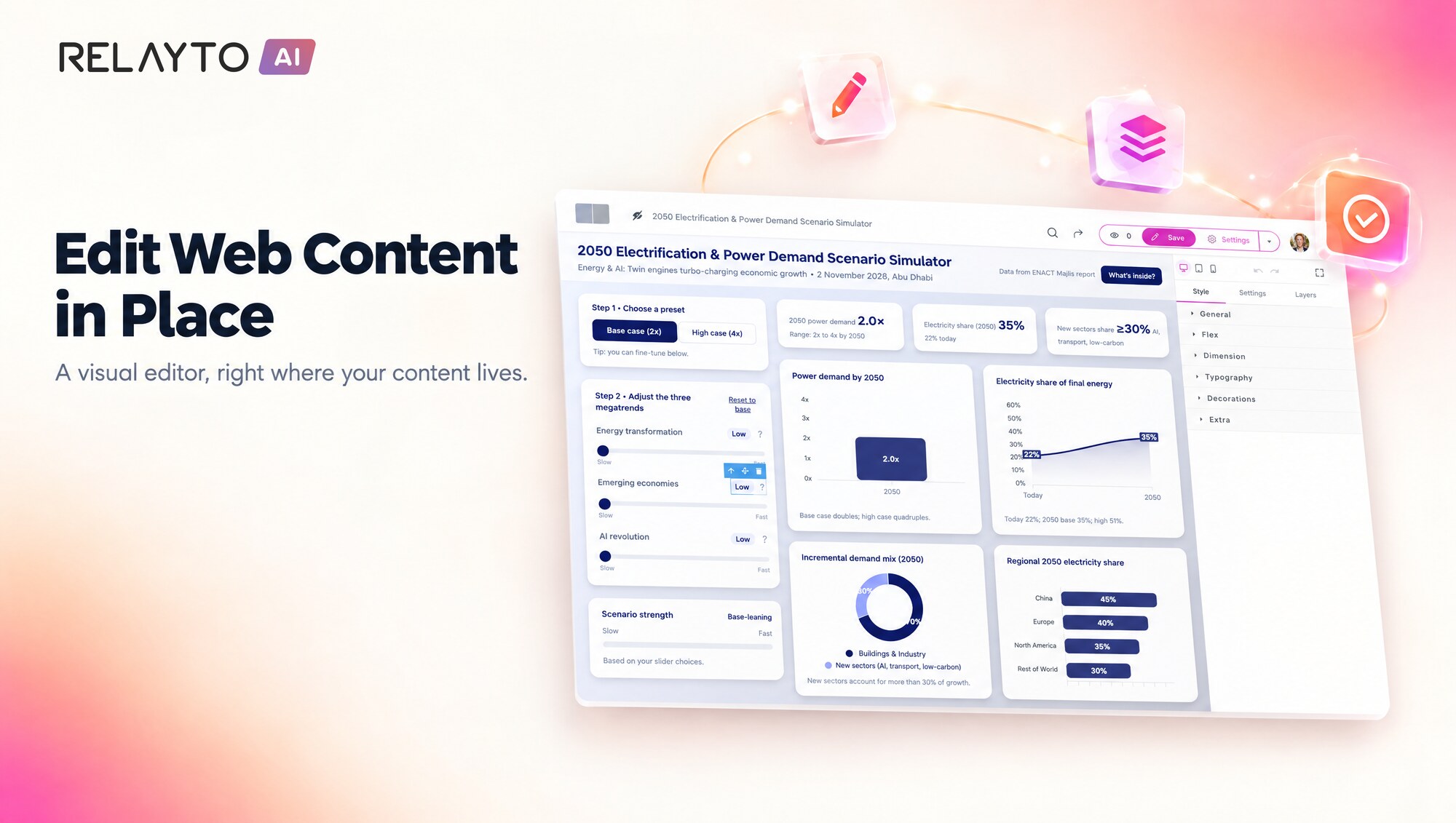
✏️ Web Content – Edit in Place
September 29, 2026
- Web content now has an Edit button next to Settings that opens a visual drag-and-drop editor where the content is shown.
- Only the page body is edited; head, styles and scripts stay as they were.
- Each save adds a "Before web editor edits" version, and duplicated elements with reveal effects stay visible.
Why It Matters:
- Update web pages without leaving RELAYTO or touching code.
- Safe edits with an easy way back and a clear notice if someone else changed the page.
🗄️ Workspace Files – A Redesigned Explorer
September 26, 2026
- Click a file to see a preview (image, video or font sample) with its URL and a ready-to-paste embed snippet.
- Replace and Delete live in a menu, so every row has a single Copy URL action.
- The explorer loads only when you open the Files page.
Why It Matters:
- Using a file takes fewer clicks.
- The rest of the app stays fast.
🎯 Studio Hotspots – Steadier Popups and Animations
September 26, 2026
- Hotspot popups with a set width now keep text fully visible, the editor stays centered, and the rich-text editor stays properly layered over Custom HTML.
- Editing a page with animated hotspots is smoother.
Why It Matters:
- Design polished popups with confidence.
- A more dependable Studio session.
📋 Duplicating Pages – Originals Stay Untouched
September 26, 2026
- When you copy a page or a whole experience, the copy now gets its own independent "Go to page" buttons.
Why It Matters:
- Duplicate and re-link freely; the original keeps working as designed.
📝 Forms – Embed on Any Website
September 25, 2026
- Forms from Company Experiences can now be pasted into any external website, including embedded iframes.
- They submit without reloading the page, with captcha protection that works in embedded contexts.
- Notification emails are cleaner.
Why It Matters:
- Capture leads wherever your audience is.
- Submissions still reach your usual email and webhook.
🎙️ Narration – Player Ready From the First Page
September 25, 2026
- The AI Narration player now appears as soon as a flipbook in the new viewer loads, without flipping a page first.
Why It Matters:
- Listeners can start narration right away.
🧠 AI Builder – Refreshed Model Lineup
September 24, 2026
- AI Page Builder's chat and page editing now run on newer, more capable models, including Opus 5.5, Gemini 3.8 Flash and GPT-6 Sol/Luna, plus refreshed DeepSeek models.
- Existing work keeps running on the model it already uses.
Why It Matters:
- Stronger AI results for new work.
- No changes needed for what you already have.
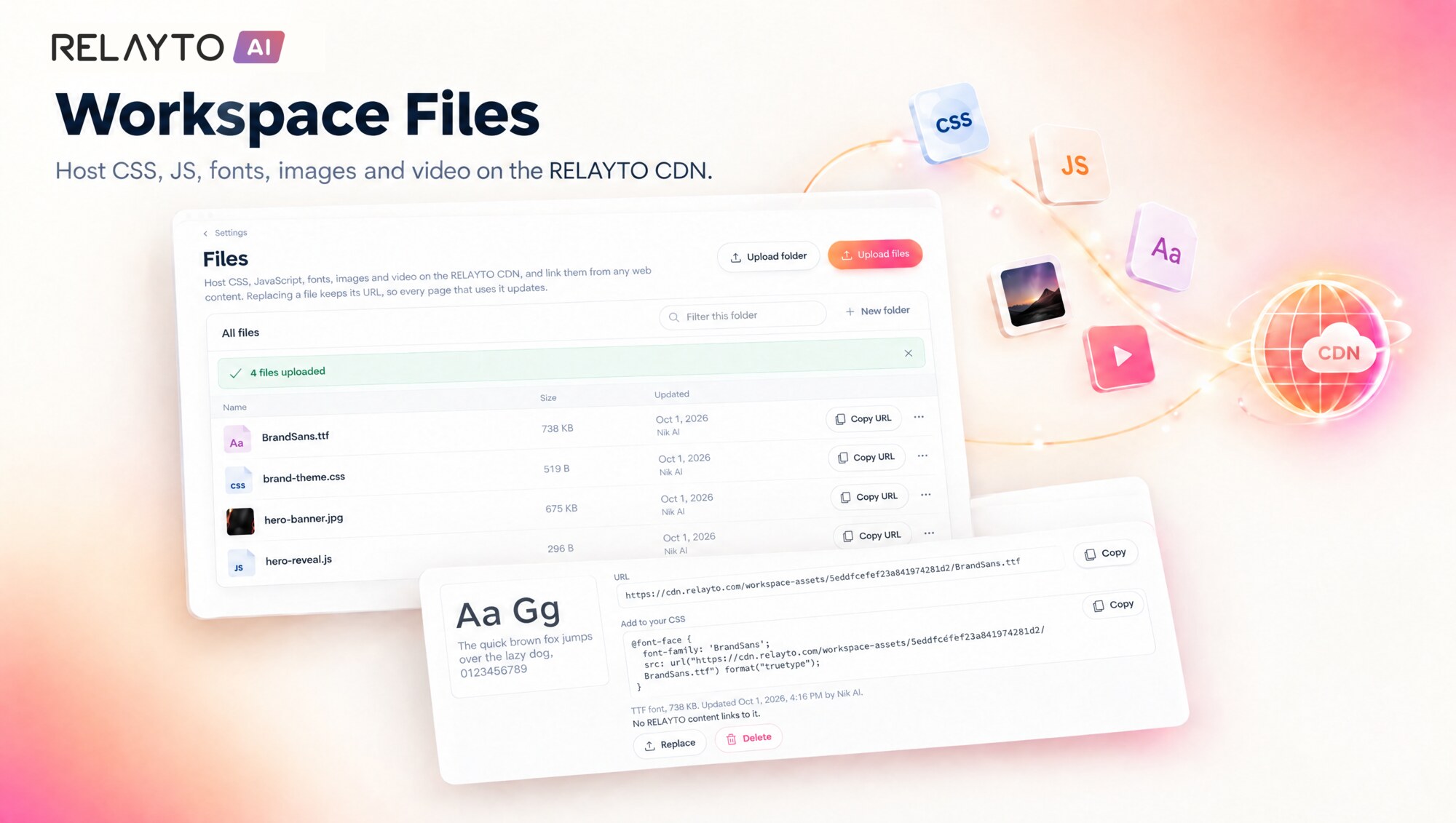
📁 Workspace Files – Host Your Own CSS, JS, Fonts, Images & Video
September 24, 2026
- A new Files page in workspace settings where admins upload files or whole folders, with drag and drop.
- Every file gets a permanent CDN link with one-click copy, and replacing a file keeps its link.
- Before deleting, see which content uses the file. Members can browse and copy links.
Why It Matters:
- One home for the files your web content depends on.
- Update branding or scripts once and every page that uses them follows.
💬 Comments – Open and Visible for Everyone
September 23, 2026
- The comments panel now stays open when a document is set to show comments by default.
- Visitors who are not logged in can see comments when everyone is allowed to comment.
Why It Matters:
- Conversation around your content is easy to find.
- Anonymous readers get the same experience as signed-in users.
📈 Analytics – Complete for Custom-Link Content
September 23, 2026
- Content with a custom, readable link now reports its visitors and visits correctly in analytics.
Why It Matters:
- Reliable reporting whichever link style you choose.
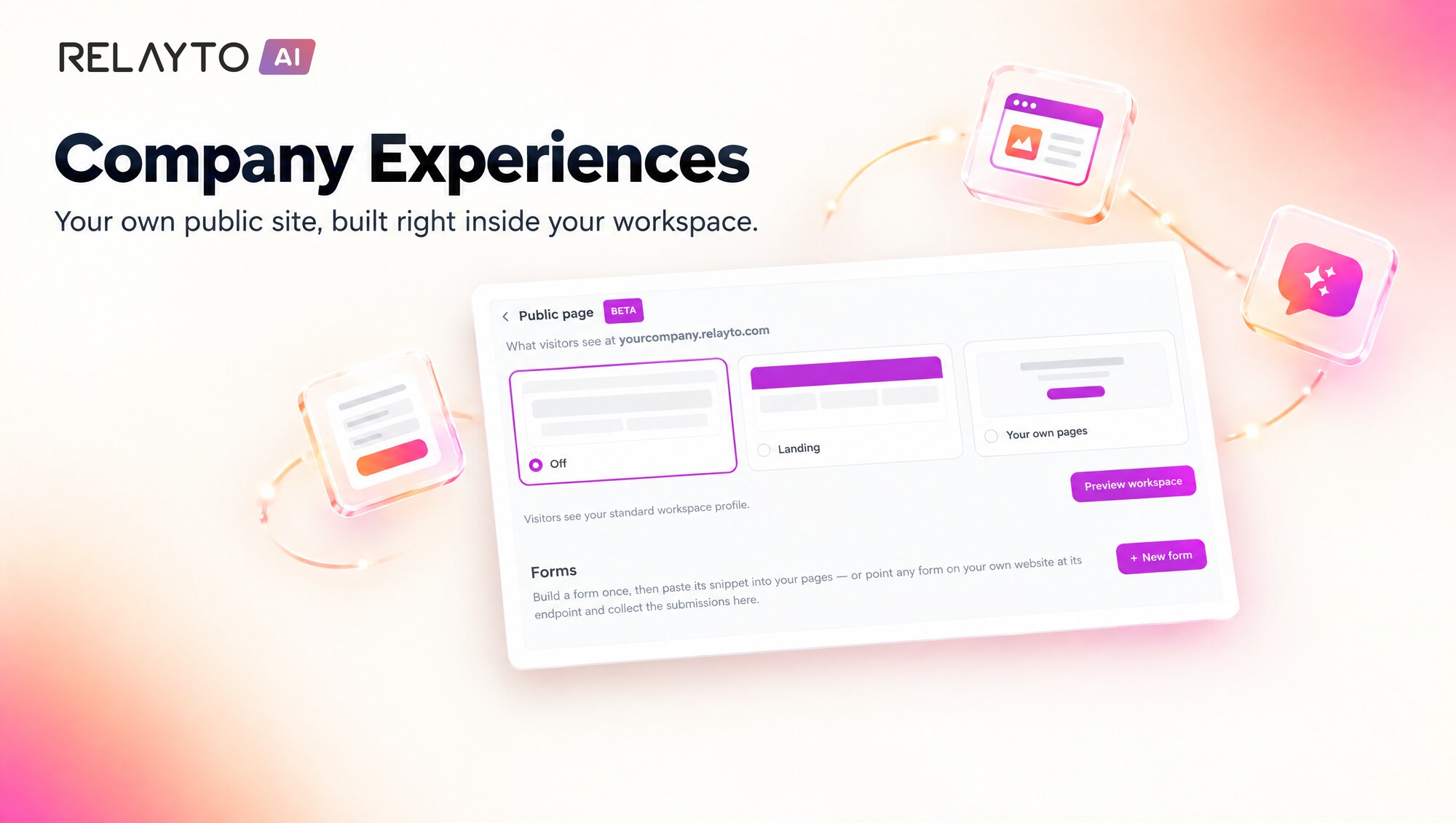
🌐 Company Experiences – Your Own Public Site
September 23, 2026
- Serve a custom public site from your workspace's own address, built from HTML and CSS pages.
- Choose Off, Landing or Your own pages in the new Public page setting and preview it as a signed-out visitor.
- Link existing library content (its access rules still apply), add a lead-capture form and an optional AI chat.
Why It Matters:
- A branded front door for your whole workspace.
- Content, forms and AI chat come together in one place.
🗃️ Hubs – Your Order and Settings Stay Put
September 22, 2026
- The settings panel now stays open after you create a new hub.
- A custom order you set inside a hub is kept on the company landing page.
Why It Matters:
- Set up a new hub without the panel closing on you.
- Hubs appear exactly as you arranged them.
🔍 Hotspots – Transparent Means Invisible
September 22, 2026
- Fully transparent hotspots now stay fully invisible.
- The per-colour field is now labelled "Opacity %", and the separate Opacity control under Fills has been removed.
Why It Matters:
- Hotspots look exactly as designed.
- A simpler, clearer opacity setting in Studio.
🔗 Analytics – Internal Link Clicks in the New Viewer
September 22, 2026
- Clicks on links that jump to another page within the same document are now tracked in the Engine 3 viewer.
Why It Matters:
- Click analytics for new-viewer documents are complete and consistent.
🛡️ Internal Security Hardening – Continuous Protection
September 18, 2026
- Continued behind-the-scenes hardening to keep your workspace and content protected.
Why It Matters:
- Ongoing protection that works quietly in the background.
📤 Bulk Upload – Every File Gets Its Turn
September 17, 2026
- When you upload several files at once, each one now uploads independently.
- You get a summary listing any files that did not go through and why.
Why It Matters:
- Large batches finish without starting over.
- You always know exactly what was uploaded.
🎯 Hotspots – Transparent Fills and Smoother Hover Fades
September 17, 2026
- Make a hotspot fill fully transparent while keeping a solid, visible border.
- Hover fade-in and fade-out effects now stay smooth when the mouse moves quickly on and off a hotspot.
Why It Matters:
- More precise control over hotspot styling.
- Hover effects look polished for your readers.
📱 Flipbook – Better on Small Screens and Safari
September 16, 2026
- Very large pages now scale down to fit phones instead of being cropped.
- Scrollable embeds inside slides respond properly to wheel, trackpad and touch on Safari and iOS.
Why It Matters:
- Your content reads well on any screen.
- Consistent behavior across Chrome, Safari and mobile.
🏗️ AI Builder – Honest Feedback on Large Page Rewrites
September 15, 2026
- The AI assistant now checks upfront whether a rewrite of a large imported page is too big to do in one go and tells you plainly.
- It targets the right sections of imported pages more reliably.
- A live progress bar shows the work while it runs.
Why It Matters:
- Clear answers instead of waiting on a request that cannot complete.
- More precise AI edits to your pages.
⚡ Internal Performance Improvements – Always Tuning
September 11, 2026
- Ongoing behind-the-scenes tuning to keep RELAYTO feeling responsive.
Why It Matters:
- A steadily smoother experience as the platform grows.
🔐 SSO-Only Sign-in – Enforced End to End, With Automatic Redirect
September 10, 2026
- SSO-Only workspaces now apply the rule across all login routes, not just in the sign-in dialog.
- Visitors are sent straight to their company's login and return to the exact page they wanted, including the page number.
Why It Matters:
- Your single sign-on policy is consistently applied.
- Fewer clicks for your team and your readers.
📈 Analytics – Dependable on the Largest Workspaces
September 10, 2026
- Hub analytics and the content list sorted by visits now load on very large workspaces.
- If analytics is temporarily unavailable, Hub Analytics shows a clear "couldn't load" state instead of zero visitors.
Why It Matters:
- Trustworthy numbers at any scale.
- You always know when a report is real data.
📖 Flipbook – Two-Page Spreads in Desktop Embeds
September 9, 2026
- Flipbooks in the Engine 3 viewer now keep their two-page spreads when embedded on your website.
- Spreads previously showed only in full-screen mode.
Why It Matters:
- Flipbooks look like real books wherever you embed them.
- A more consistent reading experience on desktop.
🗂️ PDF Updates & Outline – Smoother Page Management
September 9, 2026
- Dragging an outline item onto another now places it in the position that matches your page order, like the Nest button.
- The side-by-side PDF comparison opens reliably after a PDF update.
- The comparison dialog now uses neutral wording instead of showing your file names.
Why It Matters:
- Organizing navigation behaves as you expect.
- Reviewing document updates is smoother and more private.
🔐 SSO-Only Sign-in – A Single Door for Your Workspace
September 8, 2026
- Workspaces using single sign-on can switch on SSO-Only Sign-in, leaving just the "Sign in with SSO" option.
- Admins can connect a workspace to its WorkOS organization directly from Settings.
- Visitors signing in to view private content now land back on the content they wanted, including on custom domains.
Why It Matters:
- Simpler, more secure access for your team.
- No engineering help needed to set up SSO.
🎙️ Narration – Voiceovers Are Kept When You Press Done
September 5, 2026
- Pressing Done while a voiceover is still recording now waits for the audio to finish saving.
- The button shows "Saving…" during the hand-off.
Why It Matters:
- Every recording you make is kept.
- Finish a take quickly without second-guessing.
📊 Hub Analytics & Settings – Clearer and More Dependable
September 4, 2026
- Hub Analytics now opens with the hub's full history instead of a single day, so the right numbers show immediately.
- Large and long-running hubs load their reports reliably, and visitor journey handles hubs with tens of thousands of visitors.
- Hub and Content Settings > Details now share always-visible Apply and Cancel buttons; Esc cancels.
Why It Matters:
- Accurate analytics from the first view.
- Settings behave the same everywhere and you decide when a change is saved.
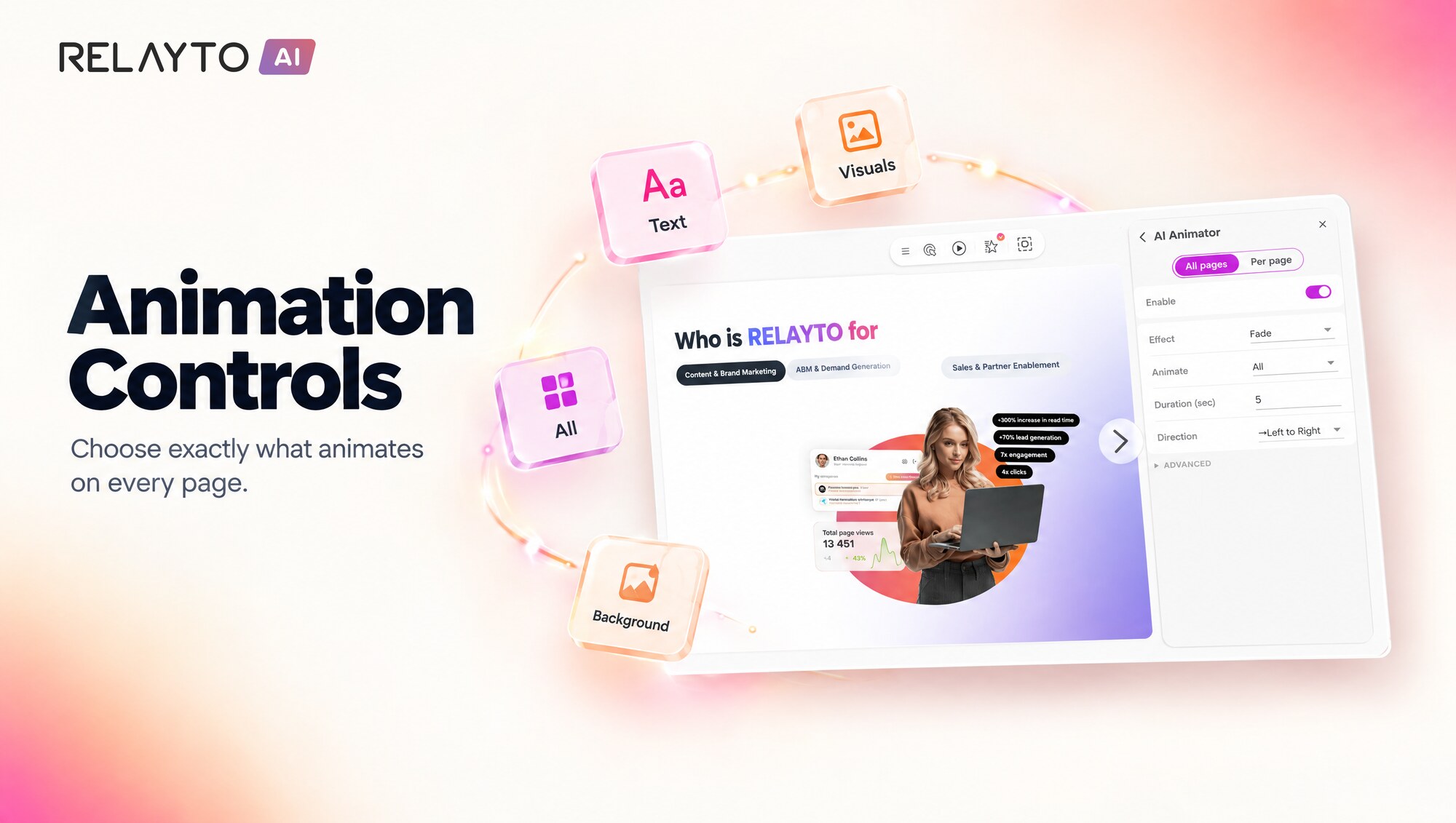
✨ Animation – Choose What Animates
September 4, 2026
- Choose what animates on a page: everything, text, visuals or background, with a zoom or still background effect.
- Animate a single page with one "Animate this page" switch and see when it differs from the document, with a Reset option.
- Controls are now available in the new Engine 3 viewer.
Why It Matters:
- Finer control over motion in your content.
- Bring one page to life without changing the rest of the document.
🧭 Hub Analytics – Visitor Journey for Hubs of Any Size
September 3, 2026
- The visitor journey view now loads for hubs with more than 250 pieces of content.
- Analytics requests are processed in smaller batches, so even very large hubs open quickly.
Why It Matters:
- See how people move through your biggest hubs.
- Insights stay available as your hub grows.
🏷️ Published with RELAYTO – Admin-Controlled Badge
September 2, 2026
- Workspace admins can now show a "Published with RELAYTO" badge on every piece of content in the workspace.
- The setting overrides white-labeling and embeds, and the badge stays readable on any background.
Why It Matters:
- Consistent attribution across everything you publish.
- Off by default, so existing workspaces are unaffected until an admin turns it on.
💾 Studio – Edits Saved Almost Instantly
September 2, 2026
- Edits in Studio are now saved within about a second, on the page where you made them.
- Multi-page editing sessions are more dependable: pages that need another save attempt are retried automatically.
Why It Matters:
- Make quick changes and move between pages without waiting.
- One page never holds back the saving of the rest of your document.
🔄 PDF Updates – Reliable Page Matching
September 1, 2026
- Replacing a document's PDF now matches each old page to exactly one new page.
- Reordering pages after an update keeps every page present with its own web link.
Why It Matters:
- Updated documents stay intact when you rearrange pages.
- You can update and reorganize in the same sitting with confidence.
🤖 RELAYTO for Claude – Bulk Privacy Control
September 1, 2026
- Connected AI agents can now set who can view content – public, unlisted, private, password-protected or email-gated – for one or many pieces in a single request.
- The make public/private action in the AI tools now genuinely switches content between public and unlisted.
Why It Matters:
- Manage access across your library from your AI agent in one step.
- Visibility changes made by agents now match what you see in RELAYTO.