

Understanding your workspace analytics can provide valuable insights into usage patterns, team activity, and overall platform effectiveness. This information can help you optimize workflows, identify areas for improvement, and maximize your team's productivity!
Step 1
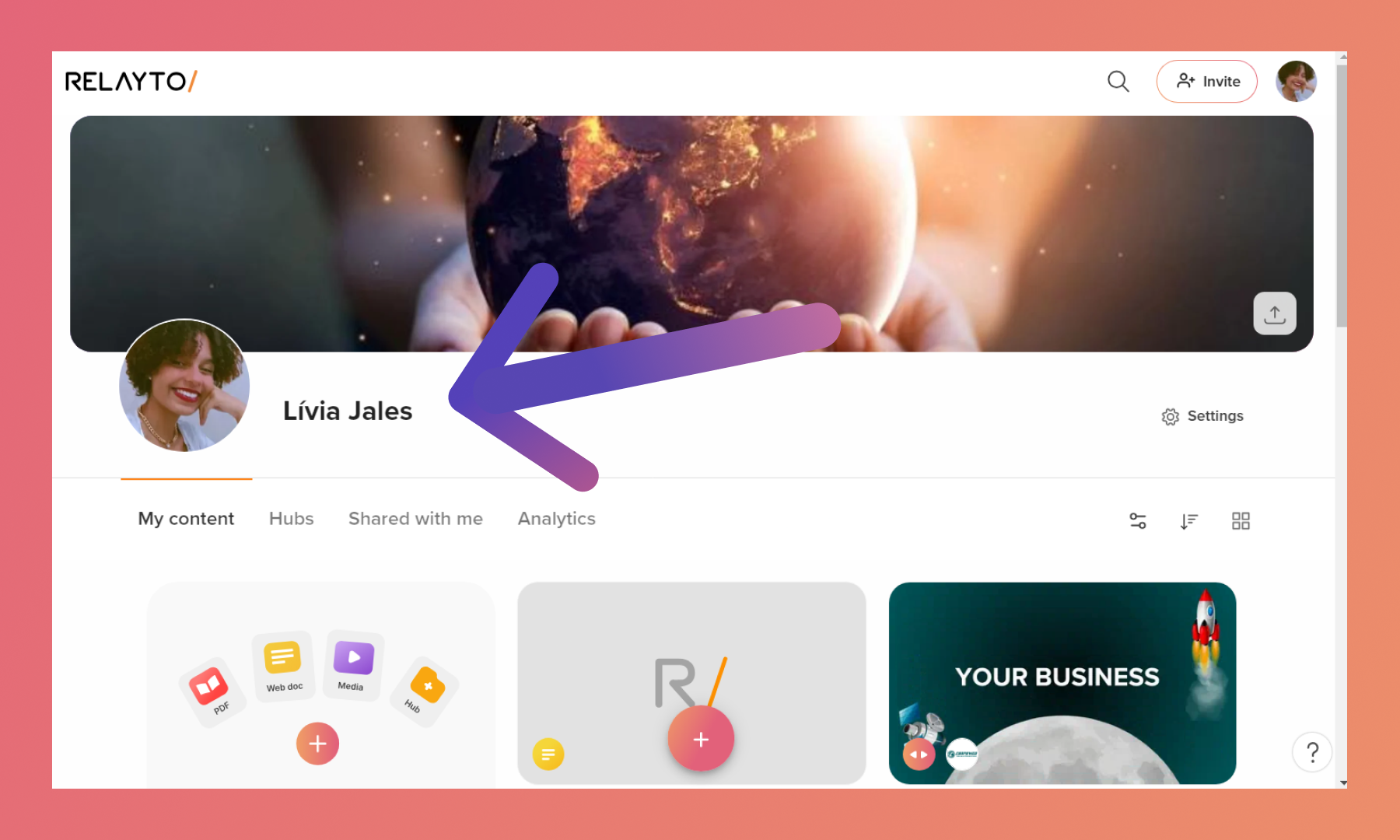
Navigate to your personal profile or the company workspace in RELAYTO.
💡Tips: To learn how to enter a company subdomain, click here.
Step 2
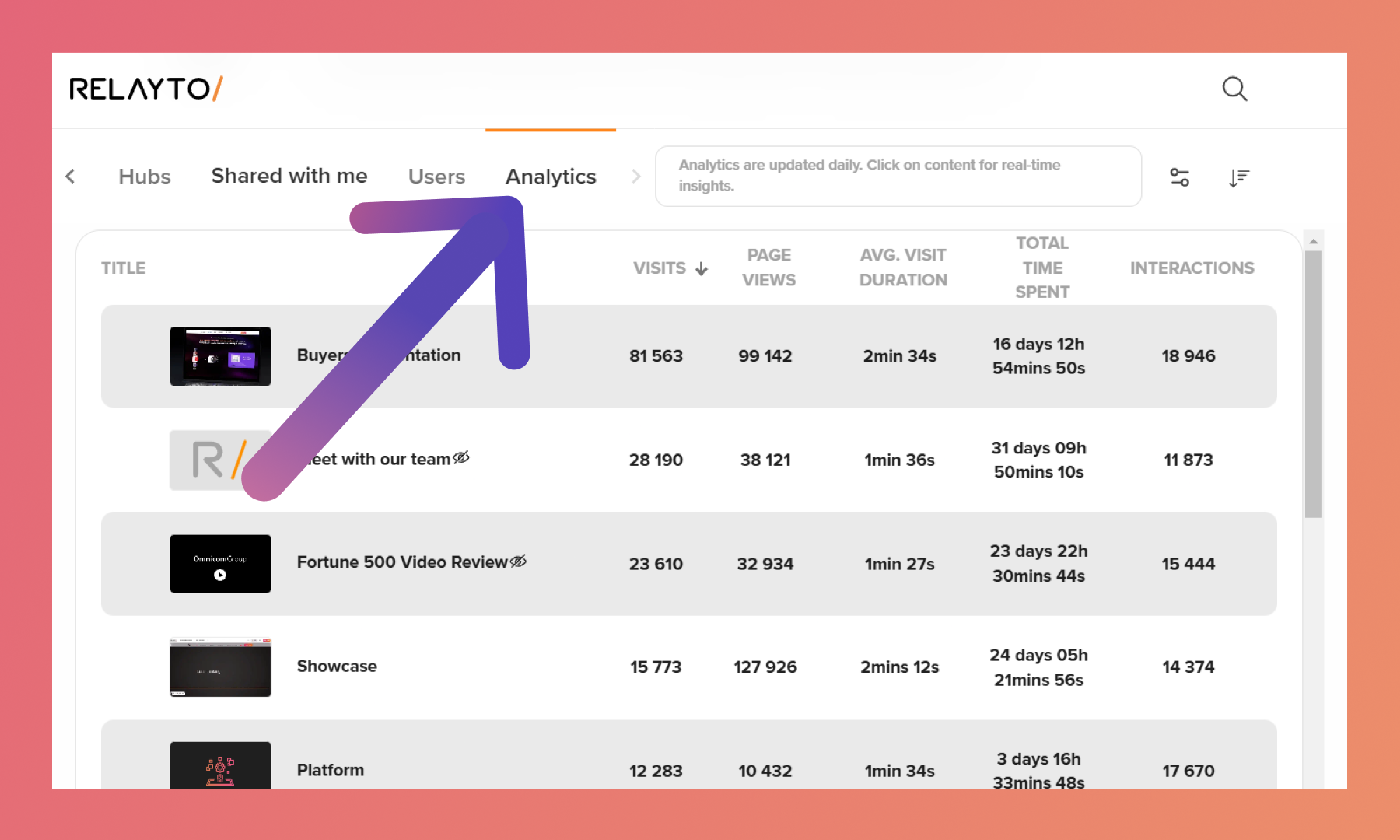
Click the fourth tab called "Analytics" below the profile picture.
.png)
How to Sort Data
Click the name of each tab to sort it in a new order. By default, the data is sorted by the most viewed digital experience.
Related Articles:


Thank you for joining us in this tutorial! If you have any questions or need help, feel free to email us at support@relayto.com or book a call here.