

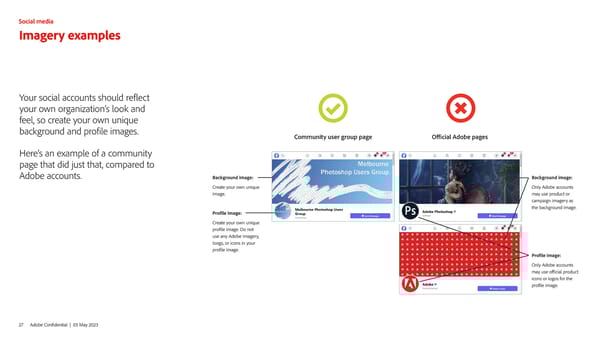
Imagery examples Your social accounts should reflect your own organization’s look and feel, so create your own unique background and profile images. Here’s an example of a community page that did just that, compared to Adobe accounts. Background image: Create your own unique image. Profile image: Create your own unique profile image. Do not use any Adobe imagery, loogs, or icons in your profile image. Official Adobe pages Community user group page Background image: Only Adobe accounts may use product or campaign imagery as the background image. Profile image: Only Adobe accounts may use official product icons or logos for the profile image. 27 Adobe Confidential | 03 May 2023 Social media
 Adobe Brand Book Page 26 Page 28