

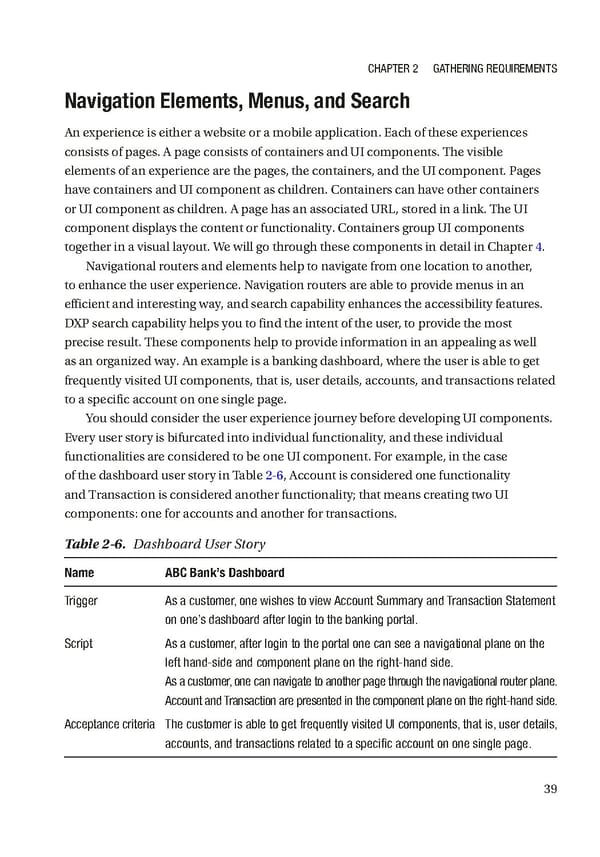
Chapter 2 GatherinG requirements Navigation Elements, Menus, and Search An experience is either a website or a mobile application. Each of these experiences consists of pages. A page consists of containers and UI components. The visible elements of an experience are the pages, the containers, and the UI component. Pages have containers and UI component as children. Containers can have other containers or UI component as children. A page has an associated URL, stored in a link. The UI component displays the content or functionality. Containers group UI components together in a visual layout. We will go through these components in detail in Chapter 4. Navigational routers and elements help to navigate from one location to another, to enhance the user experience. Navigation routers are able to provide menus in an efficient and interesting way, and search capability enhances the accessibility features. DXP search capability helps you to find the intent of the user, to provide the most precise result. These components help to provide information in an appealing as well as an organized way. An example is a banking dashboard, where the user is able to get frequently visited UI components, that is, user details, accounts, and transactions related to a specific account on one single page. You should consider the user experience journey before developing UI components. Every user story is bifurcated into individual functionality, and these individual functionalities are considered to be one UI component. For example, in the case of the dashboard user story in Table 2-6, Account is considered one functionality and Transaction is considered another functionality; that means creating two UI components: one for accounts and another for transactions. Table 2-6. Dashboard User Story Name ABC Bank’s Dashboard trigger as a customer, one wishes to view account summary and transaction statement on one’s dashboard after login to the banking portal. script as a customer, after login to the portal one can see a navigational plane on the left hand-side and component plane on the right-hand side. as a customer, one can navigate to another page through the navigational router plane. account and transaction are presented in the component plane on the right-hand side. acceptance criteria the customer is able to get frequently visited ui components, that is, user details, accounts, and transactions related to a specific account on one single page. 39
 Building Digital Experience Platforms Page 59 Page 61