

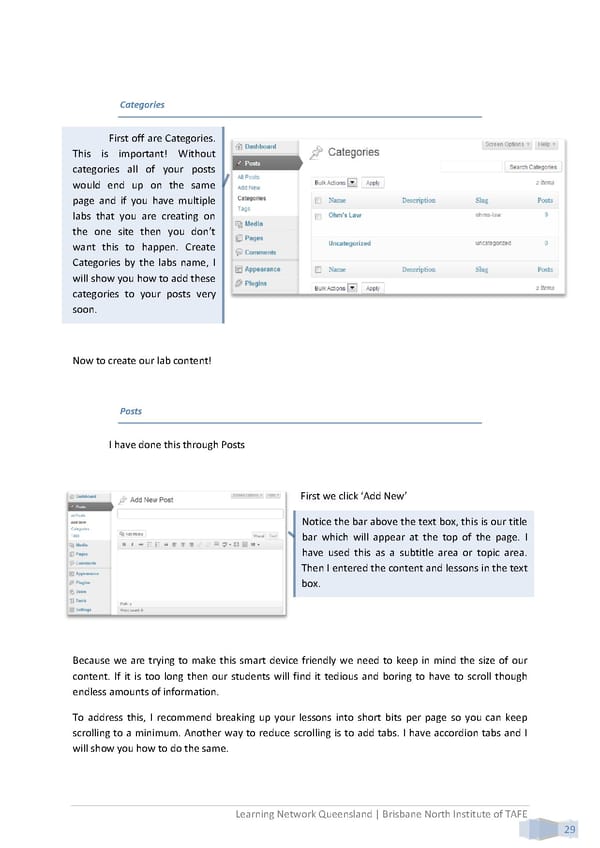
Categories First off are Categories. This is important! Without categories all of your posts would end up on the same page and if you have multiple labs that you are creating on the one site then you don’t want this to happen. Create Categories by the labs name, I will show you how to add these categories to your posts very soon. Now to create our lab content! Posts I have done this through Posts First we click ‘Add New’ Notice the bar above the text box, this is our title bar which will appear at the top of the page. I have used this as a subtitle area or topic area. Then I entered the content and lessons in the text box. Because we are trying to make this smart device friendly we need to keep in mind the size of our content. If it is too long then our students will find it tedious and boring to have to scroll though endless amounts of information. To address this, I recommend breaking up your lessons into short bits per page so you can keep scrolling to a minimum. Another way to reduce scrolling is to add tabs. I have accordion tabs and I will show you how to do the same. Learning Network Queensland | Brisbane North Institute of TAFE 29
 Building Interactive Content Page 37 Page 39