

Step 1
In your company dashboard, click Settings.
.png)
Company Logo
Upload your logo here. It will appear in the upper left corner of your dashboard.
.png)
Cover Image
This image shows up as the default top banner on your dashboard. Choose something that represents your brand or sets the tone for your experiences.
.png)
Sidebar Icon
Add the company logo icon to be used in the navigation sidebar. This helps reinforce your brand visually on all shared content.
.png)
Custom CSS
Use this field to apply advanced design rules.
💡Tips: For styling guidance, refer to the guide: How to Use Advanced Styles.
.png)
Default Thumbnail Background
Step 1
Click the "change thumbnails background" button.
.png)
Step 2
Upload an image or choose from our gallery to be used as the background on all content thumbnails by default. This helps maintain visual consistency across experiences.
.png)
Brand Colors
Only administrators can update your brand’s primary colors. To request changes, email support@relayto.com. This restriction ensures brand consistency and compliance with enterprise design policies.
.png)
Default Content Background
Upload a video or choose from our gallery, and it will automatically be applied as the background for all new content. You can still customize individual assets later.
💡Tips: Recommended file size: Up to 1MB for optimal performance. Use H.264 video codec for best compatibility.
.png)
Default Call-to-Action Button for Content
When enabled, this button will be added automatically to every new piece of content. It's useful for driving consistent user actions across your experiences.
Step 1
Click the "Add button" button.
.png)
Step 2
Choose the action
💡Tips: To learn more about call to actions, see: the complete guide about CTAs.
.png)
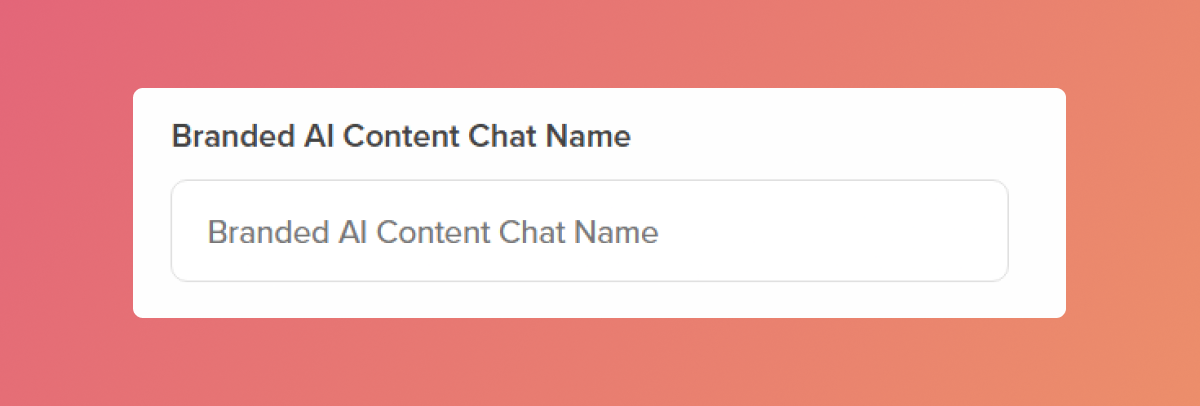
Branded AI Content Chat Name
Customize the name of your embedded AI Content Chat assistant. This appears as the chat header inside your content and reinforces your brand voice.
Related Articles:
Thank you for joining us in this tutorial! If you have any questions or need help, feel free to email us at support@relayto.com or book a call here.