

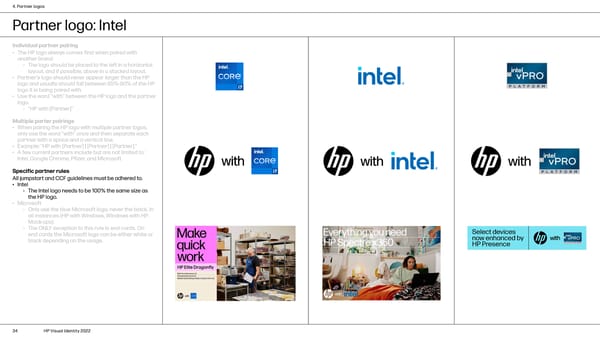
4. Partner logos Partner logo: Intel Individual partner pairing • The HP logo always comes first when paired with another brand. › The logo should be placed to the left in a horizontal layout, and if possible, above in a stacked layout. • Partner’s logo should never appear larger than the HP logo and usually should fall between 85%-90% of the HP logo it is being paired with. • Use the word “with” between the HP logo and the partner logo. › “HP with [Partner]” Multiple parter pairings • When pairing the HP logo with multiple partner logos, only use the word “with” once and then separate each partner with a space and a vertical line. • Example: “HP with [Partner] | [Partner] | [Partner].” • A few current partners include but are not limited to: Intel, Google Chrome, Pfizer, and Microsoft. Specific partner rules All jumpstart and CCF guidelines must be adhered to. • Intel › The Intel logo needs to be 100% the same size as the HP logo. • Microsoft › Only use the blue Microsoft logo, never the black, in all instances (HP with Windows, Windows with HP, Mock-ups). › The ONLY exception to this rule is end cards. On Select devices end cards the Microsoft logo can be either white or now enhanced by black depending on the usage. HP Presence 34 HP Visual Identity 2022
 HP Brand Book Page 33 Page 35