

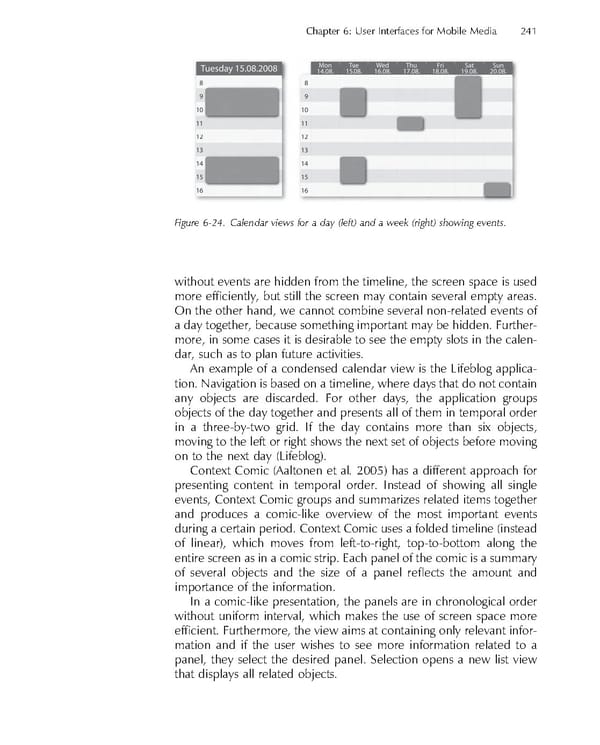
Chapter 6: User Interfaces for Mobile Media 241 Figure 6-24. Calendar views for a day (left) and a week (right) showing events. without events are hidden from the timeline, the screen space is used more effi ciently, but still the screen may contain several empty areas. On the other hand, we cannot combine several non-related events of a day together, because something important may be hidden. Further- more, in some cases it is desirable to see the empty slots in the calen- dar, such as to plan future activities. An example of a condensed calendar view is the Lifeblog applica- tion. Navigation is based on a timeline, where days that do not contain any objects are discarded. For other days, the application groups objects of the day together and presents all of them in temporal order in a three-by-two grid. If the day contains more than six objects, moving to the left or right shows the next set of objects before moving on to the next day (Lifeblog). Context Comic (Aaltonen et al. 2005) has a different approach for presenting content in temporal order. Instead of showing all single events, Context Comic groups and summarizes related items together and produces a comic-like overview of the most important events during a certain period. Context Comic uses a folded timeline (instead of linear), which moves from left-to-right, top-to-bottom along the entire screen as in a comic strip. Each panel of the comic is a summary of several objects and the size of a panel refl ects the amount and importance of the information. In a comic-like presentation, the panels are in chronological order without uniform interval, which makes the use of screen space more effi cient. Furthermore, the view aims at containing only relevant infor- mation and if the user wishes to see more information related to a panel, they select the desired panel. Selection opens a new list view that displays all related objects.
 Personal Content Experience Page 264 Page 266