

RELAYTO/ Media Best Practices
RELAYTO/ Best Practices for Media Best practices on how to effectively . integrate media into your RELAYTO experiences.
CONTENTS RELAYTO Content Adding Media 5 1 Social Media Images 6 2 Articles Videos 7 3 Background Videos Other Ideas & Examples 4 8 Share Link within PDF 7 Track & Repeat 8
Adding Media Incorporating different types of media in your content is essential for delivering an engaging & seamless experience. It’s important to consider how you want viewers to digest your content with a combination of text & various forms of media. These elements add real value, grab viewers’ attention, & do not direct them away from the main experience.
Watch Video Tutorial Images Images allow you to visually showcase information, which improves the look & feel of a document. They can help make your experience look more visually appealing & convey important information. With RELAYTO, you have the ability to insert PNGs, JPGs, GIFs right onto the pages of your document.
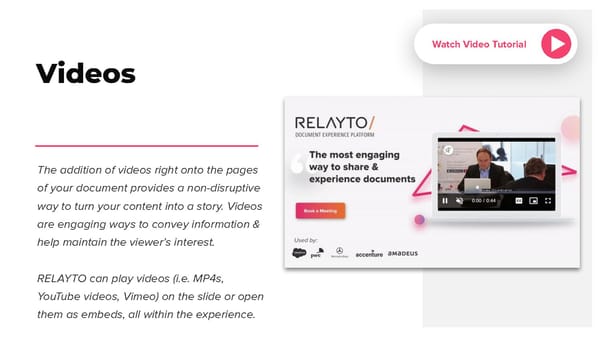
Watch Video Tutorial Videos The addition of videos right onto the pages of your document provides a non-disruptive way to turn your content into a story. Videos are engaging ways to convey information & help maintain the viewer’s interest. RELAYTO can play videos (i.e. MP4s, YouTube videos, Vimeo) on the slide or open them as embeds, all within the experience.
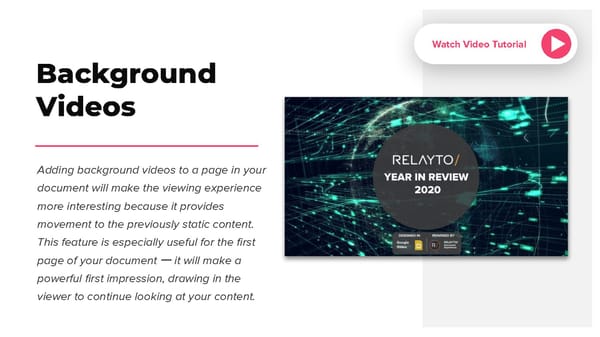
Watch Video Tutorial Background Videos Adding background videos to a page in your document will make the viewing experience more interesting because it provides movement to the previously static content. This feature is especially useful for the first page of your document ー it will make a powerful first impression, drawing in the viewer to continue looking at your content.
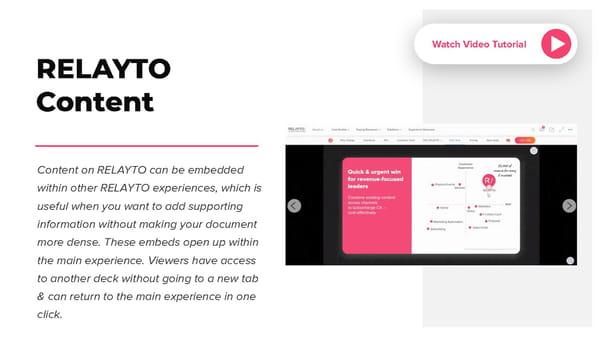
Watch Video Tutorial RELAYTO Content Content on RELAYTO can be embedded within other RELAYTO experiences, which is useful when you want to add supporting information without making your document more dense. These embeds open up within the main experience. Viewers have access to another deck without going to a new tab & can return to the main experience in one click.
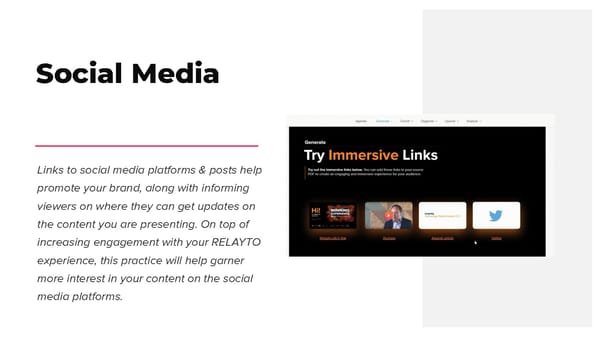
Social Media Links to social media platforms & posts help promote your brand, along with informing viewers on where they can get updates on the content you are presenting. On top of increasing engagement with your RELAYTO experience, this practice will help garner more interest in your content on the social media platforms.
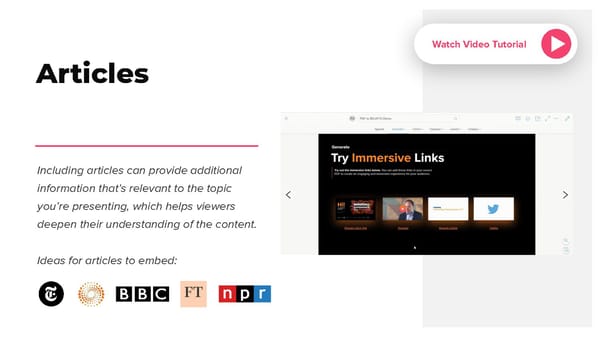
Watch Video Tutorial Articles Including articles can provide additional information that’s relevant to the topic you’re presenting, which helps viewers deepen their understanding of the content. Ideas for articles to embed:
Other Ideas & Examples There are other types of media to include in your RELAYTO experience. Below are some ideas to consider: ● Audio - MP3s, Spotify, Apple Podcasts ● 3D Content - Sketchfab ● Blogs ● Polls - Mentimeter, Pollsight ● Whiteboard