

RELAYTO Platform: Explore Features & Benefits
Discover RELAYTO's powerful platform features. Create interactive content, boost engagement, and transform static documents. Learn how RELAYTO benefits your business.
Leapfrog into the future of virtual & hybrid communications
This is a modal window.
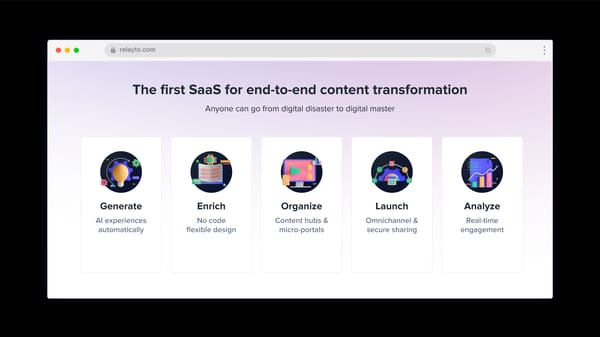
The first SaaS for end-to-end content transformation Anyone can go from digital disaster to digital master AI experiences automatically Generate No code flexible design Enrich Content hubs & micro-portals Organize Omnichannel & secure sharing Launch Real-time engagement Analyze
Content Experience
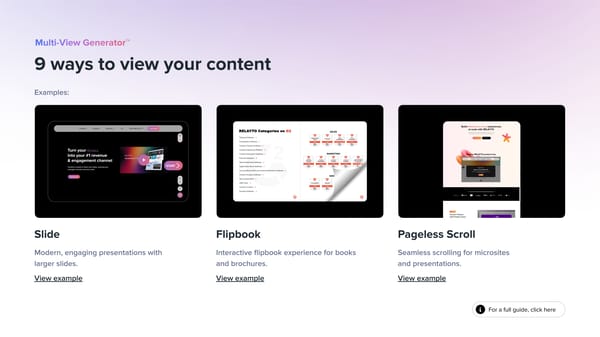
For a full guide, click here 9 ways to view your content Slide Flipbook Pageless Scroll Modern, engaging presentations with larger slides. View example Interactive flipbook experience for books and brochures. View example Seamless scrolling for microsites and presentations. View example Examples:
Intuitive navigation, automatically generated RELAYTO automatically extracts bookmarks from your PDF and turns them into web-like navigation. Also, you can generate navigation from scratch with help of our AI. Top Menu Top bar navigation is a perfect option for microsites and presentations. Right Sidebar Right sidebar is an ideal option for long-form content, providing quick access to key sections. For a full guide, click here
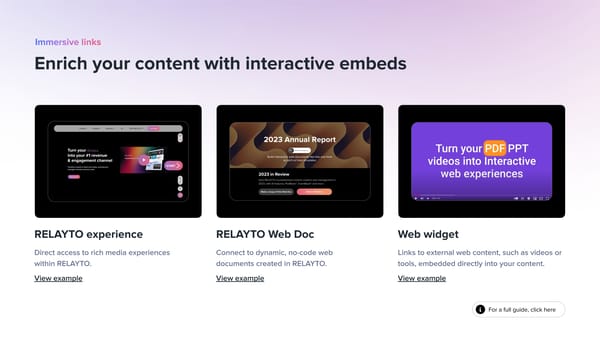
Enrich your content with interactive embeds RELAYTO experience RELAYTO Web Doc Web widget Direct access to rich media experiences within RELAYTO. View example Connect to dynamic, no-code web documents created in RELAYTO. View example Links to external web content, such as videos or tools, embedded directly into your content. View example For a full guide, click here
Provide downloadable PDF for your audience Easy downloads Control PDF settings Let your audience download with a single click using the icon in the bottom right corner. Replace the downloadable PDF or disable this feature entirely if needed. For a full guide, click here
Sift 1000s of pages from 100s of documents to get the 1 nugget you need with AI content chat The AI analyzes your content, suggests relevant questions, and provides instant, detailed answers with visual previews. AI-powered assistant Navigate hubs with AI Effortlessly find information from multiple documents within your hub, with instant answers and direct links to relevant sources.
Interactivity Studio
Transform static backgrounds into videos with RELAYTO in 2 clicks. Choose from our library or upload your own to engage your audience. For a full guide, click here Bring backgrounds to life with dynamic videos
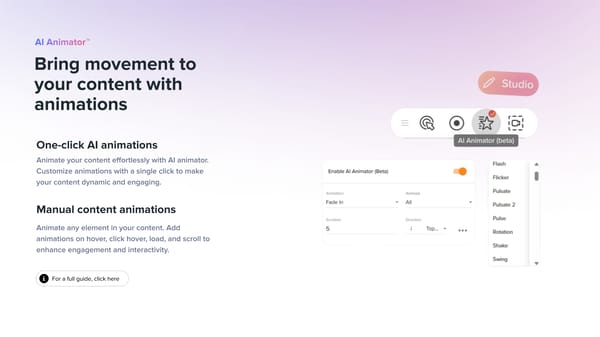
Bring movement to your content with animations Animate your content effortlessly with AI animator. Customize animations with a single click to make your content dynamic and engaging. One-click AI animations Manual content animations Animate any element in your content. Add animations on hover, click hover, load, and scroll to enhance engagement and interactivity. For a full guide, click here
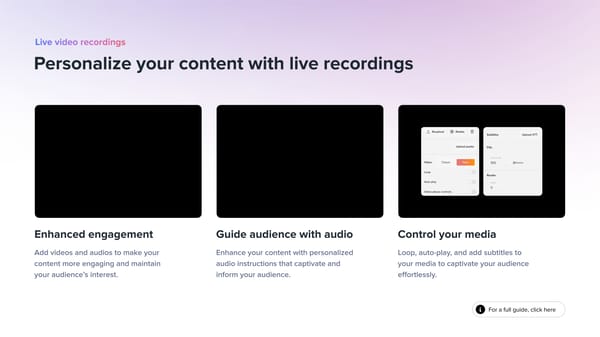
Personalize your content with live recordings Enhanced engagement Guide audience with audio Add videos and audios to make your content more engaging and maintain your audience’s interest. Enhance your content with personalized audio instructions that captivate and inform your audience. For a full guide, click here Control your media Loop, auto-play, and add subtitles to your media to captivate your audience effortlessly.
For a full guide, click here Add anything to your RELAYTO experience. Marketing automation forms, google docs, lottie files, live charts and stats, surveys, videos, calendars... if you can name it, you can embed it. Upgrade your content with more than 2000+ widgets
Content Hubs
Create customer journeys with hubs For a full guide, click here Content libraries Combine PDFs, blogs, videos, links, and more, and share them with prospects in one easy-to-find location. Digital sales rooms Empower salespeople to deliver the best buying experience for stakeholders in every deal, every time. Create content hubs in seconds. Add or upload content, customize with thumbnails, descriptions, and call-to-actions. Use sub-hubs for easy categorization. Easy as pie! ABM campaigns Unite your marketing and sales teams to create seamless buying experiences for your highest-value accounts. Benefits hubs Simplify the benefits experience, enhance participation, and drive informed decision-making.
Showcase your content hubs in the perfect view Horizontal Grid List Vertically scrollable list of items with thumbnail previews, ideal for detailed exploration. Visual overview of multiple items with thumbnail previews in a clear grid layout. Netflix-style, side-by-side view with thumbnail previews for easy navigation through multiple folders. Condensed list Vertically scrollable list with small thumbnail previews for maximum content visibility. For a full guide, click here
Guide users through content hub with ease Breadcrumbs Top bar Left sidebar Show the path taken to reach the current page, helping users navigate back easily. Positioned at the top of your screen, the top bar provides quick access to key links and menus. Comprehensive menu that displays all available documents and folders of your hub. For a full guide, click here
Omnichannel Distribution
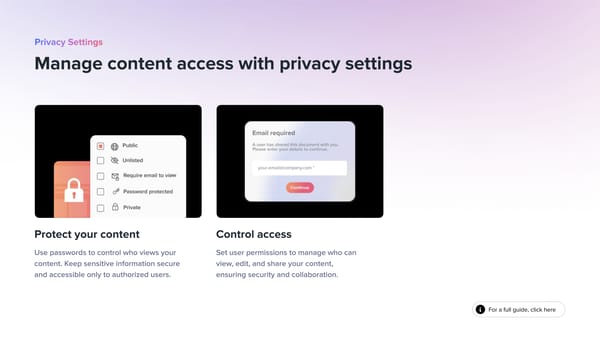
Manage content access with privacy settings Protect your content Use passwords to control who views your content. Keep sensitive information secure and accessible only to authorized users. Control access Set user permissions to manage who can view, edit, and share your content, ensuring security and collaboration. For a full guide, click here
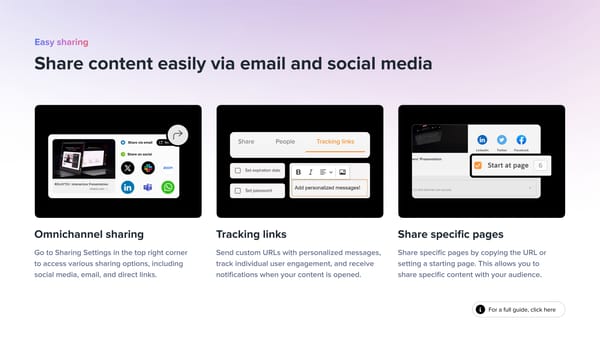
Share content easily via email and social media Omnichannel sharing Go to Sharing Settings in the top right corner to access various sharing options, including social media, email, and direct links. Tracking links Send custom URLs with personalized messages, track individual user engagement, and receive notifications when your content is opened. Share specific pages Share specific pages by copying the URL or setting a starting page. This allows you to share specific content with your audience. For a full guide, click here
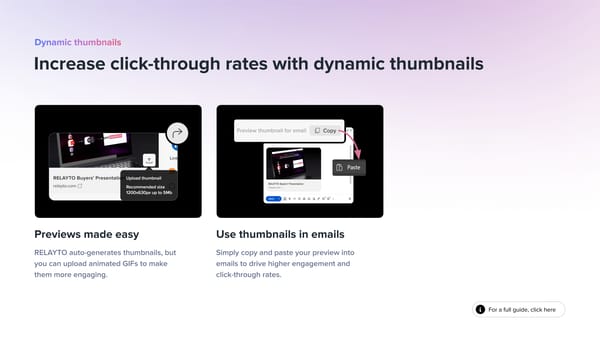
For a full guide, click here Increase click-through rates with dynamic thumbnails Previews made easy RELAYTO auto-generates thumbnails, but you can upload animated GIFs to make them more engaging. Use thumbnails in emails Simply copy and paste your preview into emails to drive higher engagement and click-through rates.
For a full guide, click here Embed your content Embed RELAYTO content into your website where you want the RELAYTO content or hub to appear. Customize the embed Customize the embed by adjusting the embed code parameters. Integrate interactive content into website
Engagement Insights
Analyze user behavior to gain valuable insights Simplify analytics workflow Navigate the intuitive analytics interface. Filter and download data easily. Visualize your data with clear, concise reports. Dive into user behavior Track key metrics like views, interactions, and time spent on each page. Filter and download data to uncover valuable trends Uncover global reach Pinpoint the countries, cities, and languages of your audience to tailor your content to specific demographics. For a full guide, click here
Find out more 📣 RELAYTO Pitch 🔎 Templates 💼 Showcase