

🪟 Web Pages – Full Pages Now Feel Native in RELAYTO
October 30, 2026
- Full-page web content now displays as a natural part of RELAYTO in documents, hubs and a site's home page, instead of a separate window.
- Styling, animations and scripts keep working, links open smoothly, and a pinned top menu sits neatly below the viewer toolbar.
Why It Matters:
- Visitors get one smooth page, and you see every click in your analytics.
💬 Chat – A Clearer Full Screen Button
October 30, 2026
- The chat sidebar now has a button labelled Full screen in the same orange-to-pink colours as the send button.
Why It Matters:
- The way into the bigger chat is easy to spot.
🚀 Pages – Lighter and Quicker to Open
October 30, 2026
- Pages with non-English text, such as Arabic, are now sent in a far more compact form, around a third smaller in our Arabic sample.
- Visitors no longer download editor-only details of web pages.
Why It Matters:
- Content opens sooner, especially on slower connections.
🔒 Privacy – Creator Details Stay Private for Visitors
October 30, 2026
- Who created or last edited a document, including their contact details, is now shared only with people who can edit that document.
- Visitors see the content exactly as before.
Why It Matters:
- Your team's personal details stay private.
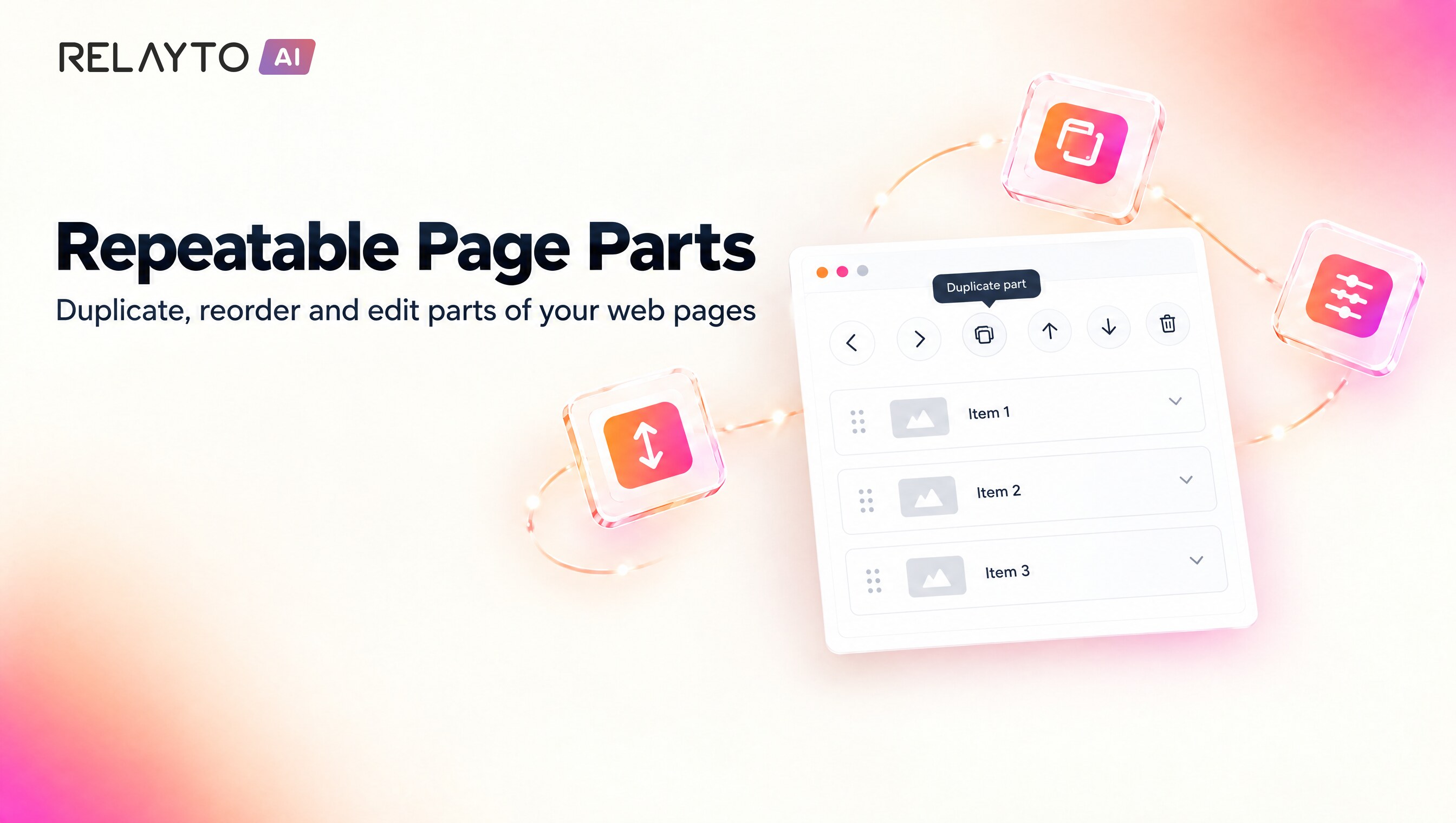
🔁 Web Content Editor – Repeatable Parts, Inline Parts and Shared Values
October 29, 2026
- Repeated parts of a web page, such as story steps, can be moved to the previous or next one, duplicated, moved up or down and deleted with icon buttons that show tooltips.
- Parts inside running text can be edited from the paragraph's settings, and a value used in several places can be changed once.
- Number and date fields gain limits and formats, and component names with quotation marks, such as Arabic titles, display exactly as typed.
Why It Matters:
- Editors can reshape long, repeating pages quickly without touching code.
- Every action can be undone, so editing stays safe.
⚡ Hubs – Large Hubs Open Much Faster
October 29, 2026
- Large hubs now appear about 30% sooner on a phone and more than 50% sooner on a computer, with the right fonts from the first view.
- Hubs load their items in pages instead of all at once, so they stay light even with hundreds of documents.
Why It Matters:
- Visitors reach your content sooner, especially on mobile connections.
🏷️ Hubs – Cleaner Cards for Visitors
October 29, 2026
- People who can't edit a hub no longer see Public or Unlisted labels on its items, in every hub layout and in the share dialog.
- Require email, Password protected and Private labels still show to everyone, and editors keep seeing every label.
Why It Matters:
- Visitors see a calmer hub, while access rules that matter stay clearly visible.
⏳ Downloads – A Clear Message While Your File Is Prepared
October 29, 2026
- A Preparing download message now stays on screen until a large file starts saving.
- If a download cannot start you are told, and repeat clicks on a file that is still being prepared are ignored.
Why It Matters:
- You always know your download is on its way.
🔎 Links – Cleaner Addresses for Search and Previews
October 29, 2026
- Addresses with repeated slashes now take everyone to the clean single-slash address.
- Crawlers that open a document's flip-book or share sub-address are sent to the document itself.
Why It Matters:
- Search results and link previews point to one clean address per document.
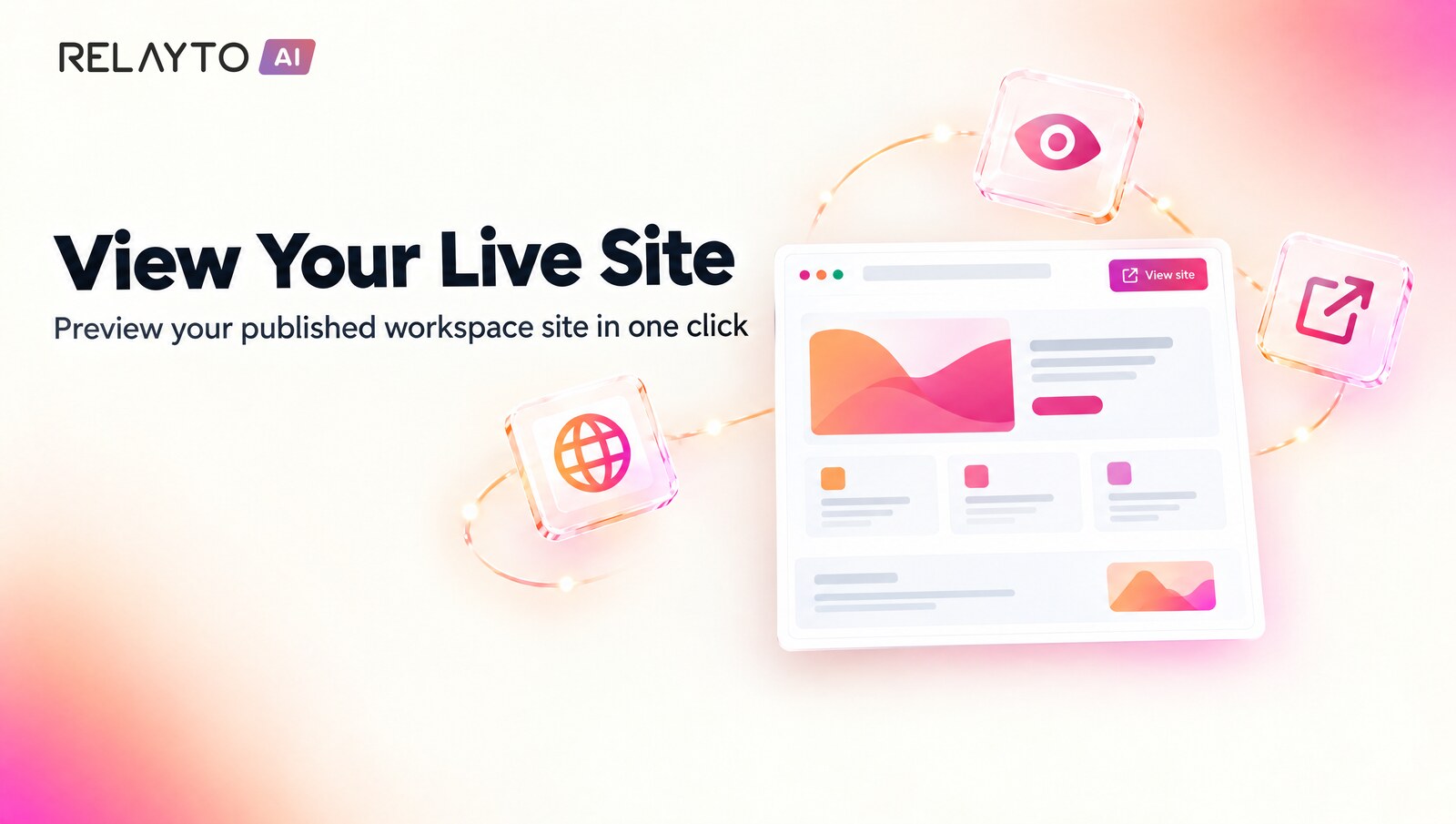
🌐 Workspace Site – See It Live From Your Dashboard
October 28, 2026
- Signed-in team members now see their workspace's published site at its home address, just as visitors do.
- The dashboard header has a new "View site" link that opens the published site in a new tab.
Why It Matters:
- Editors can check exactly what visitors see without signing out.
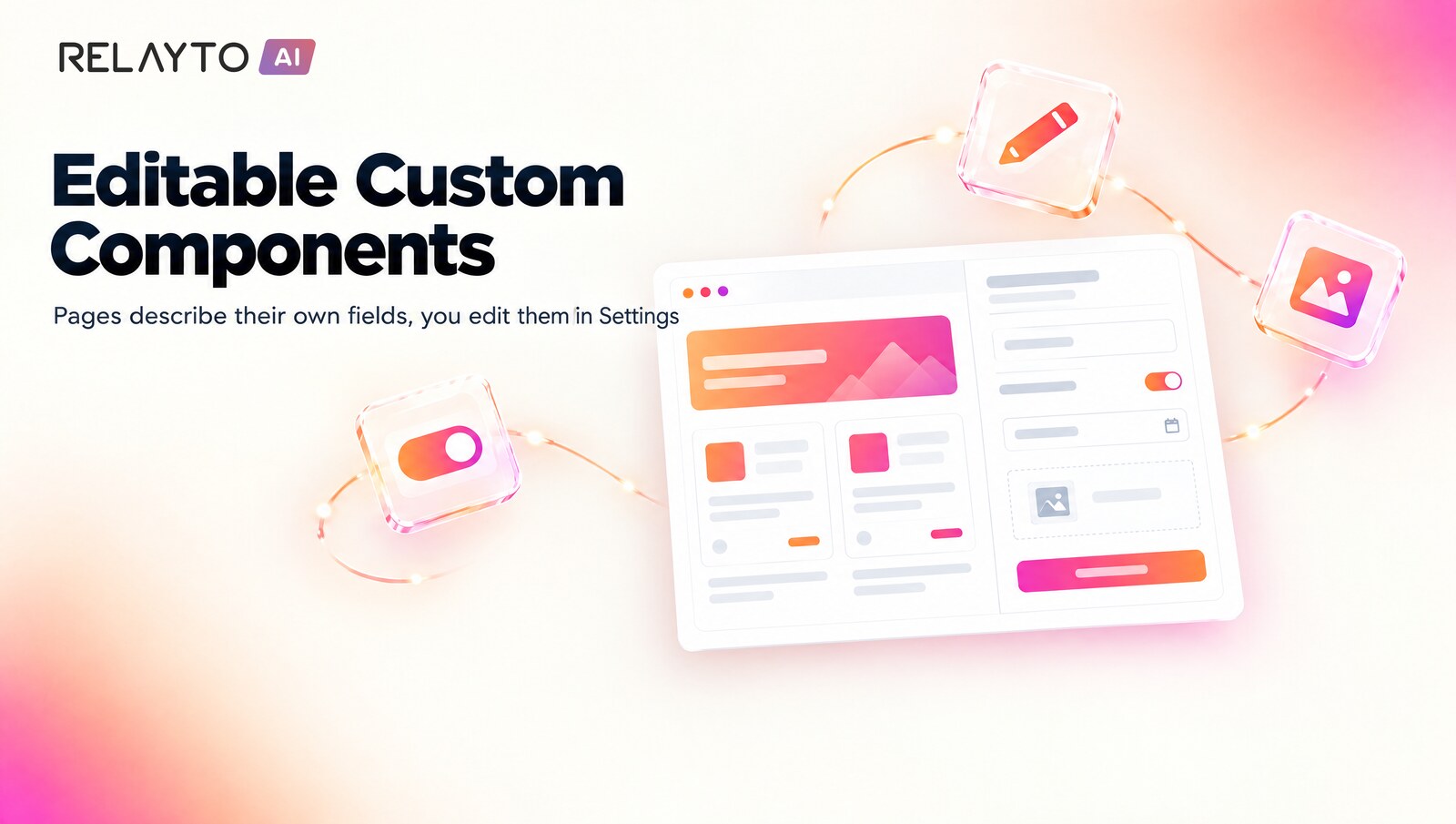
🧩 Web Content Editor – Pages Describe Their Own Editable Parts
October 28, 2026
- A web page can now declare its own components, and each one shows its fields in the editor's Settings tab.
- Fields cover text, links, dropdowns, toggles, dates and images, including content that is hidden or drawn by the page itself.
- Pages that declare nothing are edited exactly as before.
Why It Matters:
- Interactive and designed pages stay fully editable without touching code.

📱 Branding – Your Icon and Site Name Everywhere
October 28, 2026
- Saving a custom-domain site to a phone home screen now shows your workspace's own icon instead of RELAYTO's.
- A new Site Name field in the custom domain settings sets the name shown when your site is shared.
Why It Matters:
- Your site looks like your brand on every device and link preview.
📊 Analytics – Views on Site Pages Count Toward Your Documents
October 28, 2026
- Visits to pages on your workspace site that show a document are now credited to that document's analytics.
Why It Matters:
- Document reports reflect every visit, wherever readers arrive from.

🎬 Video Player – One Faster Player for Everything
October 27, 2026
- Videos, audio and YouTube now play in one new player across documents, page backgrounds, hotspots, the lightbox and the media library.
- Controls stay visible while paused, with a speed menu plus captions and quality when available.
- New keyboard shortcuts for play, mute, seek, captions and fullscreen.
- YouTube embeds use privacy-enhanced mode.
Why It Matters:
- Pages open faster because far less player code is downloaded.
- Video feels the same wherever viewers meet it.
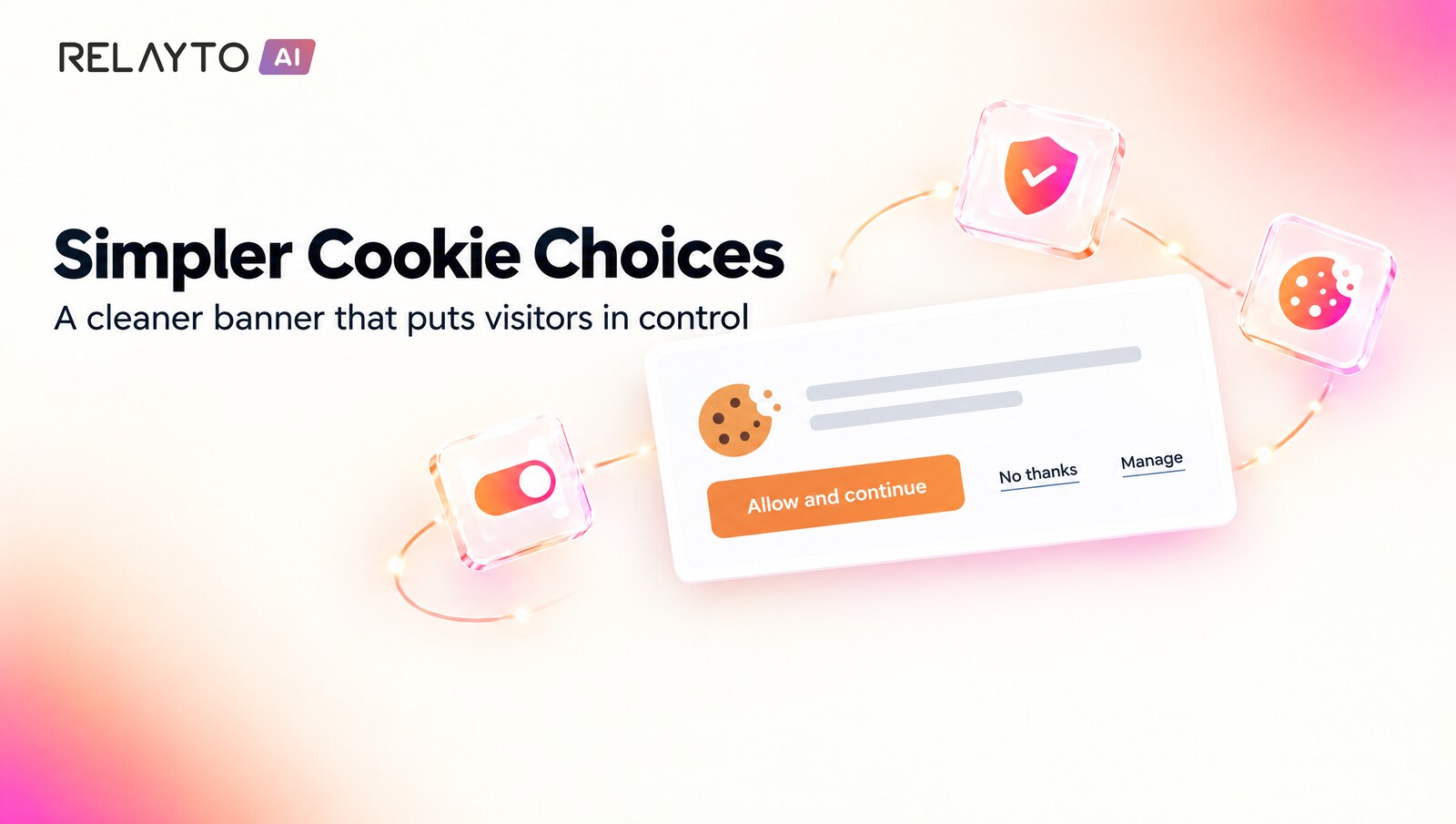
🍪 Cookie Banner – Simpler Choices for Visitors
October 27, 2026
- A shorter banner with "Allow and continue", "No thanks" and "Manage", plus a preferences dialog for support chat, analytics and marketing.
- In the EU, UK and Switzerland nothing is switched on until the visitor answers.
- "Manage cookies" in the sidebar reopens the choices at any time.
- Workspaces can match the banner to their brand colours and wording.
Why It Matters:
- Visitors stay in control of what is stored.
- Consent is clearer and consistent across RELAYTO pages.

📝 Forms – Built for AI, Managed in Settings
October 27, 2026
- Forms now have their own page under Settings → Forms, with a simple step-by-step way to connect a form.
- Forms made with AI start working in one step: its questions fill in by themselves from the first submission.
- Multi-step forms, checkbox groups, repeating groups and long answers arrive complete.
- Admins can search submissions, export them to CSV and choose who gets an email or which app receives the answers.
Why It Matters:
- Anyone can collect answers from a page without technical setup.
- Every submission stays whole and easy to find, share and export.
📁 AI Assistants – Manage Your Workspace Files
October 26, 2026
- Connected AI assistants can now list your Workspace Files, upload new ones, delete the ones you no longer need and check storage use.
- Hand over text, a file's contents or a public link and the assistant stores it for you.
- The same file types, size limits and permissions as the Files page apply.
Why It Matters:
- Keep your files organised just by asking your assistant.
- Add and tidy up material without opening the Files page.
📊 Analytics – Numbers That Add Up Everywhere
October 26, 2026
- Every page view is now counted once, so the timeline, the workspace card and the overview show the same total.
- A brochure's reading time is shared fairly between the two pages of a spread.
- Reports requested by AI assistants match the dashboard and leave out your own team's visits.
- Asking an assistant about another workspace now answers from that workspace.
Why It Matters:
- You can trust one set of figures wherever you look.
- Reports shared with your team and your assistant tell the same story.
🍪 Cookie Banner – Appears in Your Brand From the Start
October 26, 2026
- On custom domains and branded hubs, the consent banner now appears once your company styling is ready.
- Visitors see your brand colours straight away.
- The Learn more link to RELAYTO's terms now shows only on RELAYTO's own addresses.
Why It Matters:
- A polished first impression on your own domain.
- Your visitors never see a plain banner switch styles.
🌐 Company Sites – Nested Page Addresses
October 23, 2026
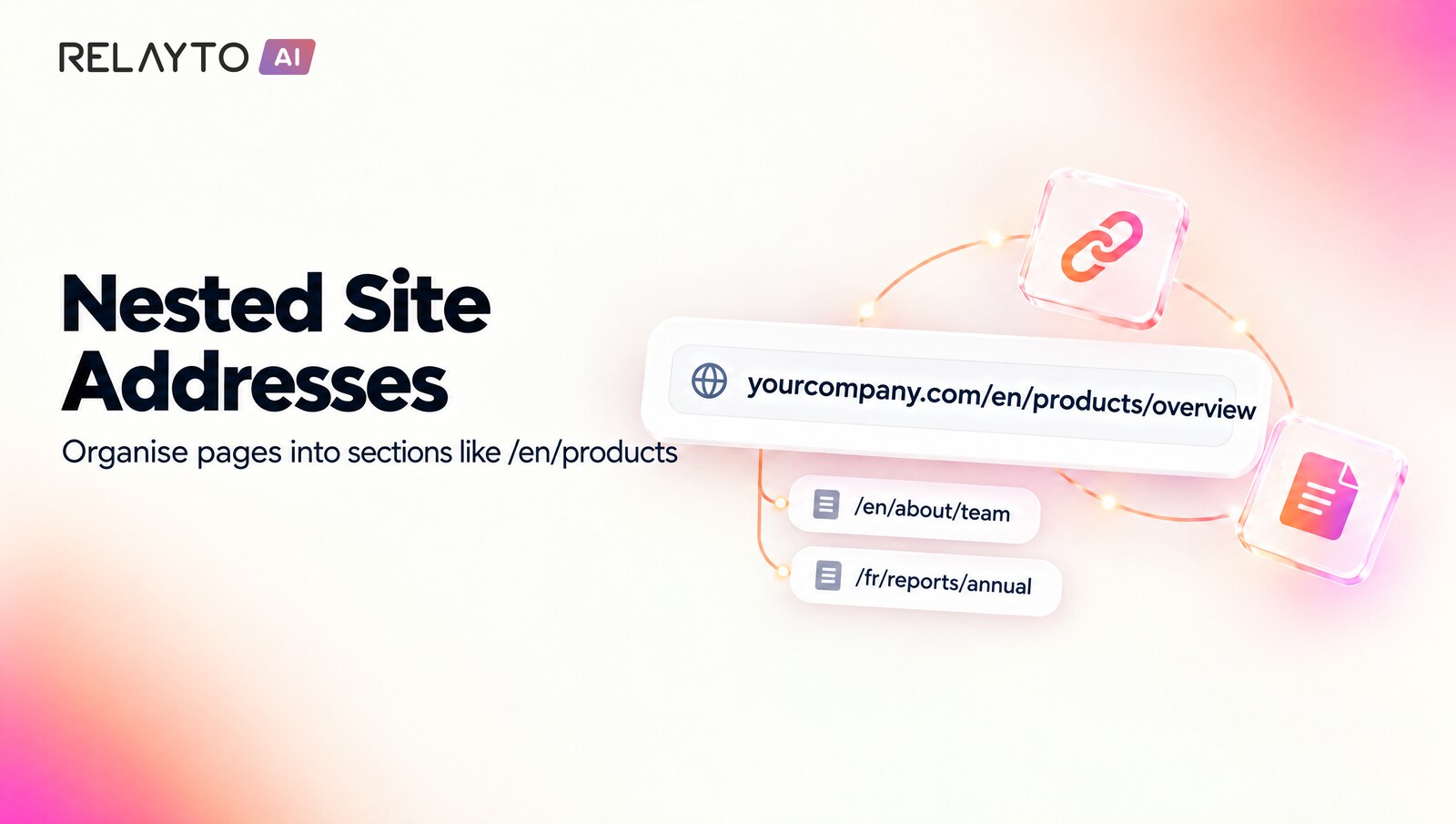
- Pages of your workspace's public site can now live at multi-level addresses like /en/products/overview.
- The address dialog accepts slashes, so you can organise pages into sections and languages.
- Links between your site pages open straight away without reloading the whole app.
Why It Matters:
- Your site address structure can mirror how your content is organised, in any language or section.
- Visitors move between pages faster.
🪟 Company Sites – Linked Documents Shine as Your Home Page
October 23, 2026
- A document linked in as your site's home page now looks exactly as it does at its own address, with its styling and interactive parts working.
- The page settings preview shows the same result.
- Links inside it to other site pages now take visitors there smoothly.
Why It Matters:
- Your home page looks the way you designed it.
- Visitors get a seamless experience across the whole site.
🏷️ Company Sites – Cleaner Titles and Social Previews
October 23, 2026
- Pages of your own public site keep their title exactly as written, without the workspace name added at the end.
- Shared links show the page's own image as the preview instead of an image wrapped in a branded frame.
Why It Matters:
- Your pages present themselves the way you wrote them when shared on social media and in search results.
📁 Workspace Files – Upload PDFs and Office Documents
October 22, 2026
- Workspace Files now accepts PDF, Word, Excel, PowerPoint, OpenDocument, RTF and CSV files, up to 95 MB each.
- The Files page shows these documents with their own icon and a clear kind, such as "PDF document" or "Excel spreadsheet".
- Each document comes with a ready-made link to paste: PDFs open in a new tab and other documents download.
Why It Matters:
- Keep brochures, reports and spreadsheets next to your images and videos and share them with one link.
- Upload a whole folder of documents in one go.
🔐 Share Dialog – Your Password Stays Exactly as You Set It
October 22, 2026
- Opening the share dialog now simply shows the password you already chose for a document or hub.
- A new password is only suggested when you switch on "Password protected", and if it cannot be loaded you can try again.
Why It Matters:
- Share links you have already given out keep working with the password people were told.
- Change privacy settings with confidence that your password is untouched.

🤖 AI Assistants – Reorder Hubs and Read Analytics
October 21, 2026
- Connected AI assistants can arrange the contents of a hub in the order you ask for, in a single step.
- They can also read analytics for a document, a hub or the whole workspace over any date range, with the same numbers as the Analytics screen.
Why It Matters:
- Organise a hub just by asking your assistant, with no dragging items one by one.
- Get quick answers about how your content performs without leaving your AI tool.
🔑 AI Builder – Publishing Stays Signed In
October 21, 2026
- Your RELAYTO session is now renewed automatically in the background before it expires while you work in AI Labs.
- If RELAYTO ever asks for a fresh sign-in token, the builder renews it and retries once on its own.
Why It Matters:
- Click Update at any time, even in a tab that has been open for days, and your project publishes smoothly.
💬 AI Chat – Full-Page Chat Stays Put While Sharing
October 21, 2026
- Opening the share dialog from a hub now leaves the full-page AI Chat exactly as it was.
Why It Matters:
- Share a hub straight from the chat without losing your place or seeing the hub page appear underneath.
🧹 AI Chat – Clear Chat Is Now an Icon Button
October 21, 2026
- Clear chat is now a refresh icon with a tooltip, placed beside the chat's other controls.
- In the sidebar chat it sits next to the full-page button; on the full-page chat it sits beside the shrink button.
Why It Matters:
- A tidier chat header that keeps the controls together and out of the way.
🔎 AI Chat – Finds Exact Words and Figures Too
October 20, 2026
- AI Chat now searches by exact words as well as by meaning, so questions quoting a specific figure or phrase land on the right page.
Why It Matters:
- More precise answers when you ask about concrete numbers, names or wording.
🎨 AI Builder – Smoother Edits With SVG Logos
October 20, 2026
- AI Builder projects that contain SVG logos or design assets now keep supporting full-page chat edits, with the SVG's shape, text and colours taken into account.
Why It Matters:
- Edit your pages by chat without worrying about which logo format you uploaded.
🔗 Hubs – Your Own Custom URL
October 20, 2026
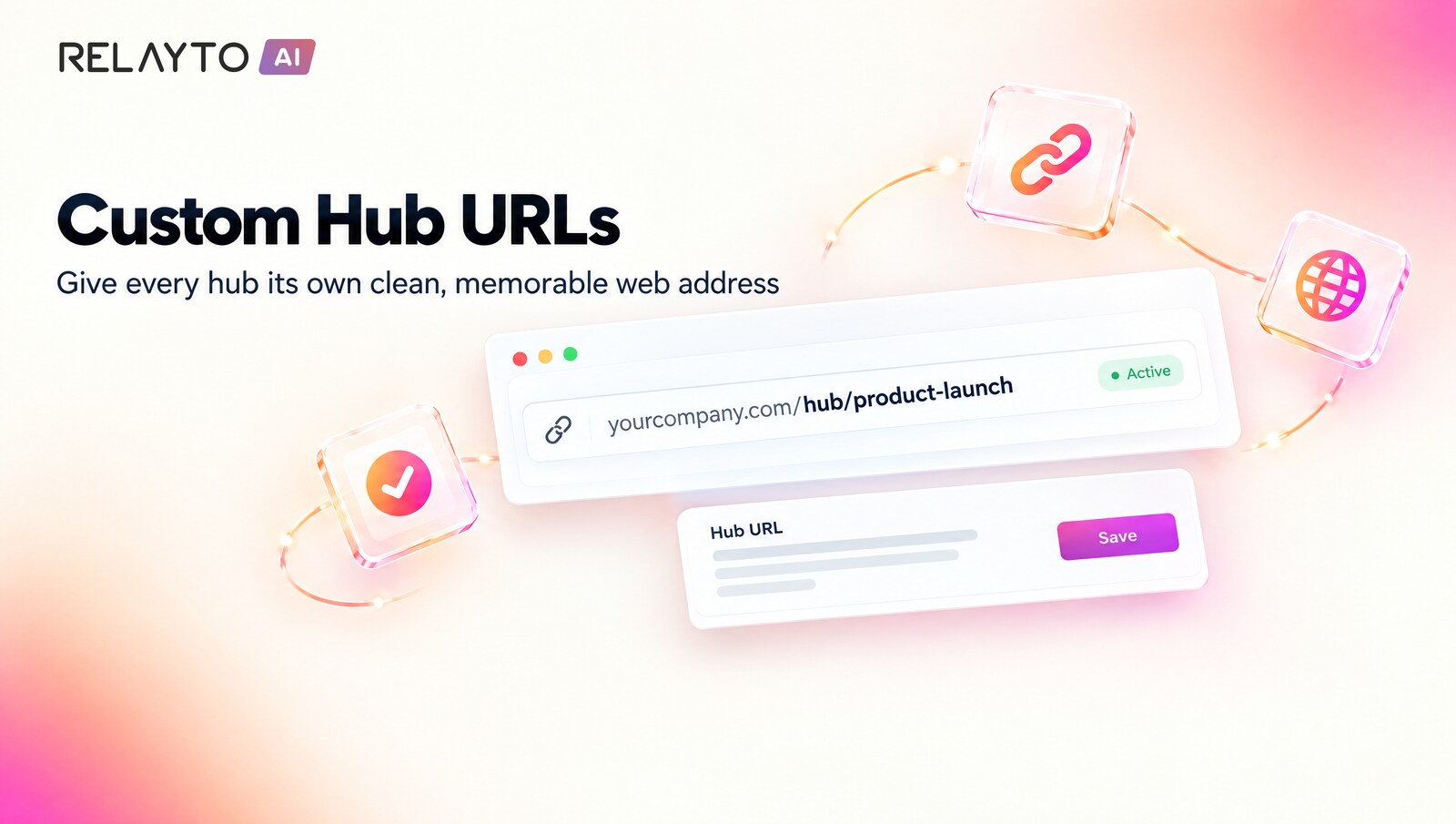
- Hubs can now have a clean, memorable web address without the random code at the end, set under Hub Settings → Details → Custom URL.
- A live preview shows the address as you type, and previous links keep working and lead to the new one.
Why It Matters:
- Share branded, easy-to-remember hub links with clients and teams.

💬 AI Chat – Full-Page Chat Now Available on Every Workspace
October 19, 2026
- The full-page AI Chat is now switched on by default for every workspace hub.
- Admins can still turn it off with the "Enable full page chat" switch under Advanced settings.
Why It Matters:
- Visitors get the roomier chat experience everywhere without any setup.
🧹 AI Chat – Start Over with One Click
October 19, 2026
- A small "Clear chat" link now appears in the sidebar chat and the full-page chat once a question has been asked.
- One click empties the conversation and shows fresh suggestions.
Why It Matters:
- Visitors can begin a new line of questions instantly, with no leftover context.
⬇️ AI Chat – Full-Page Chat Opens at the Latest Answer
October 19, 2026
- Reopening the full-page chat with an existing conversation now lands on the most recent message, like the sidebar chat.
Why It Matters:
- Visitors pick up right where they left off without scrolling.
🎬 Flipbook – Autoplay Videos Play on Every Spread
October 19, 2026
- In the two-page Flipbook, autoplay YouTube videos now start on every spread, not just the cover.
- Playback begins as soon as the pages come to rest after a turn.
Why It Matters:
- Video-rich flipbooks feel as lively as designed on every page.
🎨 AI Builder – Brand Fonts Carried into Slides and Documents
October 19, 2026
- Slides and documents now use your saved brand fonts and colours even when the Branding Agent is switched off.
- Font lists with fallbacks are read correctly in microsites, and duplicated projects keep the brand's design notes.
Why It Matters:
- Every format AI Builder creates looks like your brand.
🔑 Whitelabel Pages – Reliable Sign-In Prompt for Visitors
October 19, 2026
- On whitelabel company pages, the sign-in window now opens correctly for visitors who are not signed in.
Why It Matters:
- Visitors always see your page or a clear way to sign in.
↔️ Viewer – Sidebar Keeps Your Width and Stays in Place
October 19, 2026
- Opening a document from another document or a hub restores your saved sidebar width smoothly.
- The document's outline sidebar stays on document pages and no longer follows you to hub, dashboard or profile pages.
Why It Matters:
- Navigating between content feels steadier and more predictable.
📺 Viewer – Smoother Video Hotspots and Icon Links
October 19, 2026
- Video content that is a YouTube link, and video hotspots holding a link or article, load cleanly.
- Clicking an icon inside a link hotspot now opens the link just like its text does.
Why It Matters:
- Interactive pages respond the way readers expect.
🔍 Search Visibility – Search Engines Read Every Page
October 19, 2026
- Documents whose stored pages share an internal name now show all of their pages to search-engine crawlers.
- Page viewer video players also load cleanly for crawlers.
Why It Matters:
- More of your content can be discovered and indexed.
📅 AI Chat – Understands Dates, "This Year" and Guidance Questions
October 16, 2026
- Phrases like "as of mid-2026", "H1 2026" or "the rest of this year" are now matched to the right quarter.
- Questions with no period look at the latest quarter, and guidance questions also check the release where guidance was first shared.
- Small spelling slips in a question are understood and no longer change the answer.
Why It Matters:
- Financial questions get answers from the period you actually mean.
📑 AI Chat – Table Titles and Page Breaks Stay Together
October 16, 2026
- Each table's title now travels with its figures, so numbers like guidance ranges always show the period they belong to.
- Passages that run across a page break are kept together for more complete answers.
- Very large documents are fully replaced on re-upload instead of being duplicated.
Why It Matters:
- More accurate answers from tables, guidance and long reports.
🎯 AI Chat – Stays On Topic for Every Kind of Content
October 16, 2026
- AI Chat treats every hub's content neutrally, so follow-up questions keep to your subject on non-financial hubs.
- Words like "currently" only trigger a latest-quarter lookup next to a financial term, which also makes answers slightly faster.
Why It Matters:
- Relevant, on-topic answers whatever your hub is about.
💬 AI Chat – Full-Page Experience, Switched On Per Workspace
October 15, 2026
- Workspace admins can now enable full-page AI Chat from Advanced settings.
- Once enabled, visitors to that workspace's hubs can expand the AI Chat into a full page.
Why It Matters:
- Gives each team control over when readers get a roomier, focused chat experience.
🔐 Access Rules – Copies Keep Their Own Email Restrictions
October 15, 2026
- Duplicating content limited to specific email addresses now carries the allowed-viewer rules over to the copy.
- Each copy gets its own independent rules, so editing one never changes the other.
Why It Matters:
- Authorised viewers can open duplicated content straight away, and access stays under control per item.
🧩 AI Builder Editor – Icon Buttons Stay Exactly as Designed
October 14, 2026
- Icon-only buttons such as map pins, slider arrows and menu toggles keep their original look when you open and save a page in the editor.
- Pages edited earlier can be restored to their original buttons.
Why It Matters:
- Generated pages stay polished after every editing session.
💬 AI Chat – Remembers Your Conversation
October 13, 2026
- Follow-up questions like "And last year?" now understand what you were just asking about.
- AI Chat remembers your last few questions and answers within a conversation.
- Questions are also rephrased into financial-statement wording, so figures like cash on the balance sheet are found more reliably.
Why It Matters:
- Natural back-and-forth conversations with your documents.
- More complete, better-grounded answers.
📈 AI Chat – Accurate Answers Across Many Quarters
October 13, 2026
- Questions like "Show me the revenue for the last ten quarters" now return a figure for every quarter.
- Figures are matched to the period they actually cover, not the quarter named in a document's title.
Why It Matters:
- Trend questions give complete, trustworthy answers.
- Guidance and outlook questions return the right period.
🎙️ AI Chat – Knows Who Is Speaking in Transcripts
October 13, 2026
- Earnings-call and interview transcripts keep track of who said what.
- Table column headings stay together with their tables, even when they wrap over several lines.
Why It Matters:
- Ask "What is the CFO's background?" and get the right passage.
- Tables in reports are read with their labels intact.
✏️ AI Builder – Edit Your Whole Page From Chat
October 13, 2026
- Page-wide requests like adding a language switcher or changing the tone everywhere now work on large pages.
- Text-only changes leave your layout and styling untouched.
- Full redesigns rewrite every section, with the expected time shown up front.
Why It Matters:
- Big changes in one chat message instead of many small edits.
- Large pages are no longer a limit.
📜 AI Builder – Complete Long Documents
October 13, 2026
- Very long, data-heavy documents now continue automatically when the AI reaches its output limit.
- The parts are joined seamlessly into one finished microsite.
Why It Matters:
- Large reports come out complete.
- No manual re-runs for long content.
🎞️ Slides Viewer – Keyboard and Progress Settings Apply
October 13, 2026
- The "Keyboard navigation" setting now controls whether arrow keys turn slides.
- The "Progress indicator" setting shows a progress bar, bullets or page numbers, hidden in embeds.
- On phones the progress bar sits above the bottom navigation bar.
Why It Matters:
- Slides behave exactly as you configured them.
- Consistent with the classic presentation view.
🎯 Hotspots – Smoother Editing in Studio
October 13, 2026
- Moving a hotspot with the arrow keys is saved reliably.
- A hotspot popup closes when you jump to another page with Go to page preview.
Why It Matters:
- Precise hotspot placement you can trust.
- A tidier editing view.
🖼️ Company Settings – Background Image Upload
October 13, 2026
- Upload a background image in company settings and it is added to your assets straight away.
Why It Matters:
- Brand your workspace backgrounds in a couple of clicks.
🔐 Hubs – Cloned Hubs Get Their Own Access Rules
October 13, 2026
- When you clone a hub, the copy gets its own independent allowed-domains list.
Why It Matters:
- Change access in one hub without affecting the other.
🧭 Navigation – Clear Page Not Found Pages
October 13, 2026
- Mistyped or outdated links now show a clear "Page Not Found" page instead of the homepage.
- These pages are marked so search engines do not index them.
Why It Matters:
- Less confusion for visitors.
- Cleaner search results for your content.
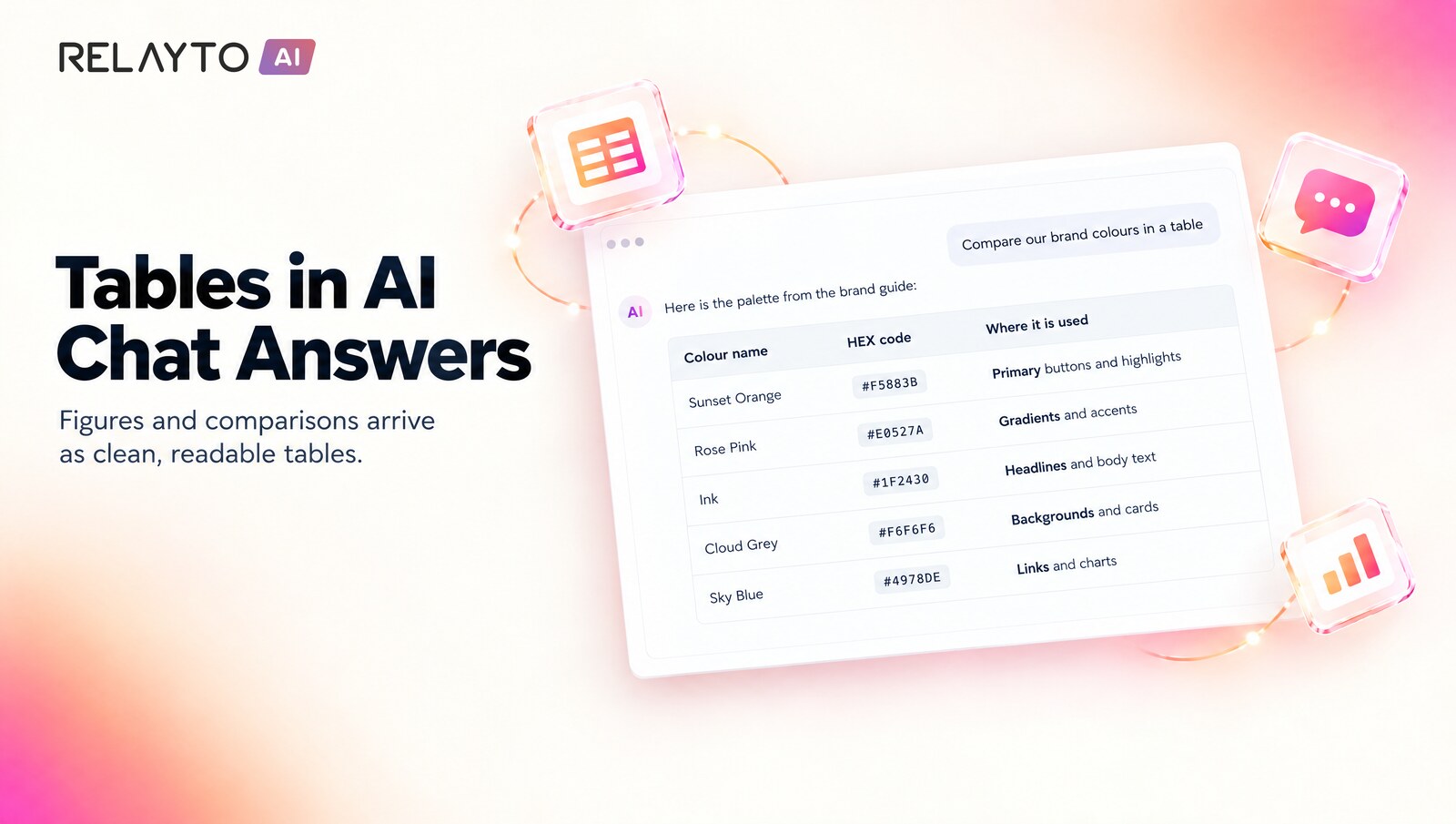
📊 AI Chat – Tables in Answers
October 12, 2026
- AI Chat answers with figures or comparisons now appear as clean tables with headers and aligned columns.
- Wide tables scroll sideways and look right in both the sidebar chat and the full-page chat.
Why It Matters:
- Numbers are easier to read and compare at a glance.
📚 AI Chat – A Source Card for Every Cited Page
October 12, 2026
- Every page an AI Chat answer refers to now gets its own source card.
- Document titles with special characters, such as a long dash, keep matching their cards.
Why It Matters:
- Readers can jump straight to the evidence behind an answer.
📅 AI Chat – Understands the Latest Quarters
October 12, 2026
- Questions like "What was revenue in the last two quarters?" now look at the newest quarters in your documents.
Why It Matters:
- Answers about recent performance reflect the most recent periods without naming exact dates.
🔗 Embed Cards – Show Your Content as a Hub-Style Card
October 9, 2026
- The Embed panel has a new Viewer | Card switch, so you can paste a hub-style card wherever you embed content.
- The card has the tilted thumbnail, straightens and zooms on hover, and opens your content in a pop-up viewer.
- A live preview shows exactly what you will paste, and the card matches your workspace's hub thumbnail background.
Why It Matters:
- Your content looks on-brand wherever you embed it.
- Cards are keyboard friendly and fit neatly into your page layout.
✨ AI Chat – Beautifully Formatted Answers
October 9, 2026
- AI Chat answers now show real bold, italics, lists, headings and links.
- Formatting appears smoothly while the answer is being written, in both the sidebar and the full-page chat.
Why It Matters:
- Answers are easier to scan and read, especially long or structured ones.
⚡ AI Chat – Faster and More Accurate Answers
October 9, 2026
- AI Chat now answers with the gpt-6-luna model, with typical answer times dropping from about 15 seconds to about 3.
- Passages are re-ranked before answering, so the most relevant evidence reaches the answer far more often.
- If re-ranking is ever unavailable, chat quietly continues with the previous method.
Why It Matters:
- Visitors get quick, well-grounded answers about your content.
📄 AI Builder – Better Handling of Dense Documents
October 9, 2026
- AI Builder now has much more room to write out what it finds in long or data-heavy documents.
Why It Matters:
- Dense reports come through more completely in your generated pages.
💬 AI Content Chat – Now Available on Web Pages
October 8, 2026
- Visitors can now ask questions about web pages, including pages published from AI Builder.
- The page text is read section by section, so answers stay in the right context.
- The chat updates automatically whenever a page is edited, re-published or restored.
Why It Matters:
- Web pages get the same instant answers as your PDFs and documents.
📋 AI Chat – Easier Copying of Answers
October 8, 2026
- Text selected in an AI Chat answer now stays selected while you drag across the whole answer.
- Finishing a selection on a page reference no longer jumps you to that page.
Why It Matters:
- Copy longer answers in one go without losing your selection.
🔄 AI Builder – Re-publish Keeps Your Title and Description
October 8, 2026
- Updating a project from AI Builder now refreshes only the page content.
- The title and description you set in RELAYTO stay exactly as you left them.
Why It Matters:
- Re-publish as often as you like without redoing your settings.
🧩 Web Page Editor – Drag in Elements and Reusable Web Blocks
October 8, 2026
- A new Add tab in the web page editor lets you drag in headings, text, buttons, images, lists, columns and more, matching the look of the page around them.
- Save any element as a reusable Web Block and drop copies into other pages, with a live preview of each block.
- Rename, recategorise or delete blocks from the tile menu or the new Settings > Web Blocks page, which shows where each one is used.
Why It Matters:
- Build pages faster by reusing your best-looking sections.
- Keep every page in a workspace consistent with shared building blocks.
🤖 AI Content Chat – Your Own Instructions for Every Answer
October 7, 2026
- Workspace settings now include a System Prompt for the AI Content Chat, right under the chat name.
- Set the tone, focus and answer style once, up to 2,000 characters, and it applies to every visitor question.
Why It Matters:
- Chat answers sound like your brand and stay on the topics that matter to you.
- Leave it empty to keep the standard behaviour.
🎨 Full-Page AI Chat – Now Wearing Your Brand
October 7, 2026
- The full-page AI Chat on hubs follows your workspace colours: your Brand Color, or your white-label theme's primary colour.
- Ask and Sign up buttons match the standard RELAYTO button style.
- References to several pages of one document are grouped for easier reading.
Why It Matters:
- The chat feels like a natural part of your branded hub.
🏷️ Hubs – Smooth Renaming from Settings
October 7, 2026
- Renaming a hub now reloads straight into the settings panel and stays responsive.
Why It Matters:
- Updating your hub's name and details is quick and effortless.
✨ AI Builder – Claude Sonnet 5.5 Now Available
October 7, 2026
- AI Builder offers Claude Sonnet 5.5 and uses it by default for chat edits, branding and content extraction.
- The previous Sonnet generation remains selectable.
- Higher reasoning effort settings now take full effect on Sonnet models.
Why It Matters:
- Faster, sharper edits and better quality from the latest model.
🛠️ AI Builder – More Reliable Projects and Version Control
October 7, 2026
- Brand fonts from imported designs load correctly, so converted pages keep their intended look.
- Cancelling a run ends it cleanly, and you can resume the project whenever you like.
- Reverting to an earlier version now sticks across reloads and chat edits.
Why It Matters:
- Predictable projects you can pause, resume and roll back with confidence.
💬 AI Chat – Full-Page Experience for Hubs
October 6, 2026
- Hubs can now open AI Content Chat as a full page, with the hub toolbar kept in place.
- Switch between the full-page view and the sidebar with a single shrink or expand button.
- Page references in answers open the content right at the referenced page.
Why It Matters:
- Longer conversations get the whole screen to breathe.
- Visitors move between chatting and reading without losing their place.
🔓 Hubs – Smoother Access for Visitors
October 6, 2026
- Public, unlisted and email-gated hubs now open straight away without asking visitors to sign in.
- Password-protected hubs go directly to the content once the correct password is entered.
Why It Matters:
- Visitors who are allowed to view a hub get in without extra steps.
📊 AI Chat – Sharper Answers from Financial Reports
October 6, 2026
- Tables in PDFs such as quarterly results are now read row by row, so every figure keeps its label and column headers.
- Questions about a specific quarter or year are matched to the right reporting period.
- Answers follow stricter rules for derived figures and period-to-period comparisons.
- Workspace admins get a new option to read PDFs with a higher-fidelity reader.
Why It Matters:
- Numbers in answers stay tied to the right line item and period.
- Analysts and investors can rely on AI Chat for detailed financial documents.
🔍 PDF Viewer – Sharper Text on Windows Screens
October 5, 2026
- Text in documents using the newer viewer engine now renders crisp on Windows displays, including 125% and 150% scaling.
- Pages in scrolling, slide and flip-book layouts are aligned precisely to the screen, so every glyph stays clean.
Why It Matters:
- Readers on Windows get the same crisp reading experience as on Mac.
🎯 Hotspot Library – Go to Page Follows the Page Number
October 2, 2026
- Library hotspots with a Go to page action now remember the page number and point to the same page number in whichever document you place them in.
- Where the new document has no such page, the action is simply left off so visitors are never sent somewhere unexpected.
- Copies of a library hotspot keep their library link, and library tiles show live previews.
Why It Matters:
- Reuse your best hotspots across documents with navigation that works straight away.
🧭 Calls to Action – Link Settings Preserved and Safer Menu Editing
October 2, 2026
- Changing the URL of a Go to link action now keeps your chosen way of opening it, such as a popup window or the same tab.
- In Navigation settings, clicking a button CTA in edit mode opens its Edit and Delete menu instead of running the action.
Why It Matters:
- Update links without redoing settings, and manage menu buttons without leaving the editor.
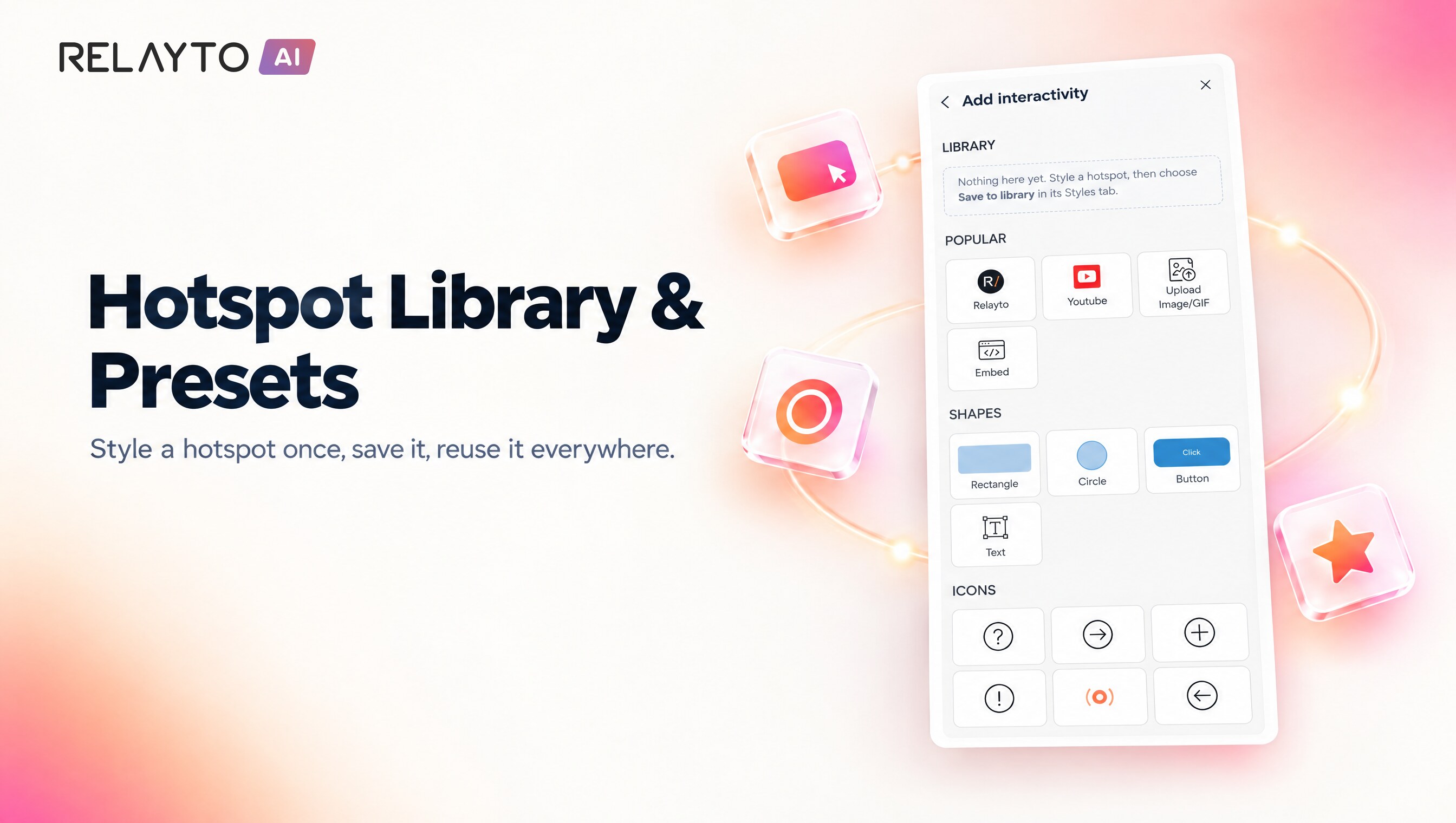
📌 Hotspot Presets – Save and Reuse Your Hotspots
October 1, 2026
- Save any hotspot as a reusable preset for your workspace.
- Place a preset from the Library in the hotspot picker, or drag it straight onto a page.
- Presets are available to your whole team in Studio.
Why It Matters:
- Build interactive pages faster.
- Keep hotspots consistent across your team's content.