RELAYTO/ Security Best Practices
RELAYTO/ Best Practices for Document Security Best practices for setting the security of your experiences
Security In the digital age, having the ability to control who can see & access your content is vital, especially with confidential information. RELAYTO allows you to easily determine your documents’ audience on a case-by-case basis with its different privacy settings.
Accessing the Settings The easiest way to access & edit your document’s security settings: Select the “Privacy” icon located on the top right of your screen. “Unlisted” will be the default security setting.
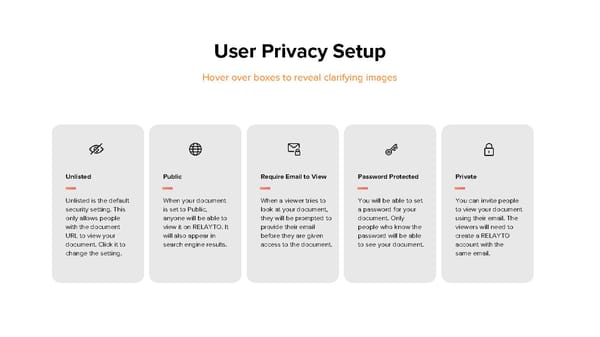
User Privacy Setup Hover over boxes to reveal clarifying images Unlisted Public Require Email to View Password Protected Private Unlisted is the default When your document When a viewer tries to You will be able to set You can invite people security setting. This is set to Public, look at your document, a password for your to view your document only allows people anyone will be able to they will be prompted to document. Only using their email. The with the document view it on RELAYTO. It provide their email people who know the viewers will need to URL to view your will also appear in before they are given password will be able create a RELAYTO document. Click it to search engine results. access to the document. to see your document. account with the change the setting. same email.