

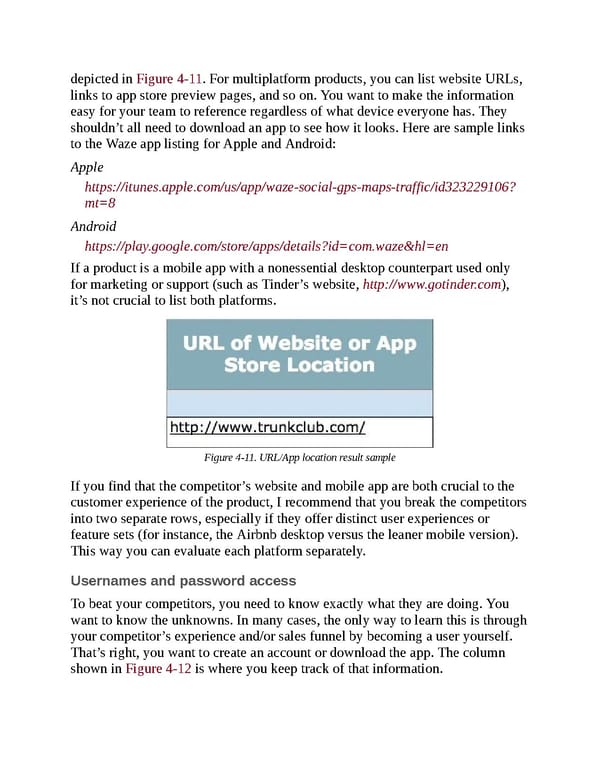
depicted in Figure 4-11. For multiplatform products, you can list website URLs, links to app store preview pages, and so on. You want to make the information easy for your team to reference regardless of what device everyone has. They shouldn’t all need to download an app to see how it looks. Here are sample links to the Waze app listing for Apple and Android: Apple https://itunes.apple.com/us/app/waze-social-gps-maps-traffic/id323229106? mt=8 Android https://play.google.com/store/apps/details?id=com.waze&hl=en If a product is a mobile app with a nonessential desktop counterpart used only for marketing or support (such as Tinder’s website, http://www.gotinder.com), it’s not crucial to list both platforms. Figure 4-11. URL/App location result sample If you find that the competitor’s website and mobile app are both crucial to the customer experience of the product, I recommend that you break the competitors into two separate rows, especially if they offer distinct user experiences or feature sets (for instance, the Airbnb desktop versus the leaner mobile version). This way you can evaluate each platform separately. Usernames and password access To beat your competitors, you need to know exactly what they are doing. You want to know the unknowns. In many cases, the only way to learn this is through your competitor’s experience and/or sales funnel by becoming a user yourself. That’s right, you want to create an account or download the app. The column shown in Figure 4-12 is where you keep track of that information.
 UX Strategy: How to Devise Innovative Digital Products that People Want Page 90 Page 92