

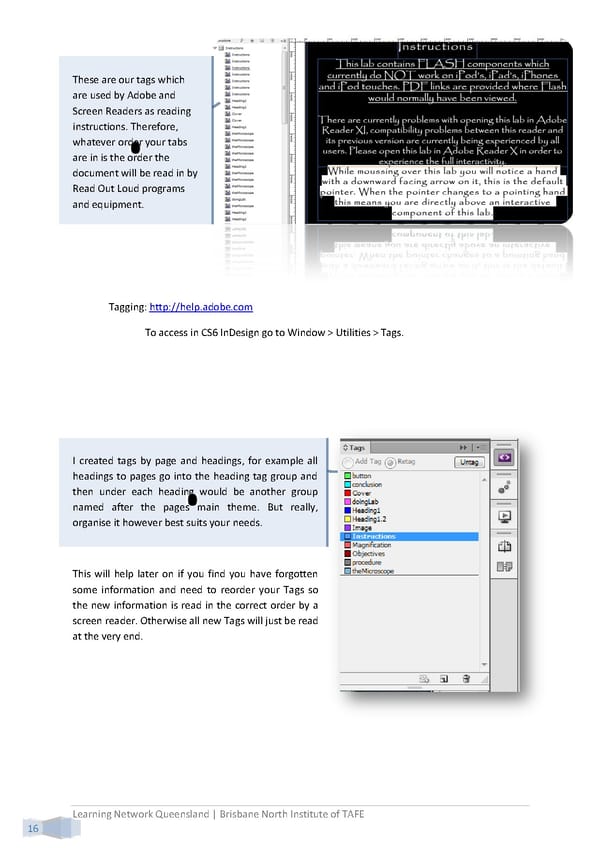
These are our tags which are used by Adobe and Screen Readers as reading instructions. Therefore, whatever order your tabs are in is the order the document will be read in by Read Out Loud programs and equipment. Tagging: http://help.adobe.com To access in CS6 InDesign go to Window > Utilities > Tags. I created tags by page and headings, for example all headings to pages go into the heading tag group and then under each heading would be another group named after the pages main theme. But really, organise it however best suits your needs. This will help later on if you find you have forgotten some information and need to reorder your Tags so the new information is read in the correct order by a screen reader. Otherwise all new Tags will just be read at the very end. Learning Network Queensland | Brisbane North Institute of TAFE 16
 Building Interactive Content Page 24 Page 26