

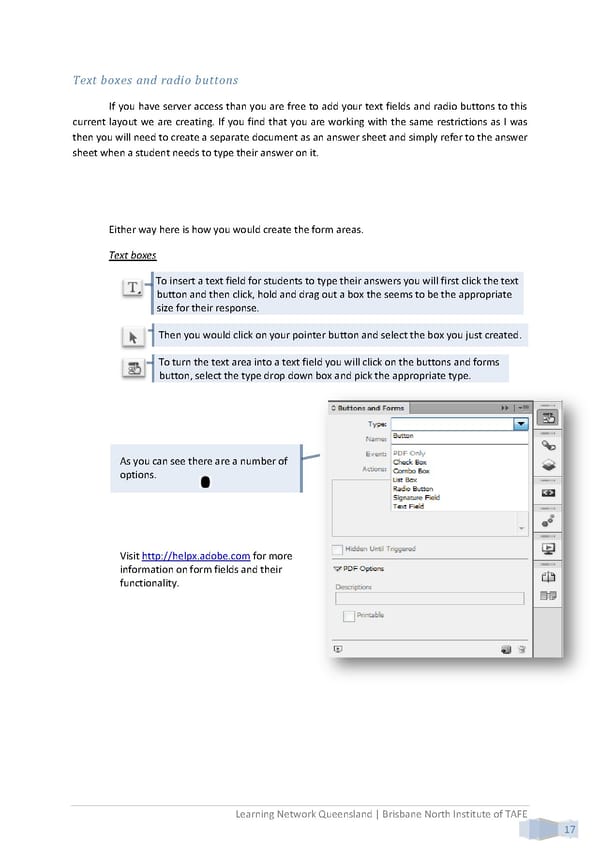
Text boxes and radio buttons If you have server access than you are free to add your text fields and radio buttons to this current layout we are creating. If you find that you are working with the same restrictions as I was then you will need to create a separate document as an answer sheet and simply refer to the answer sheet when a student needs to type their answer on it. Either way here is how you would create the form areas. Text boxes To insert a text field for students to type their answers you will first click the text button and then click, hold and drag out a box the seems to be the appropriate size for their response. Then you would click on your pointer button and select the box you just created. To turn the text area into a text field you will click on the buttons and forms button, select the type drop down box and pick the appropriate type. As you can see there are a number of options. Visit http://helpx.adobe.com for more information on form fields and their functionality. Learning Network Queensland | Brisbane North Institute of TAFE 17
 Building Interactive Content Page 25 Page 27