

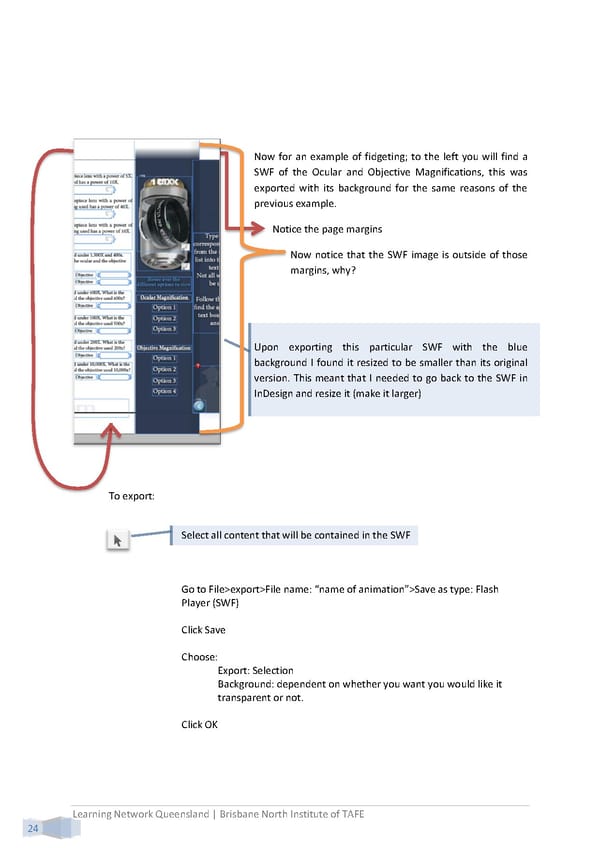
Now for an example of fidgeting; to the left you will find a SWF of the Ocular and Objective Magnifications, this was exported with its background for the same reasons of the previous example. Notice the page margins Now notice that the SWF image is outside of those margins, why? Upon exporting this particular SWF with the blue background I found it resized to be smaller than its original version. This meant that I needed to go back to the SWF in InDesign and resize it (make it larger) To export: Select all content that will be contained in the SWF Go to File>export>File name: “name of animation”>Save as type: Flash Player (SWF) Click Save Choose: Export: Selection Background: dependent on whether you want you would like it transparent or not. Click OK Learning Network Queensland | Brisbane North Institute of TAFE 24
 Building Interactive Content Page 32 Page 34