

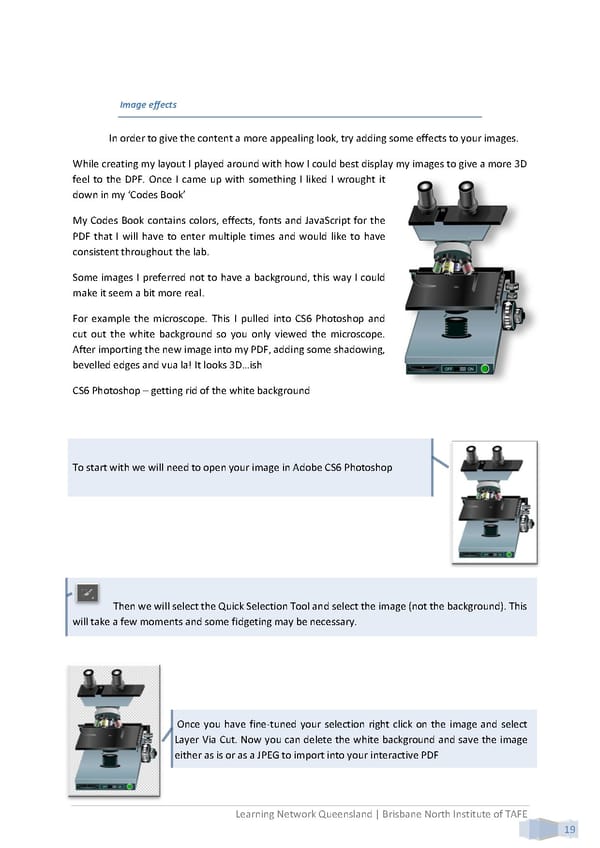
Image effects In order to give the content a more appealing look, try adding some effects to your images. While creating my layout I played around with how I could best display my images to give a more 3D feel to the DPF. Once I came up with something I liked I wrought it down in my ‘Codes Book’ My Codes Book contains colors, effects, fonts and JavaScript for the PDF that I will have to enter multiple times and would like to have consistent throughout the lab. Some images I preferred not to have a background, this way I could make it seem a bit more real. For example the microscope. This I pulled into CS6 Photoshop and cut out the white background so you only viewed the microscope. After importing the new image into my PDF, adding some shadowing, bevelled edges and vua la! It looks 3D…ish CS6 Photoshop – getting rid of the white background To start with we will need to open your image in Adobe CS6 Photoshop Then we will select the Quick Selection Tool and select the image (not the background). This will take a few moments and some fidgeting may be necessary. Once you have fine-tuned your selection right click on the image and select Layer Via Cut. Now you can delete the white background and save the image either as is or as a JPEG to import into your interactive PDF Learning Network Queensland | Brisbane North Institute of TAFE 19
 Building Interactive Content Page 27 Page 29