

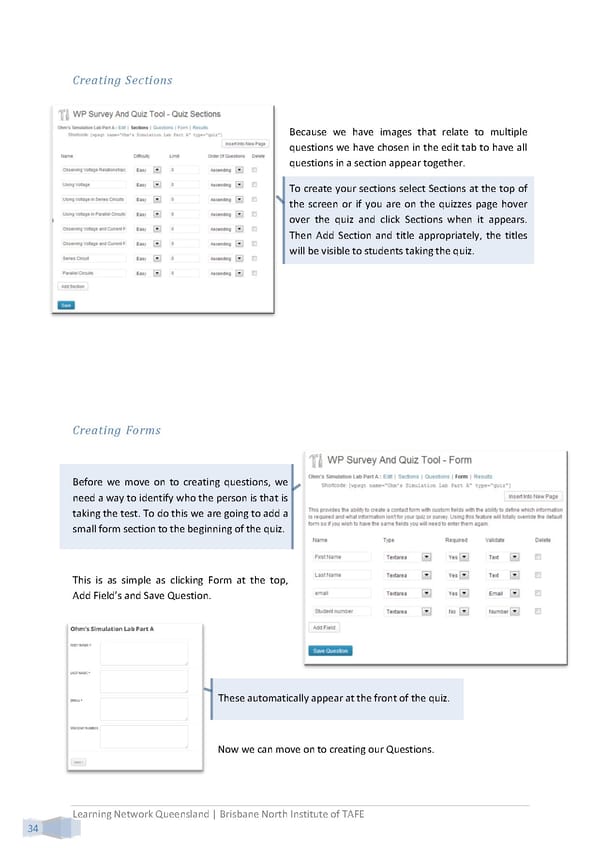
Creating Sections Because we have images that relate to multiple questions we have chosen in the edit tab to have all questions in a section appear together. To create your sections select Sections at the top of the screen or if you are on the quizzes page hover over the quiz and click Sections when it appears. Then Add Section and title appropriately, the titles will be visible to students taking the quiz. Creating Forms Before we move on to creating questions, we need a way to identify who the person is that is taking the test. To do this we are going to add a small form section to the beginning of the quiz. This is as simple as clicking Form at the top, Add Field’s and Save Question. These automatically appear at the front of the quiz. Now we can move on to creating our Questions. Learning Network Queensland | Brisbane North Institute of TAFE 34
 Building Interactive Content Page 42 Page 44