

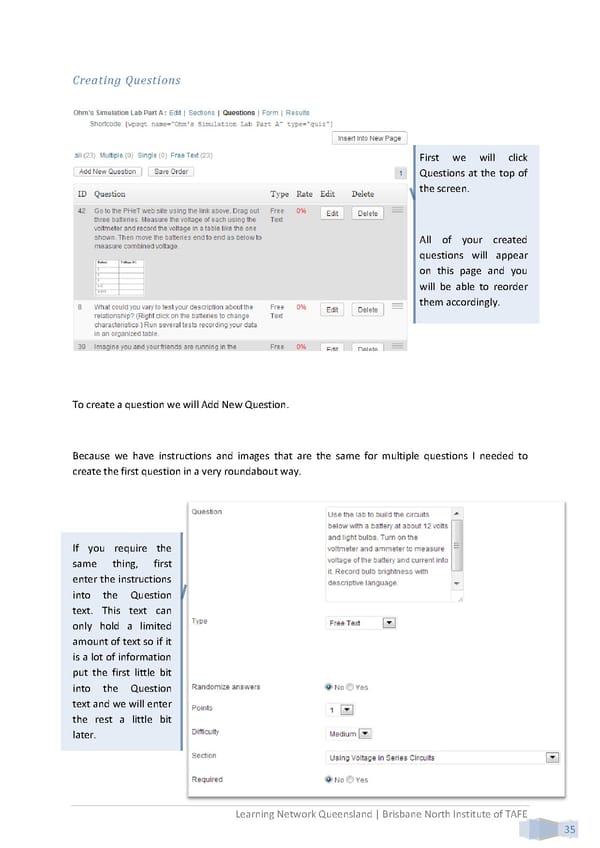
Creating Questions First we will click Questions at the top of the screen. All of your created questions will appear on this page and you will be able to reorder them accordingly. To create a question we will Add New Question. Because we have instructions and images that are the same for multiple questions I needed to create the first question in a very roundabout way. If you require the same thing, first enter the instructions into the Question text. This text can only hold a limited amount of text so if it is a lot of information put the first little bit into the Question text and we will enter the rest a little bit later. Learning Network Queensland | Brisbane North Institute of TAFE 35
 Building Interactive Content Page 43 Page 45