

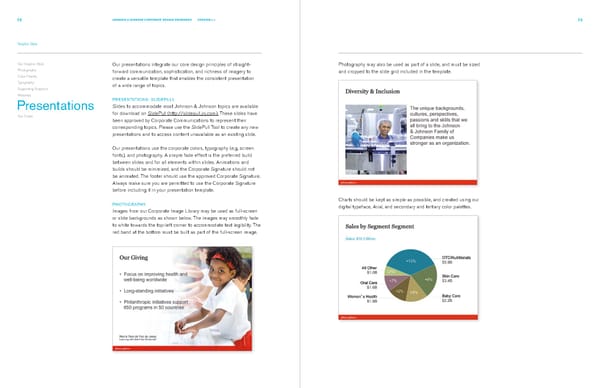
72 JOHNSON & JOHNSON CORPORATE DESIGN STANDARDS VERSION 2.1 73 Graphic Style Our Graphic Style Our presentations integrate our core design principles of straight- Photography may also be used as part of a slide, and must be sized Photography forward communication, sophistication, and richness of imagery to and cropped to the slide grid included in the template. Color Palette create a versatile template that enables the consistent presentation Typography of a wide range of topics. Supporting Graphics Websites PRESENTATIONS: SLIDEPULL Presentations Slides to accommodate most Johnson & Johnson topics are available Our Credo for download on SlidePull (http://slidepull.jnj.com). These slides have been approved by Corporate Communications to represent their corresponding topics. Please use the SlidePull Tool to create any new presentations and to access content unavailable as an existing slide. Our presentations use the corporate colors, typography (e.g, screen fonts), and photography. A simple fade effect is the preferred build between slides and for all elements within slides. Animations and builds should be minimized, and the Corporate Signature should not be animated. The footer should use the approved Corporate Signature. Always make sure you are permitted to use the Corporate Signature before including it in your presentation template. Charts should be kept as simple as possible, and created using our PHOTOGRAPHY digital typeface, Arial, and secondary and tertiary color palettes. Images from our Corporate Image Library may be used as full-screen or slide backgrounds as shown below. The images may smoothly fade to white towards the top-left corner to accommodate text legibility. The red band at the bottom must be built as part of the full-screen image.
 Johnsons & Johnsons Brand Book Page 40 Page 42