

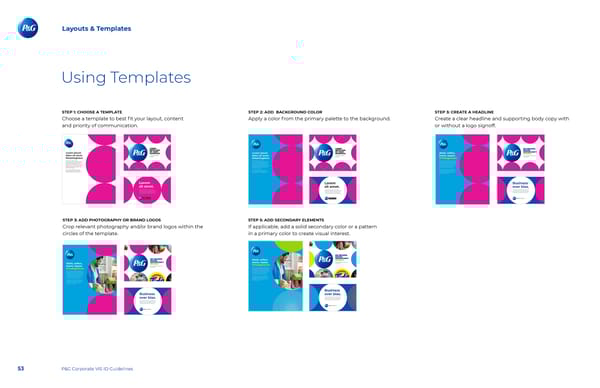
Layouts & Templates Using Templates STEP 1: CHOOSE A TEMPLATE STEP 2: ADD BACKGROUND COLOR STEP 3: CREATE A HEADLINE Choose a template to best 昀椀t your layout, content Apply a color from the primary palette to the background. Create a clear headline and supporting body copy with and priority of communication. or without a logo signoff. STEP 3: ADD PHOTOGRAPHY OR BRAND LOGOS STEP 5: ADD SECONDARY ELEMENTS Crop relevant photography and/or brand logos within the If applicable, add a solid secondary color or a pattern circles of the template. in a primary color to create visual interest. 53 P&G Corporate VIS ID Guidelines
 P&G Brand Book Page 52 Page 54