

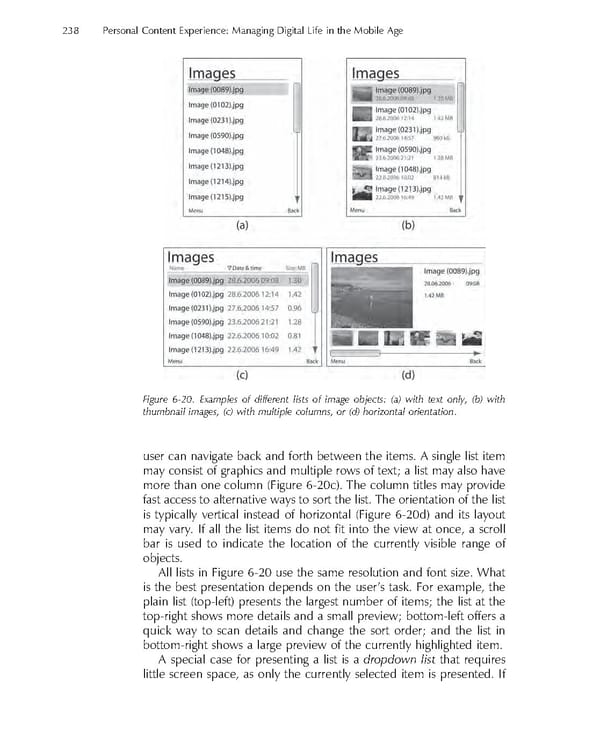
238 Personal Content Experience: Managing Digital Life in the Mobile Age Figure 6-20. Examples of different lists of image objects: (a) with text only, (b) with thumbnail images, (c) with multiple columns, or (d) horizontal orientation. user can navigate back and forth between the items. A single list item may consist of graphics and multiple rows of text; a list may also have more than one column (Figure 6-20c). The column titles may provide fast access to alternative ways to sort the list. The orientation of the list is typically vertical instead of horizontal (Figure 6-20d) and its layout may vary. If all the list items do not fi t into the view at once, a scroll bar is used to indicate the location of the currently visible range of objects. All lists in Figure 6-20 use the same resolution and font size. What is the best presentation depends on the user’s task. For example, the plain list (top-left) presents the largest number of items; the list at the top-right shows more details and a small preview; bottom-left offers a quick way to scan details and change the sort order; and the list in bottom-right shows a large preview of the currently highlighted item. A special case for presenting a list is a dropdown list that requires little screen space, as only the currently selected item is presented. If
 Personal Content Experience Page 261 Page 263