

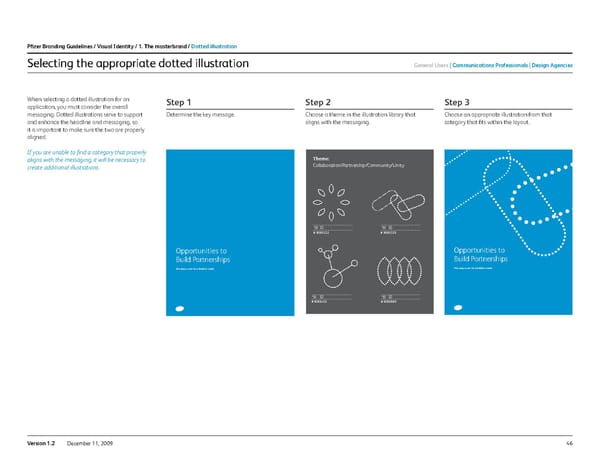
46 Version 1.2 December 11, 2009 Selecting the appropriate dotted illustration When selecting a dotted illustration for an application, you must consider the overall messaging. Dotted illustrations serve to support and enhance the headline and messaging, so it is important to make sure the two are properly aligned. If you are unable to find a category that properly aligns with the messaging, it will be necessary to create additional illustrations. Opportunities to Build Partnerships New acquisitions for a healthier world Opportunities to Build Partnerships New acquisitions for a healthier world Theme: Collaboration/Partnership/Community/Unity # 9065322 # 9065325 # 9065452 # 9065669 Opportunities to Build Partnerships New acquisitions for a healthier world Opportunities to Build Partnerships New acquisitions for a healthier world Theme: Collaboration/Partnership/Community/Unity # 9065322 # 9065325 # 9065452 # 9065669 Opportunities to Build Partnerships New acquisitions for a healthier world Opportunities to Build Partnerships New acquisitions for a healthier world Theme: Collaboration/Partnership/Community/Unity # 9065322 # 9065325 # 9065452 # 9065669 step 1 Determine the key message. step 2 Choose a theme in the illustration library that aligns with the messaging. step 3 Choose an appropriate illustration from that category that fits within the layout. Pfizer Branding Guidelines / Visual i dentity / 1. the masterbrand / dotted illustration General users c ommunications Professionals design agencies
 Pfizer Brand Book Page 45 Page 47