

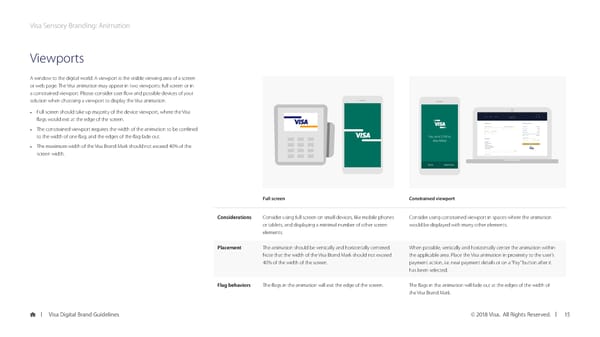
Visa Sensory Branding: Animation Viewports A window to the digital world. A viewport is the visible viewing area of a screen or web page. The Visa animation may appear in two viewports: full screen or in a constrained viewport. Please consider user flow and possible devices of your solution when choosing a viewport to display the Visa animation. • Full screen should take up majority of the device viewport, where the Visa flags would exit at the edge of the screen. • The constrained viewport requires the width of the animation to be confined to the width of one flag, and the edges of the flag fade out. You sent $100 to Alex Miller • The maximum width of the Visa Brand Mark should not exceed 40% of the screen width. Done Send more Full screen Constrained viewport Considerations Consider using full screen on small devices, like mobile phones Consider using constrained viewport in spaces where the animation or tablets, and displaying a minimal number of other screen would be displayed with many other elements. elements. Placement The animation should be vertically and horizontally centered. When possible, vertically and horizontally center the animation within Note that the width of the Visa Brand Mark should not exceed the applicable area. Place the Visa animation in proximity to the user’s 40% of the width of the screen. payment action, i.e. near payment details or on a “Pay” button after it has been selected. Flag behaviors The flags in the animation will exit the edge of the screen. The flags in the animation will fade out at the edges of the width of the Visa Brand Mark. Visa Digital Brand Guidelines © 2018 Visa. All Rights Reserved. 15
 Visa Brand Book Page 14 Page 16