

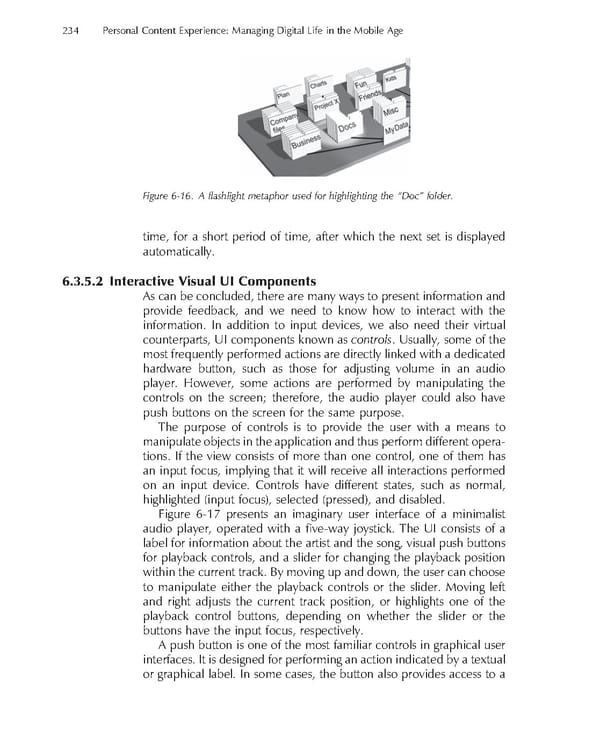
234 Personal Content Experience: Managing Digital Life in the Mobile Age Figure 6-16. A fl ashlight metaphor used for highlighting the “Doc” folder. time, for a short period of time, after which the next set is displayed automatically. 6.3.5.2 Interactive Visual UI Components As can be concluded, there are many ways to present information and provide feedback, and we need to know how to interact with the information. In addition to input devices, we also need their virtual counterparts, UI components known as controls. Usually, some of the most frequently performed actions are directly linked with a dedicated hardware button, such as those for adjusting volume in an audio player. However, some actions are performed by manipulating the controls on the screen; therefore, the audio player could also have push buttons on the screen for the same purpose. The purpose of controls is to provide the user with a means to manipulate objects in the application and thus perform different opera- tions. If the view consists of more than one control, one of them has an input focus, implying that it will receive all interactions performed on an input device. Controls have different states, such as normal, highlighted (input focus), selected (pressed), and disabled. Figure 6-17 presents an imaginary user interface of a minimalist audio player, operated with a fi ve-way joystick. The UI consists of a label for information about the artist and the song, visual push buttons for playback controls, and a slider for changing the playback position within the current track. By moving up and down, the user can choose to manipulate either the playback controls or the slider. Moving left and right adjusts the current track position, or highlights one of the playback control buttons, depending on whether the slider or the buttons have the input focus, respectively. A push button is one of the most familiar controls in graphical user interfaces. It is designed for performing an action indicated by a textual or graphical label. In some cases, the button also provides access to a
 Personal Content Experience Page 257 Page 259