

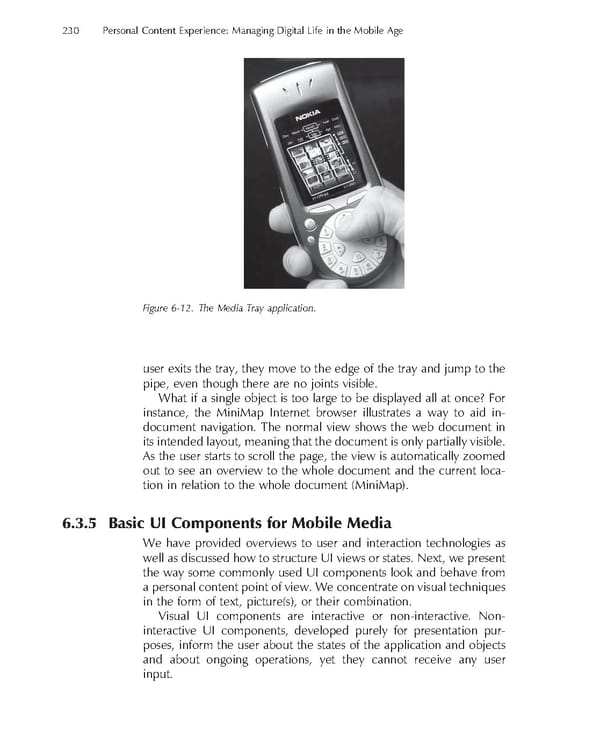
230 Personal Content Experience: Managing Digital Life in the Mobile Age Figure 6-12. The Media Tray application. user exits the tray, they move to the edge of the tray and jump to the pipe, even though there are no joints visible. What if a single object is too large to be displayed all at once? For instance, the MiniMap Internet browser illustrates a way to aid in- document navigation. The normal view shows the web document in its intended layout, meaning that the document is only partially visible. As the user starts to scroll the page, the view is automatically zoomed out to see an overview to the whole document and the current loca- tion in relation to the whole document (MiniMap). 6.3.5 Basic UI Components for Mobile Media We have provided overviews to user and interaction technologies as well as discussed how to structure UI views or states. Next, we present the way some commonly used UI components look and behave from a personal content point of view. We concentrate on visual techniques in the form of text, picture(s), or their combination. Visual UI components are interactive or non-interactive. Non- interactive UI components, developed purely for presentation pur- poses, inform the user about the states of the application and objects and about ongoing operations, yet they cannot receive any user input.
 Personal Content Experience Page 253 Page 255