
Interactive content for agencies. Deliver more for every client.
Microsites, decks, reports and client hubs from a prompt, each in its client’s brand and on its client’s domain, with the numbers to show what worked.

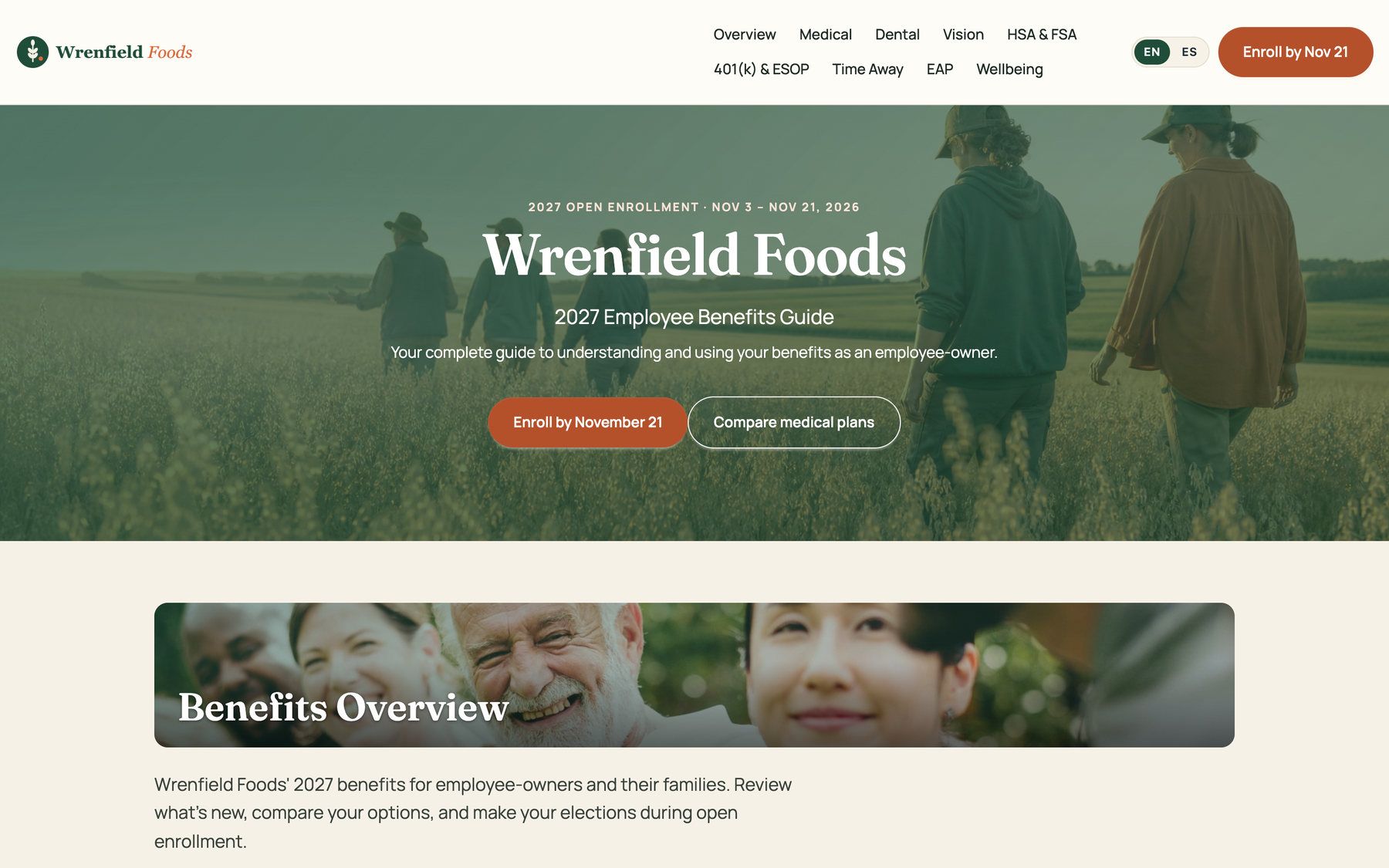
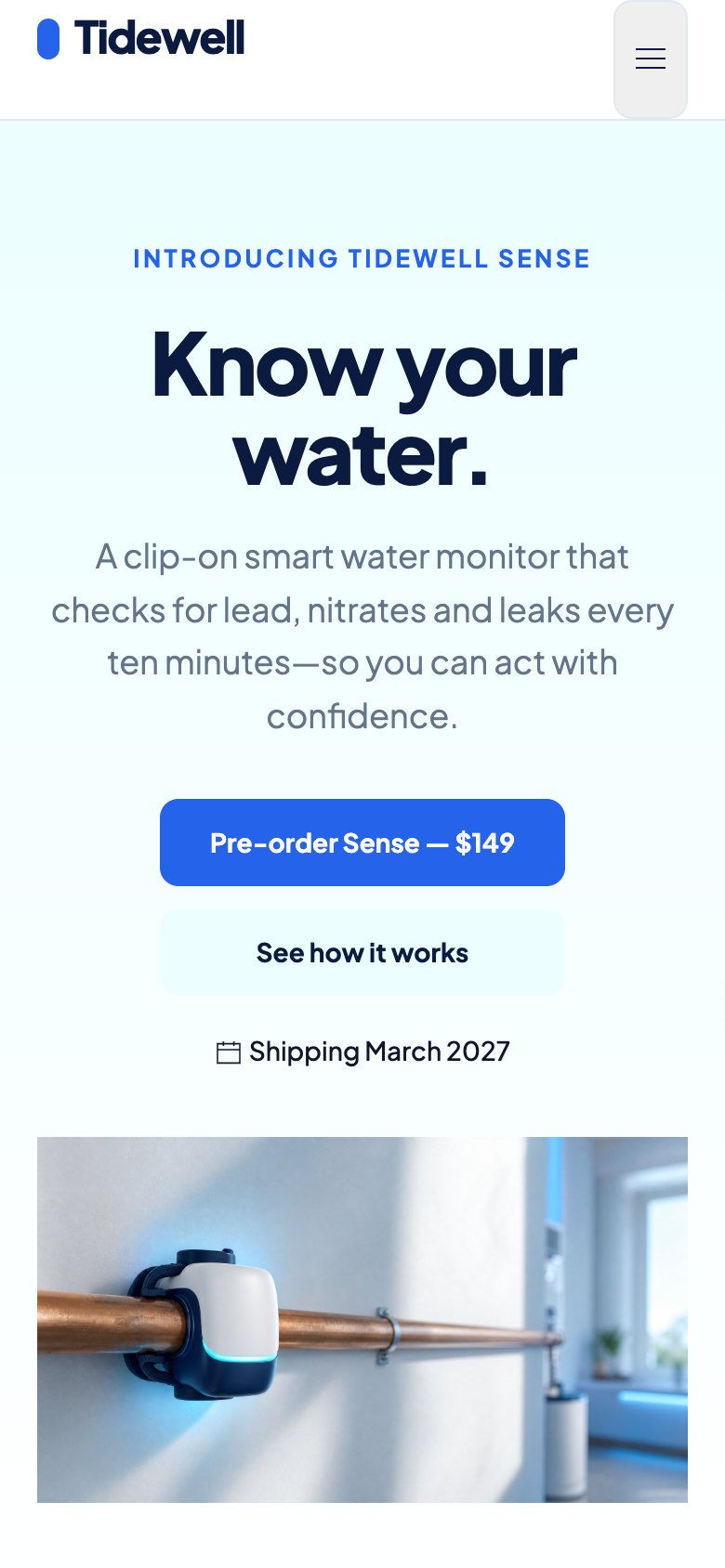
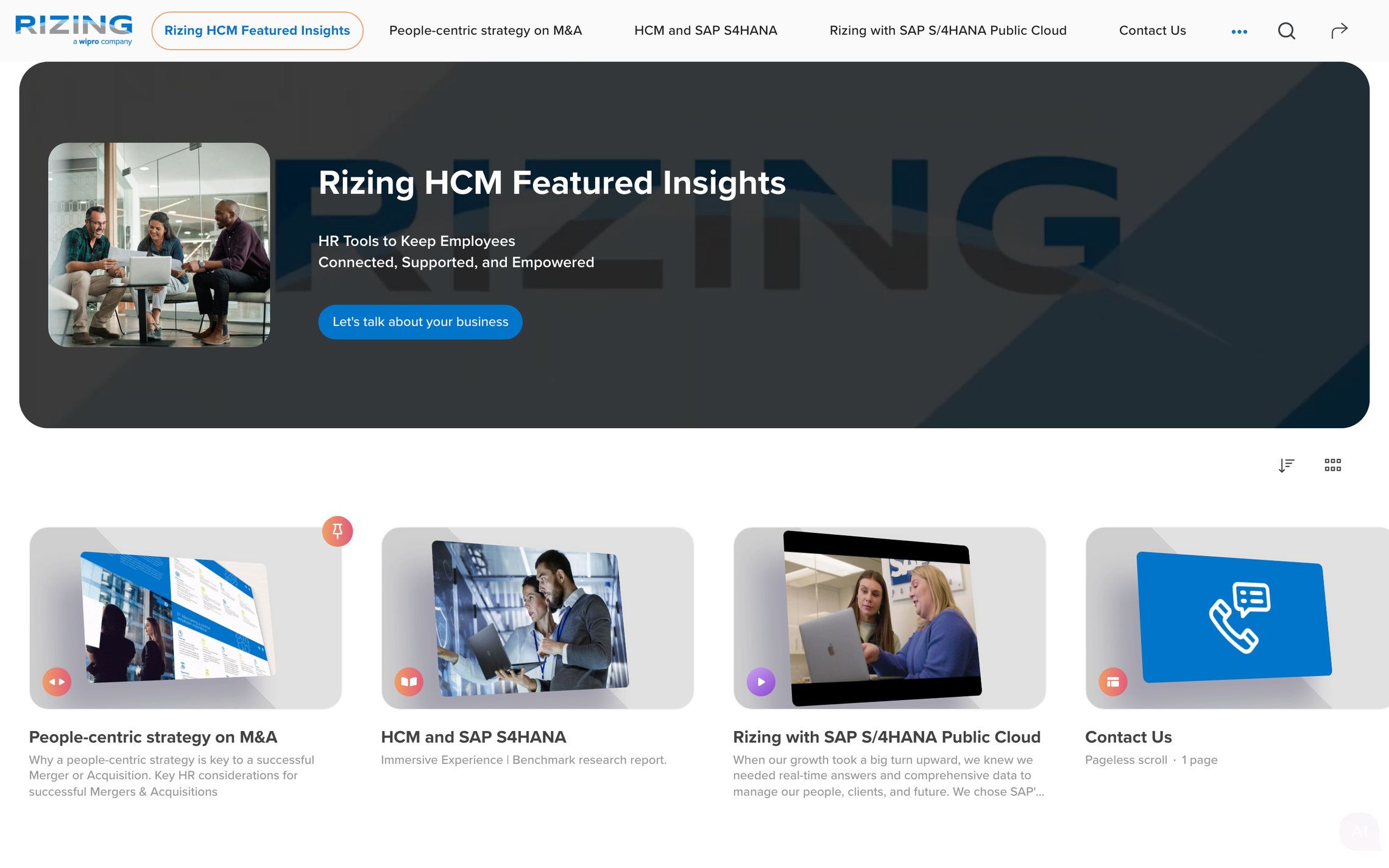
More than 1,000 customers create with RELAYTO
Agencies and consultancies that create with RELAYTO




More for every client, from the same team
Owners sell it, account leads run it, creative teams make it.

- A pitch they click through
- Sections, not attachments
- Who opened it, and when
Agency owners and new business
Pitch with an interactive proposal, see who opened it, and add microsites and hubs to what you sell.
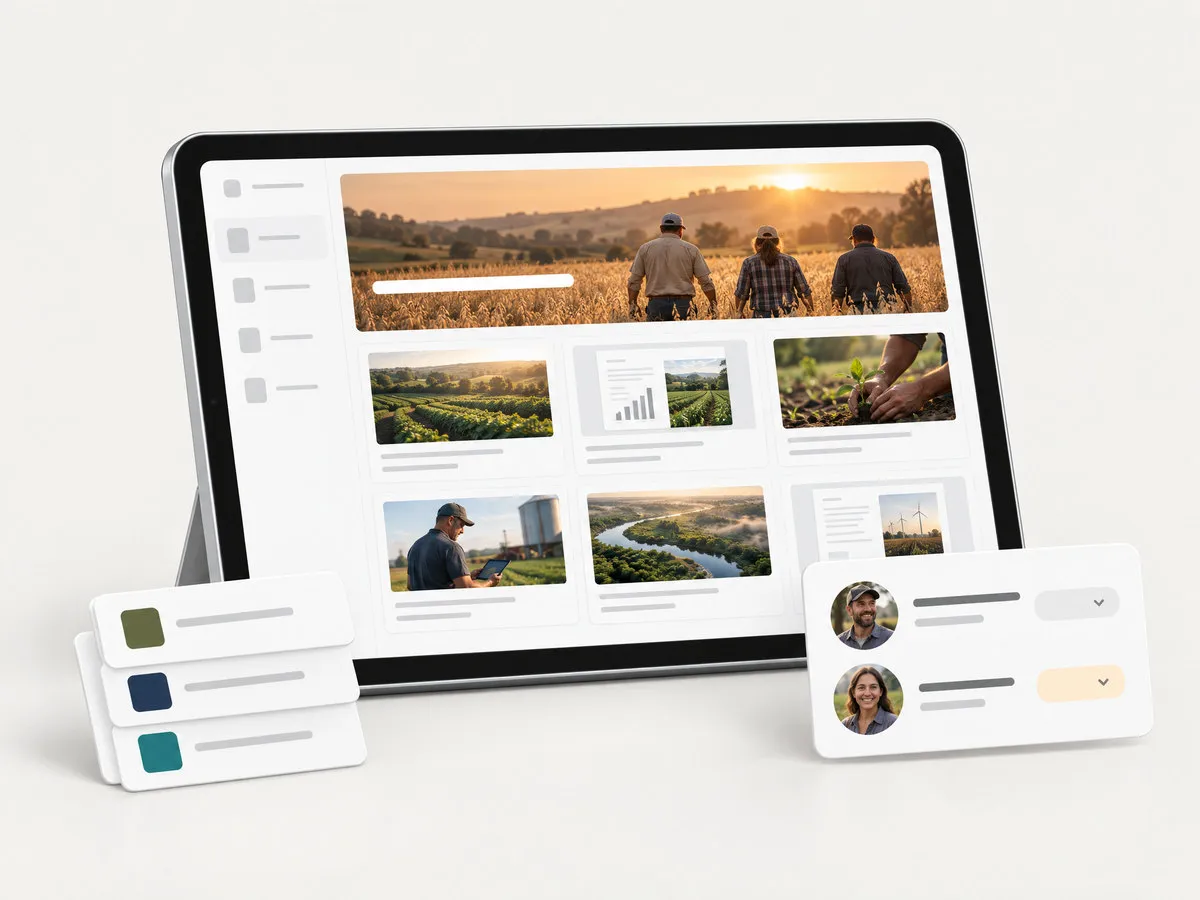
- A hub for each client
- A workspace per client
- Their team, invited
Client services and account leads
A workspace and a hub for each client, their team invited to review, and results ready for the next meeting.

- Their palette and fonts
- Drafted from a prompt
- Made for the phone
Creative and content teams
On-brand drafts from a prompt and the client’s files, then edit any block instead of starting from a blank page.
From a client’s brief to work you can report on
Start from what the client gives you. RELAYTO turns it into microsites, decks, hubs and reports in their brand, and shows what happened next.
What the client gives you
- Brand guidelines
- Their website
- Decks and PDFs
- Reports and ebooks
- Proposals
- Videos and podcasts
- Campaign assets
- AI BuilderOn-brand microsites from a briefMicrosites, landing pages, decks and reports, drafted from a prompt in each client’s brand.
- PDF to WebPDFs and decks as web pagesThe client’s PDFs, decks and ebooks as web pages, with video, Google Docs and 880+ other sources embedded.
- Interactivity StudioMake your PDFs interactiveHotspots, forms, calendar booking and calls to action for infographics, demos and brand experiences.
- HubsDigital sales rooms and portalsClient portals, campaign hubs, sales rooms and learning libraries, one for each client.
- Content SecurityShare documents securelyWhite-label on each client’s domain, with access set for every hub and every person.
- AnalyticsSee who read what, page by pageWho opened each proposal and asset, which pages they read, and the numbers for the client.
A brand kit for every client
Give AI Builder a client’s website and it takes their logo, colours, fonts and tone of voice. Everything it drafts for that client comes out on brand.
From a prompt and their files
Describe the piece and attach the client’s PDF. AI Builder drafts the microsite, deck or report.
Then make it yours
Edit any block by hand or by asking, add a second language, or turn a deck into a microsite.
Built withAI Builder
A hub for every client
Each client’s microsites, decks, reports and videos behind one link, in their brand. Start the next one from a template, or copy a hub you built into the next client’s workspace.
- The client’s logo, on the client’s address
- Every piece in the hub’s own menu
- Flipbooks, decks, video and microsites side by side
Built withHubs
Their name on it, not ours
Each client gets a workspace of its own: their logo and colours, their subdomain or their own domain, their people and their numbers, apart from every other client.
White-label
No RELAYTO branding in the experiences, the hubs or the embeds.
The client in the loop
Invite their team to comment on a draft, or to see the analytics, without edit rights.
One login, every client
Switch between client workspaces without signing out.
Built withContent Security
Workspaces 4
- Wrenfield Foodsbenefits.wrenfield.co14
- Calder Groupinvestors.caldergroup.eu22
- Aurelle Healthaurelle.relayto.com9
- Tidewelltidewell.relayto.com6
MLMaya LindqvistNorthgate Studio
Share Wrenfield 2027 benefits guide
- Owner
- Can edit
- Can view analytics
- Can comment
- Can view
Show every client what worked
See who opened each piece, which pages held them and which accounts came back, then put the numbers in front of the client.
Who opened it
Named people and their companies, with visits and time for each.
What held them
Time on every page, against the piece’s own average.
The whole campaign
Roll up every piece in a client’s hub, not one asset at a time.
Ready for the review
Give the client “Can view analytics”, or export the numbers to CSV.
Built withAnalytics
Q3 2027 investor hubCalder Group · 1–31 October 2027
Export CSV- 2,860Visitors
- 470Interactions
- 38Returning accounts
| In this hub | Visitors | Avg. time | Clicks |
|---|---|---|---|
| Q3 trading updateMicrosite | 1,420 | 5m 10s | 214 |
| Investor deckSlides | 760 | 7m 45s | 167 |
| CEO commentVideo | 410 | 2m 05s | 38 |
| 2030 strategyReport | 270 | 9m 30s | 51 |
Accounts that came back
- HCHalden Capital9 visits · Today
- NPNorrvik Pension6 visits · Today
- AMAster & Moor4 visits · Yesterday
- BWBriarwood AM3 visits · 28 Oct
TATom AchebeCalder GroupCan view analytics
Agency work, live on RELAYTO
Ogilvy’s thought leadership and Content Strategies’ podbooks, each on the agency’s own RELAYTO subdomain.
Browse more examples




Each client’s work, kept apart
Clients ask who can see their work. Each one gets its own access rules, its own people and its own address.
Visit the Trust Center- Access for every piece
- Public, email-gated, password-protected or private to named people, set for each microsite or hub.
- Approved domains and roles
- Limit a hub to the client’s email domain, and decide who can edit, comment or see the numbers.
- Version history
- Every change is kept, so you can show the client what changed, and roll it back.
- Single sign-on
- Google, Microsoft Entra or LinkedIn sign-in for your team on Enterprise plans.


A Leader in 14 G2 categories, rated 4.7 from 470+ reviews.
Your next client, live this week
No developer or designer hours for each build.
- Day 1
Set up the client
A workspace with their logo, colours and domain, and a brand kit from their website.
- Day 1
Draft from a prompt
AI Builder drafts the microsite, deck or report from the client’s files.
- Day 2
Client review
Their team comments on the draft. You edit and publish.
- Launch
Share one link
On their domain, in their hub, embedded on their site, or as personal links.
- Every month
Report
Send the numbers, or let the client see them whenever they like.
Make it part of what you sell
Add interactive content and client hubs to your services, then resell RELAYTO, deliver it for RELAYTO customers, or both.
Resell RELAYTOBy invitation
- Recurring commission on user licenses
- Priority support
- Sales materials for your team
- Early access to the beta program and new features
Deliver for RELAYTO customersProfessional Partners
- A listing in the partner directory
- Contact requests from teams who need a hand
- Ogilvy, Omobono and Earnest among the partners listed
Common questions
About client brands, white-label, client reviews, reporting and the partner program.
What does RELAYTO do for agencies?
RELAYTO lets agencies make interactive microsites, proposals, decks, reports and client hubs from a prompt or from a client’s own files, each in the client’s brand and on the client’s domain, and shows who engaged with them. Agencies use it to pitch new business, deliver content for clients and report the results.
Can we keep each client’s brand and content separate?
Yes. Each client can have its own workspace with its own logo, colours, subdomain or custom domain, people and analytics, and your team switches between them with one login. AI Builder keeps a brand kit for each client, taken from the client’s website.
Can clients review the work before it goes live?
Yes. Share a draft with the client’s team as “Can comment” so they can leave notes on the page, or as “Can view” to read it. Your team keeps the editing rights, and version history records every change.
Is it white-label?
Yes. Experiences, hubs and embeds can run without RELAYTO branding, on the client’s subdomain or on their own domain. Full white-label is part of Enterprise plans.
How do we show clients the results?
Analytics shows who opened each piece, time on every page, devices and locations, for one asset or a whole hub. Give the client’s team “Can view analytics” access, or export the numbers to CSV for your monthly report.
Can we resell RELAYTO or become a partner?
Yes. RELAYTO runs an invitation-only reseller program with recurring commission on user licenses, priority support, sales materials and early access to new features, and lists delivery partners in its Professional Partners directory. See the partner program
Do we need developers or designers for each build?
No. AI Builder drafts each piece from a prompt and the client’s files, and you edit it block by block. RELAYTO also turns PDFs and decks into web pages and embeds video, Google Docs, forms and calendars from 880+ sources without code.
Ready for your next pitch?
See a client’s brand turned into a microsite, a hub and a results report, in one demo.