
Every page on brand, whoever makes it
Any team can brief the AI microsite builder and attach the PDF. AI Builder writes the page in your colours, fonts, logo and voice.
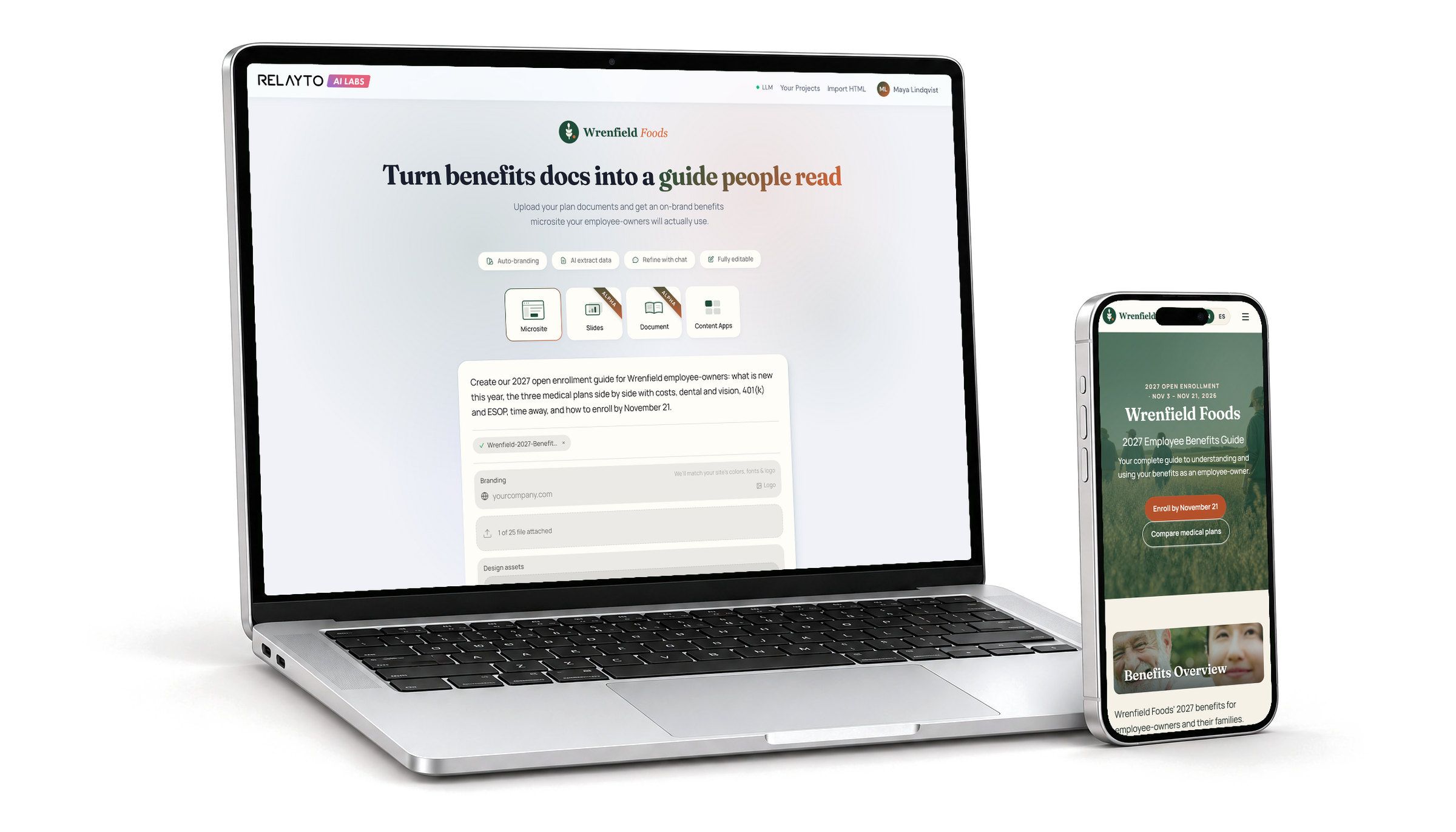
LHD Benefits doubled its win rate in competitive bids with RELAYTO benefits microsites.





Your brand kit, read from your website
Paste your website’s address and AI Builder fills a brand kit with its colours, fonts, logo, corners and button styles. Set a tone, describe your voice in your own words, and every page starts there.
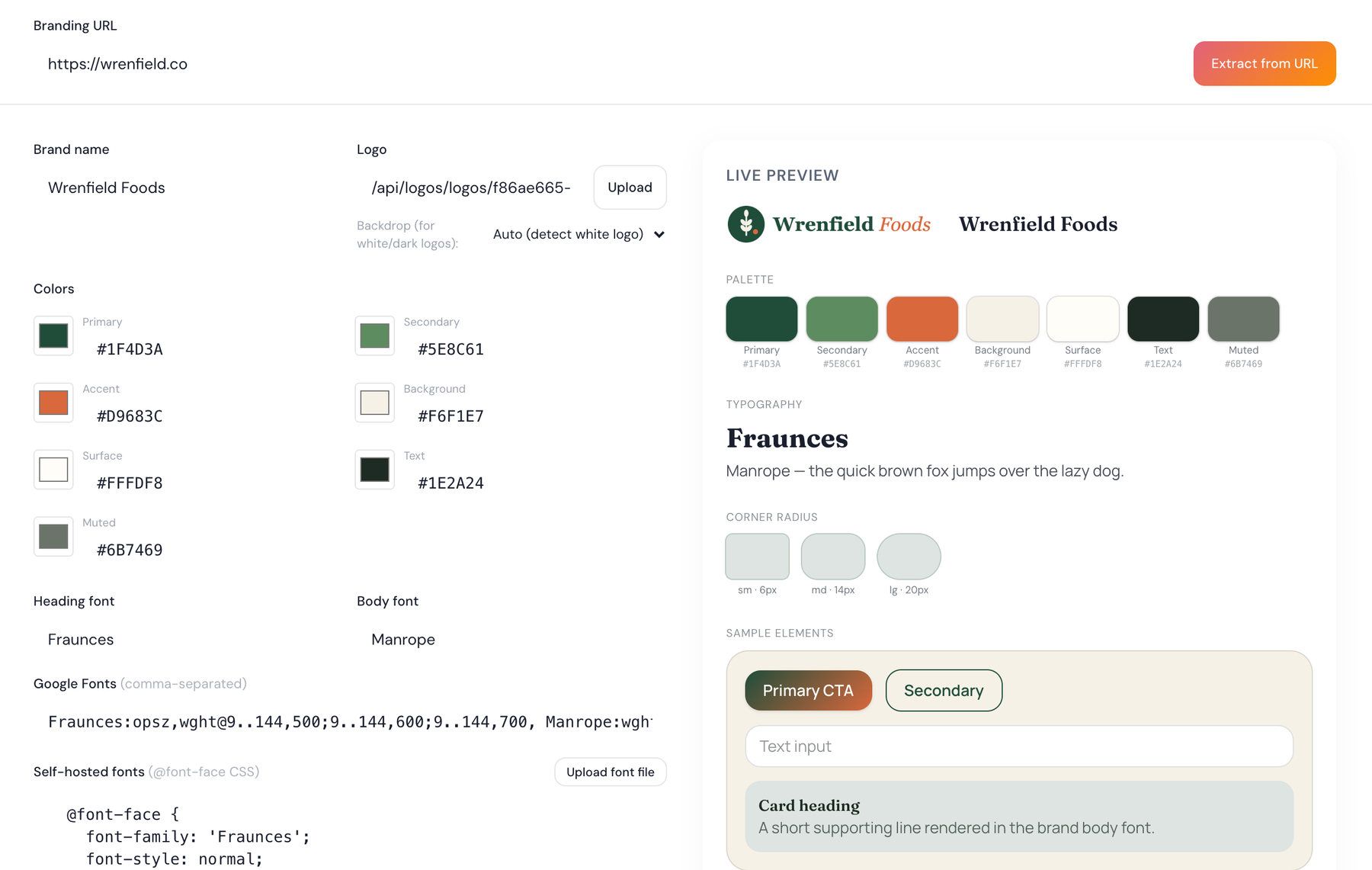
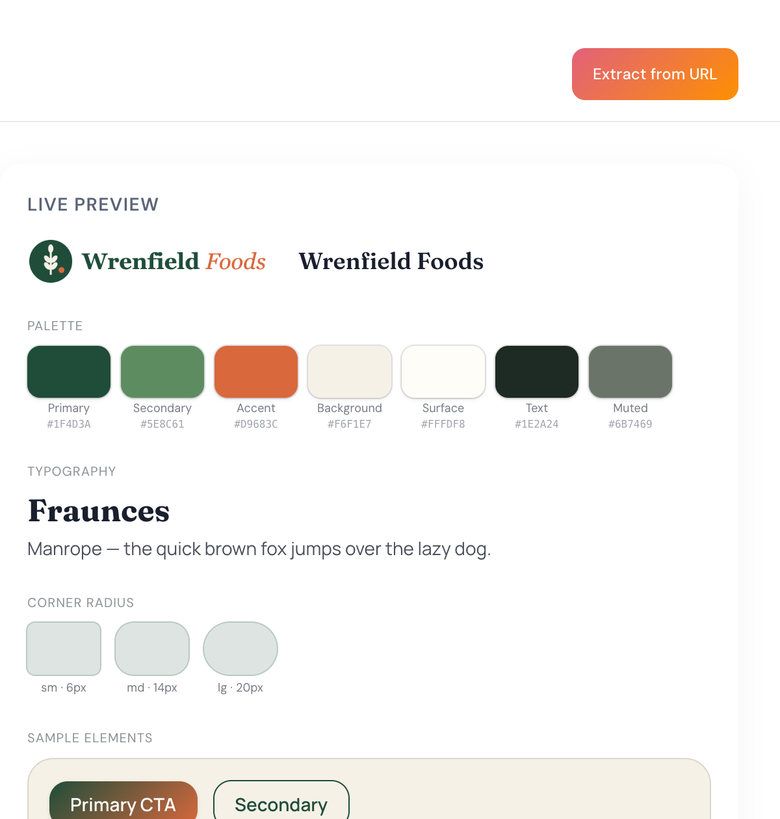
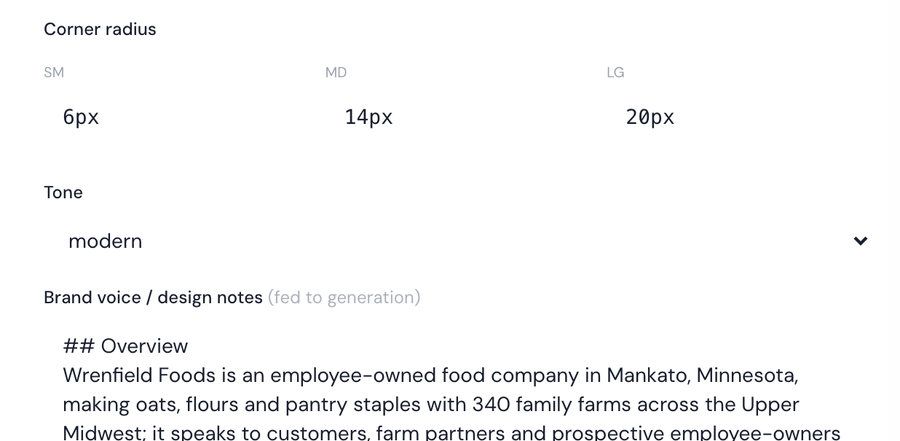
- Paste the address and the kit fills itself in.
- Seven colours and two fonts, each one editable.
- A live preview of buttons, fields and cards in your brand.
Change anything by asking
Tell AI Builder what is wrong, or ask for something new, such as a better photograph or a shorter section, and the page changes in place.
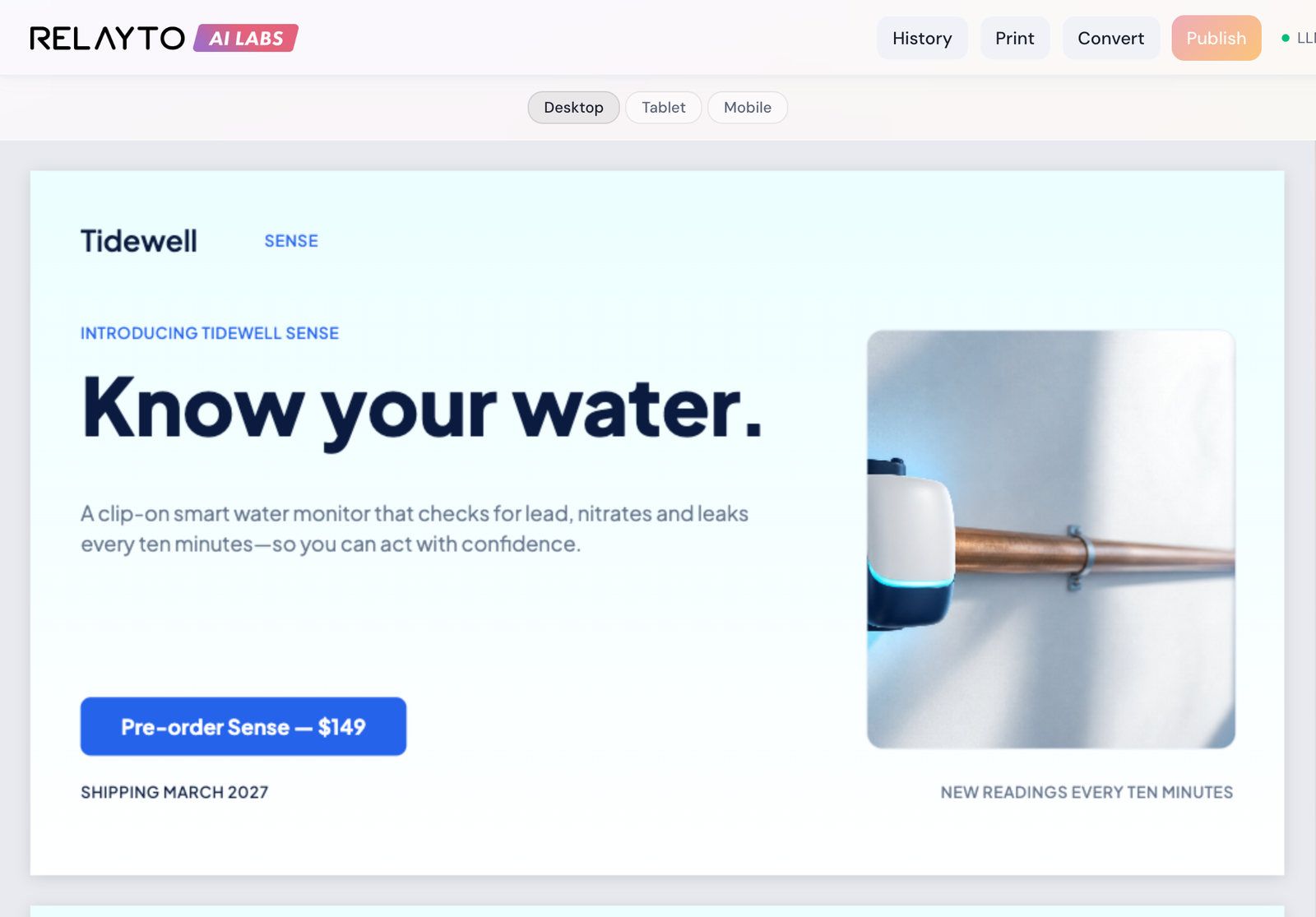
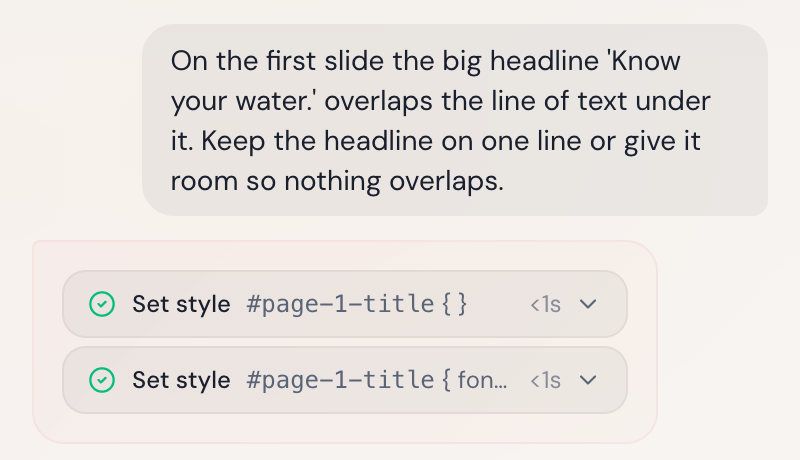
See what changed
Each change is listed: here, two style fixes to the slide’s headline.
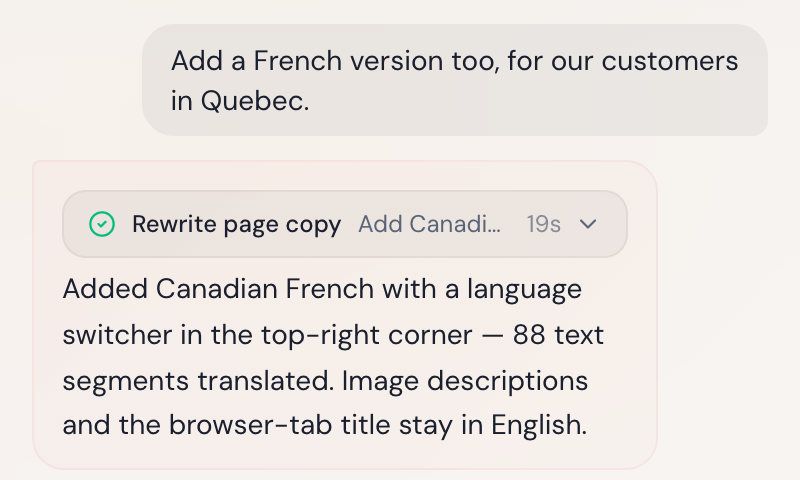
Add a language
AI Builder translates the page, keeps the original and adds a language switch.
Edit by hand
Select any part of the page and change its words or style.
Change the format without starting again
Turn the investor deck into a microsite for the website, or the launch page into slides for the sales call. The words, figures and photographs carry over, and the original stays as it was.
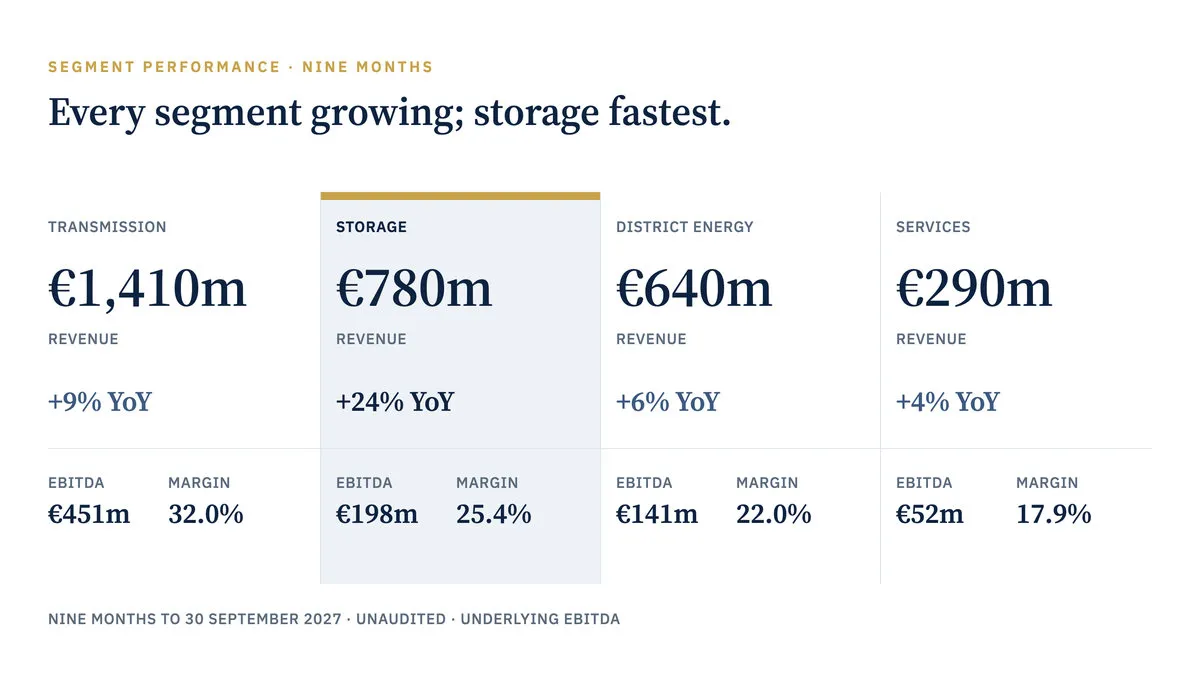
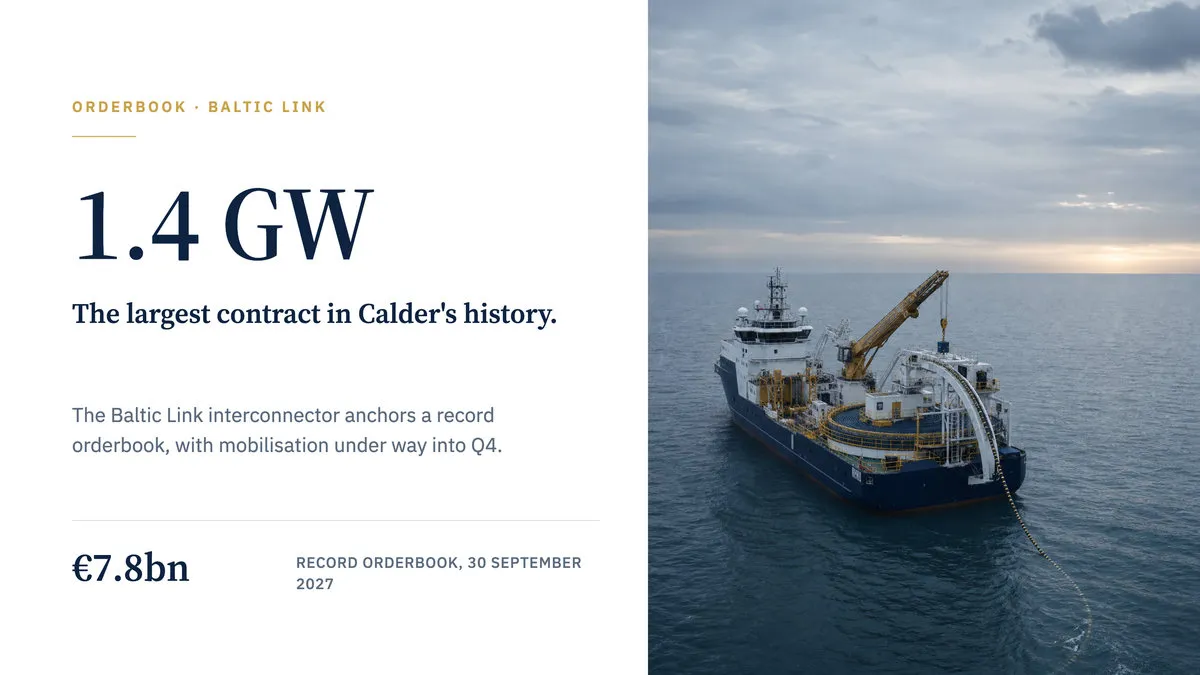

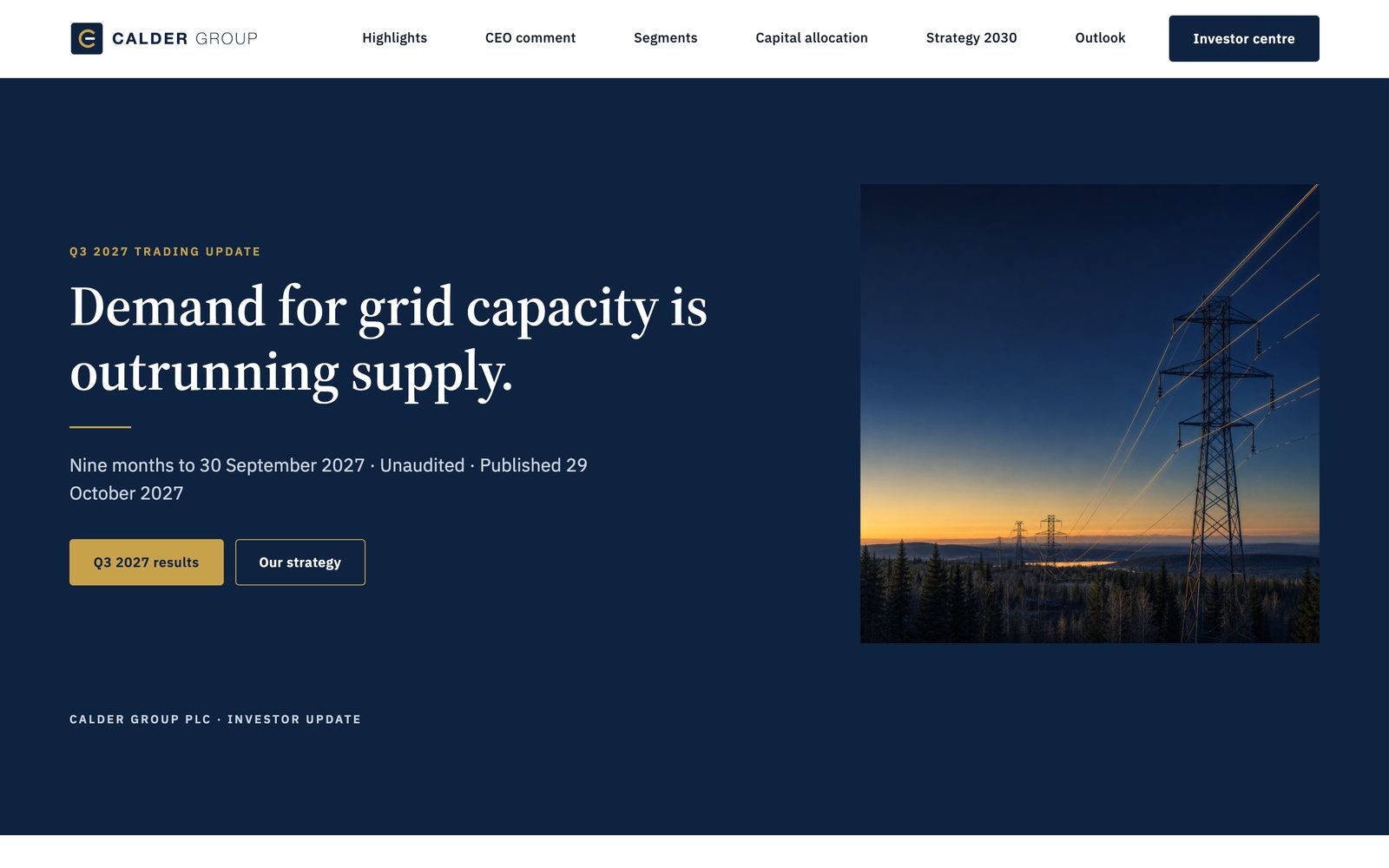
Microsites, slides and documents
Microsites publish today; slides and documents are in early access.
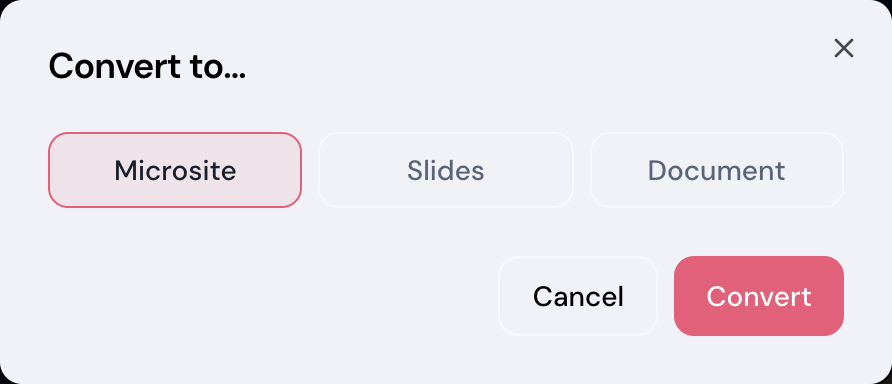
Convert in one step
Pick Microsite, Slides or Document in the Convert dialog.
Print to PDF
Save a PDF at A4 or Letter, portrait or landscape.
Everything AI Builder does
What each feature does today, and which are still in early access or on the way.
- Microsite Builder
- Microsites for any screen from a brief and your files, with generated images.
- Slides Builder
- In early access: decks at 16:9, 4:3 or 9:16, edited slide by slide.
- Flipbook Builder
- Fixed pages at A4, Letter or square today; a page-turning view is planned.
- Web Doc Builder
- Reports and guides as a paged document or a long-form microsite.
- Landing Page Builder
- A launch landing page from a brief, its brand read from your website.
- Content App Builder
- Interactive content apps from a brief: on the way.
- Brand Kit: colors, fonts, logo, tone & voice
- Seven colours, two fonts, logo, corner radius, tone and a written voice.
- Import your brand from a URL
- Paste a web address to fill the kit; every value stays editable.
- Format conversion: microsite, slides, flipbook
- Any microsite, deck or document into either of the others, as a new copy.
Brand control your reviewers can check
Every page starts from a brand kit your team sets once, and goes out through your RELAYTO workspace.
SOC 2 Type 2, GDPR, HIPAA and CCPA, documented in the Trust Center.
How Content Security works- One brand kit per team
- Colours, fonts, logo, tone and voice are set once for each team’s starting point.
- Kits changed by administrators
- Only administrators can change a brand kit or a team’s starting point.
- Your RELAYTO sign-in
- People sign in with the RELAYTO account they already have, including single sign-on.
- Private until published
- A project opens only for the person who made it and your administrators.
- Every change is a version
- Each chat edit is saved with what was asked, and can be reverted.
- Published through RELAYTO
- Pages go out from your workspace, on your domain, under its access rules.
From your website to your first microsite
We set up your brand kits and each team’s starting point with you. Your people bring the briefs.
- Step 1
Import your brand
Paste your website’s address, then check the colours, fonts and logo.
- Step 2
Set up each team
Give each team, from HR to investor relations, a starting point with its kit.
- Step 3
Brief and refine
Anyone writes a paragraph, attaches the PDF, then edits by asking.
- Step 4
Publish
The microsite joins your RELAYTO workspace; add it to any hub.
AI Builder reads PDFs, text, CSV, Markdown, HTML and images, imports pages you already have as HTML, prints to PDF, and publishes into your RELAYTO workspace. See every integration
Works with the rest of RELAYTO
- HubsDigital sales rooms and portalsPut each page in a hub beside the documents it came from.
- PDF to WebPDFs and decks as web pagesKeep the PDF itself as a web page when its wording must not change.
- AnalyticsSee who read what, page by pageSee who read each page you publish, and for how long.
- Content SecurityShare documents securelyPublished pages follow your sign-in and access rules, on your domain.
Common questions
About microsites, brand control, your files, editing, languages and formats.
What is an AI microsite builder?
An AI microsite builder writes a multi-section web page from a short brief and the files you attach. RELAYTO’s AI Builder starts every page from your brand kit, so it comes out in your colours, fonts, logo and voice. You change it by asking or by hand, then publish it into your RELAYTO workspace on your domain.
Can AI turn a PDF into a microsite?
Yes: attach the PDF to your brief, and AI Builder writes the microsite from what it reads. You can attach up to 25 files at a time: PDFs, text, CSV, Markdown, HTML or images. The words and figures come from those files and your brief. Check every page before you publish it; each change is saved as a version you can return to.
How does AI Builder keep every page on brand?
Every page starts from its team’s brand kit: seven colours, heading and body fonts, your logo, corner radius, tone and a written description of your voice. AI Builder can fill the kit from your website’s address, button styles included, and every value can be edited. The person writing the brief does not have to choose colours or fonts.
What happens to the files we upload?
AI Builder reads them to build the page and keeps them with that project, which opens only for the person who made it and your administrators. Nothing is public until someone publishes it. For the AI data-processing terms your security review needs, ask us: we will send them with the rest of our security documentation.
Do we need a designer or a developer?
No. People describe the page in a brief and change it by asking in plain words. To move or restyle something themselves, they can select any element and change its text, size, colour or position. The editor runs in the browser on a desktop or laptop.
Can a page be in more than one language?
Yes. Ask for a Spanish or French version and AI Builder translates the page and keeps the original beside it, with a language switch at the top. Readers pick their language. Right-to-left languages such as Arabic are laid out right to left.
Can it make slides or a document from a PDF?
Yes, in early access: attach the PDF and pick Slides or Document as the format. Slide decks come at 16:9, 4:3 or 9:16, and documents at A4, US Letter or square. Both print to PDF today; publishing them to RELAYTO is on the way. Any microsite, deck or document converts into the others as a new copy.
How is AI Builder different from an AI website builder?
An AI website builder makes and hosts a whole website. AI Builder makes microsites and landing pages, each for one job such as a benefits guide or a product launch, starting from your brand kit and your own documents. They publish into RELAYTO on your domain, where you can add them to hubs, decide who can open them and see who read them.
What will your teams make first?
Bring a brief, the PDF behind it and your website’s address, and leave with the page they become, in your brand.