
Your PDFs as web pages, kept current at one link
Convert the reports and decks you already have, and send a link instead of an attachment. Each page fits the phone it is read on.
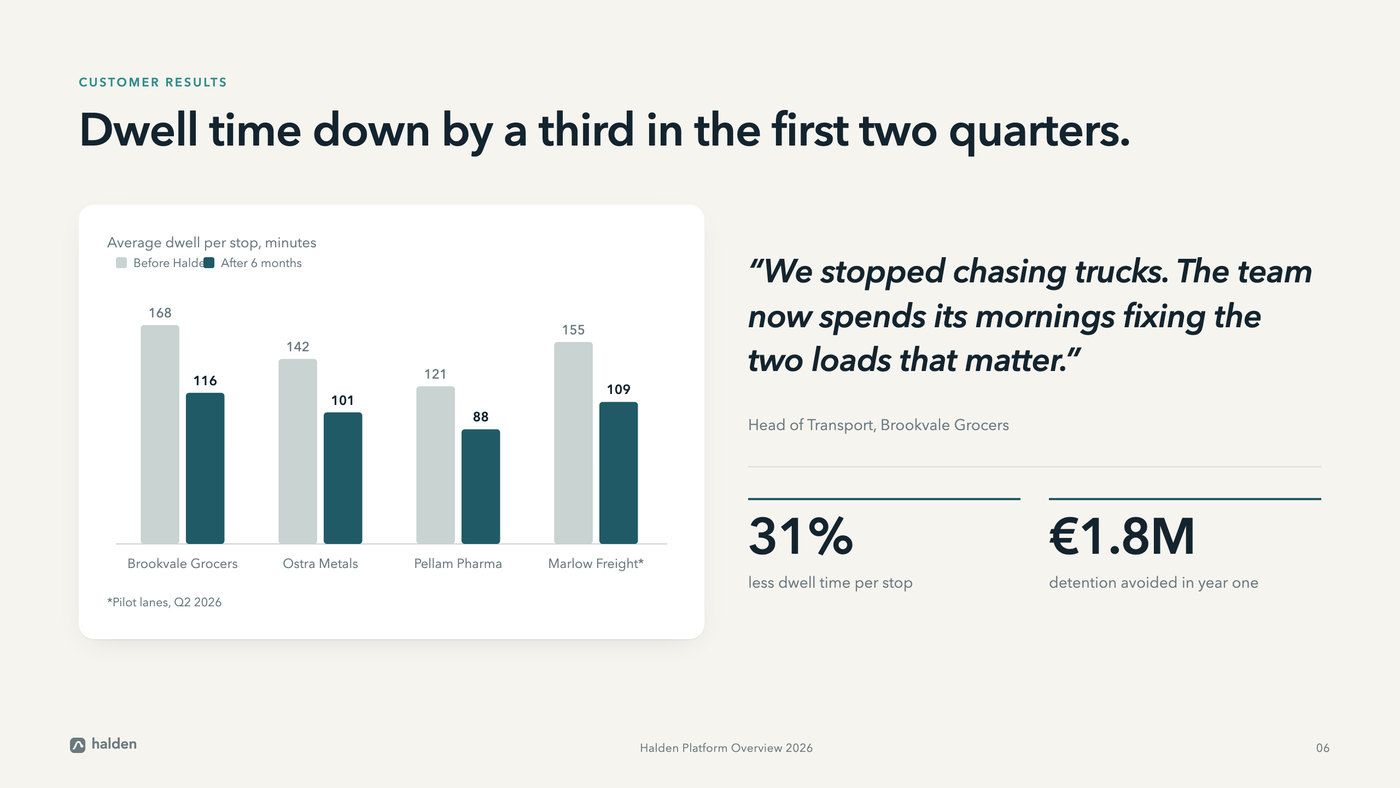
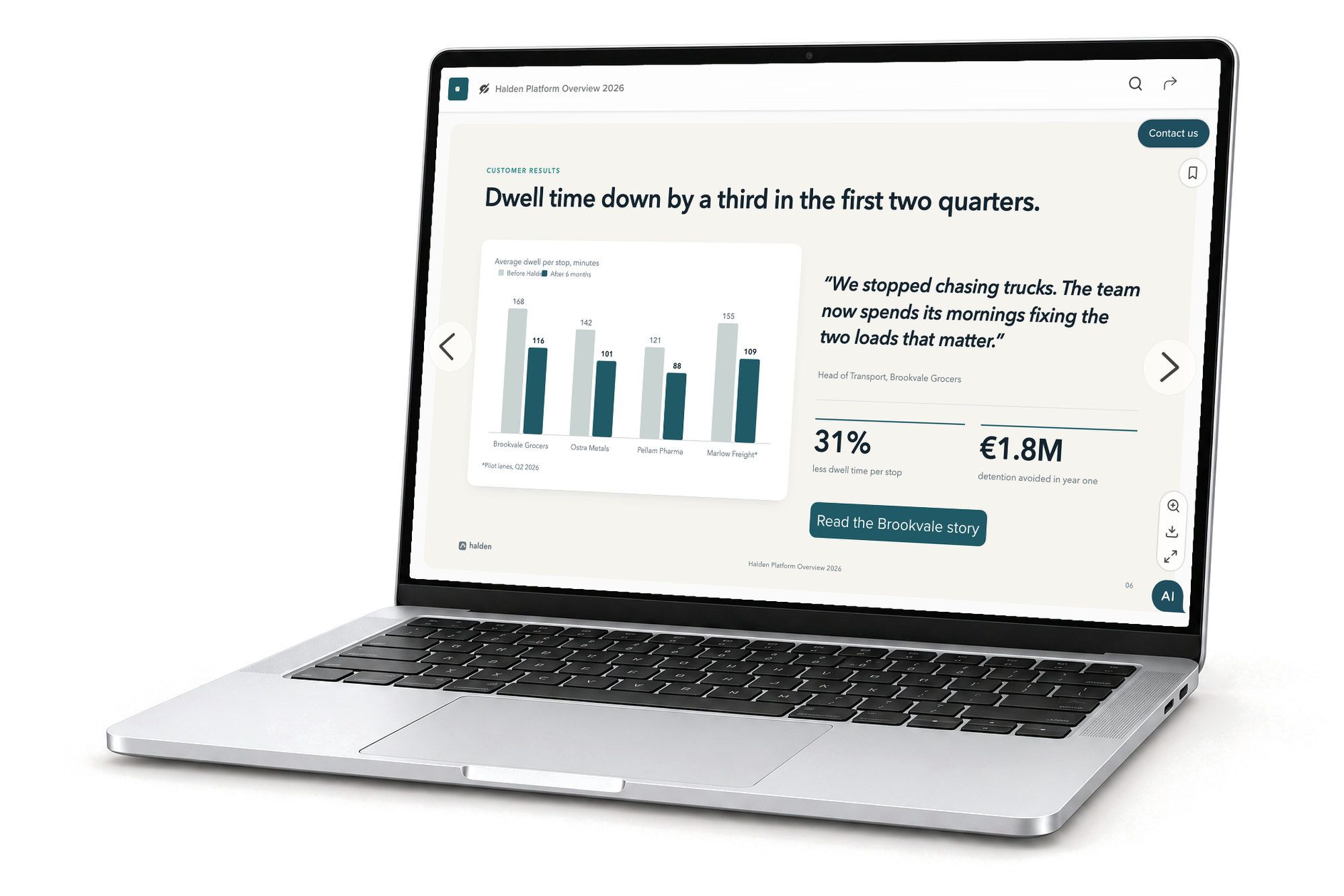
Omnicom Group saw an 1100% increase in target account engagement with RELAYTO.





Convert your PDF library to web pages
Each page of a PDF becomes a web page in the file’s own design. Its links still work and its bookmarks become the menu. Video, audio and web links come in too.
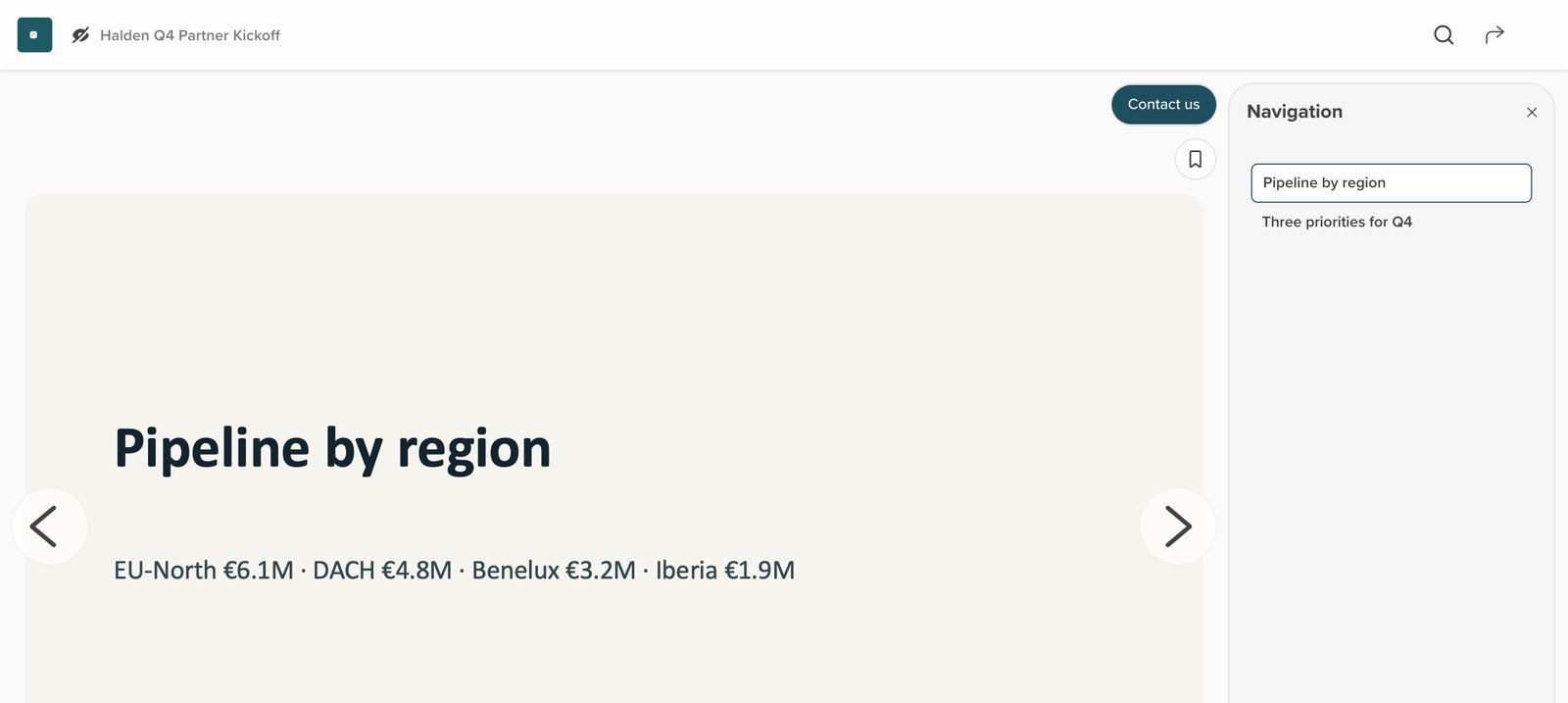
The files you make today
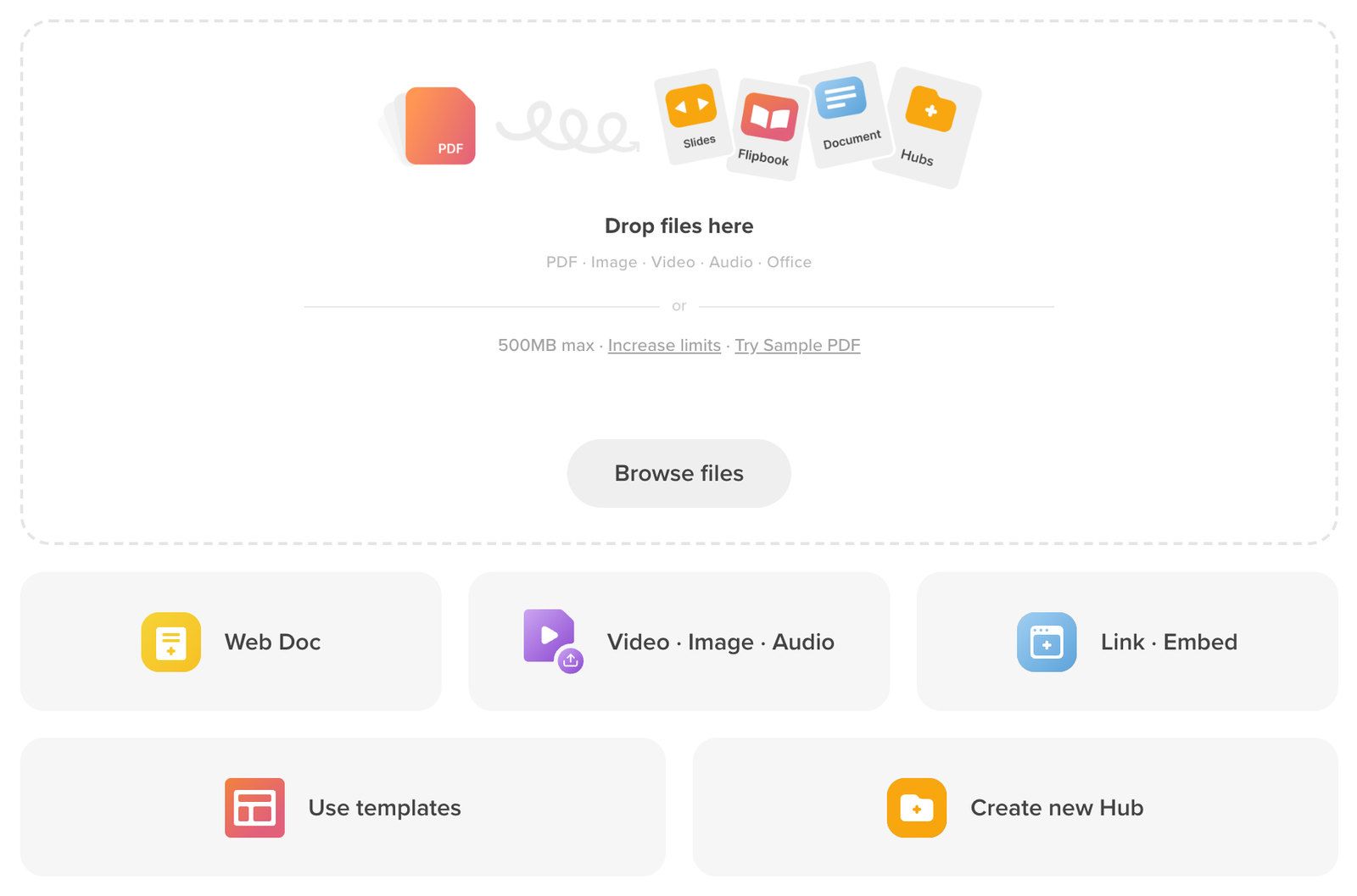
PDF, PowerPoint, Word and Excel, converted on upload, up to 500MB each.
PowerPoint as slides
Each deck opens slide by slide, its menu built from the slide titles.
From your cloud storage
Pick files from Google Drive, Dropbox, Box or OneDrive.
Update the PDF without changing the link
Upload the new version to the same document. Smart PDF Update matches each new page to its old one by its words and its look, even if pages moved. Nothing changes until you confirm.
Old PDF10 pagesNew PDF10 pages
Drag-and-drop old PDF pages to align them with the new PDF pages
- #1#1
- #2#2
- #3#3
- #4#4
- #5#5
- #6#6
- #8#7
- #7#8
- #9
- #9removed#9
- #10#10
Match by page numbersCancelConfirm
Every page fits the phone in their hand
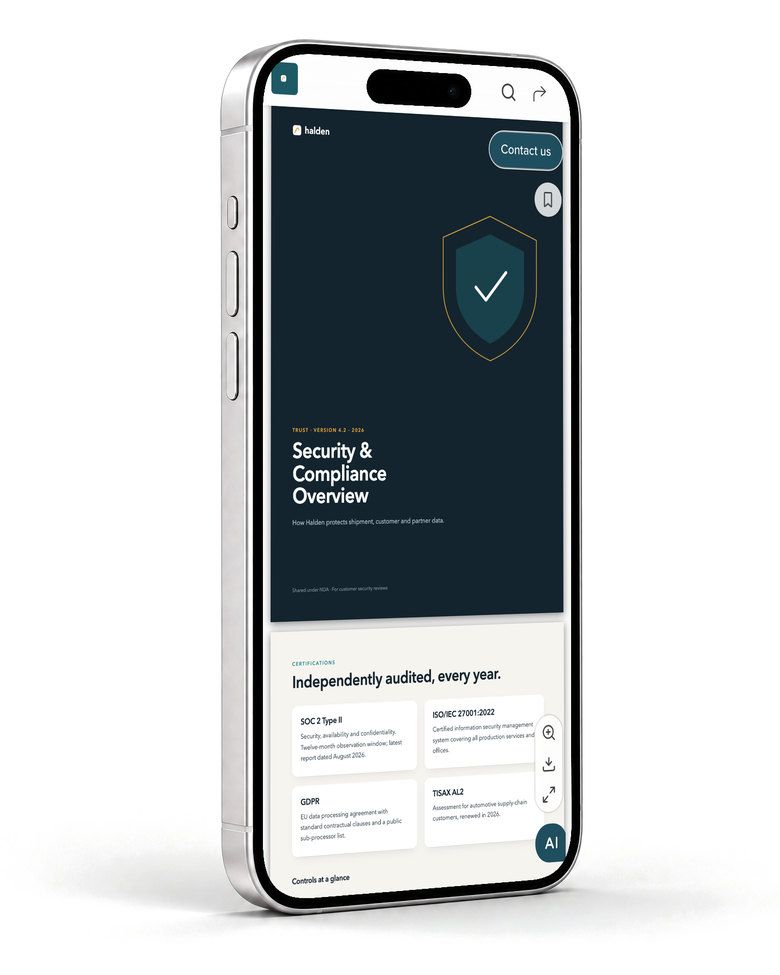
A long PDF becomes a mobile-friendly web page, so a reviewer can read all of it on their phone without downloading a file.
See all nine reading views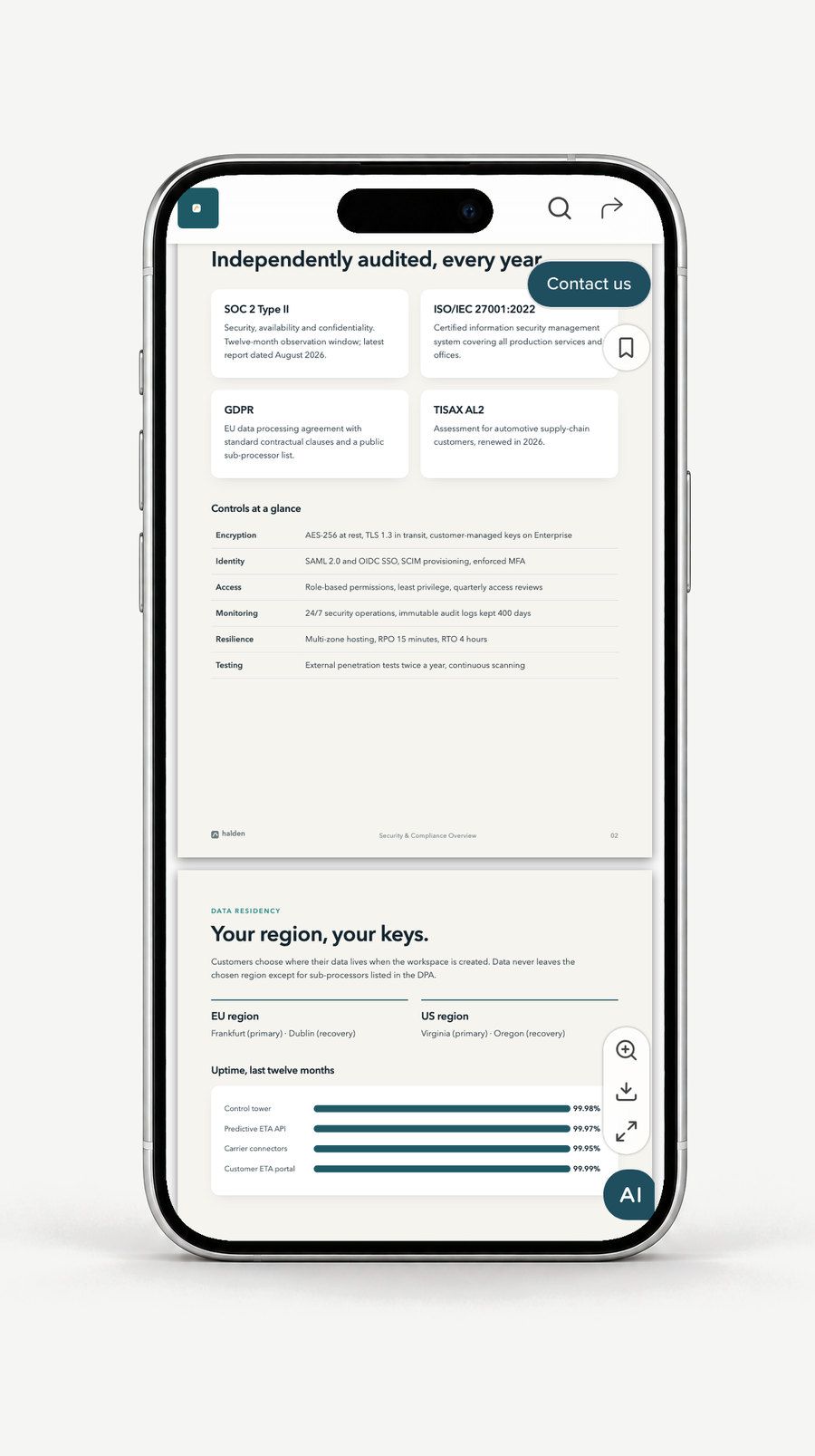
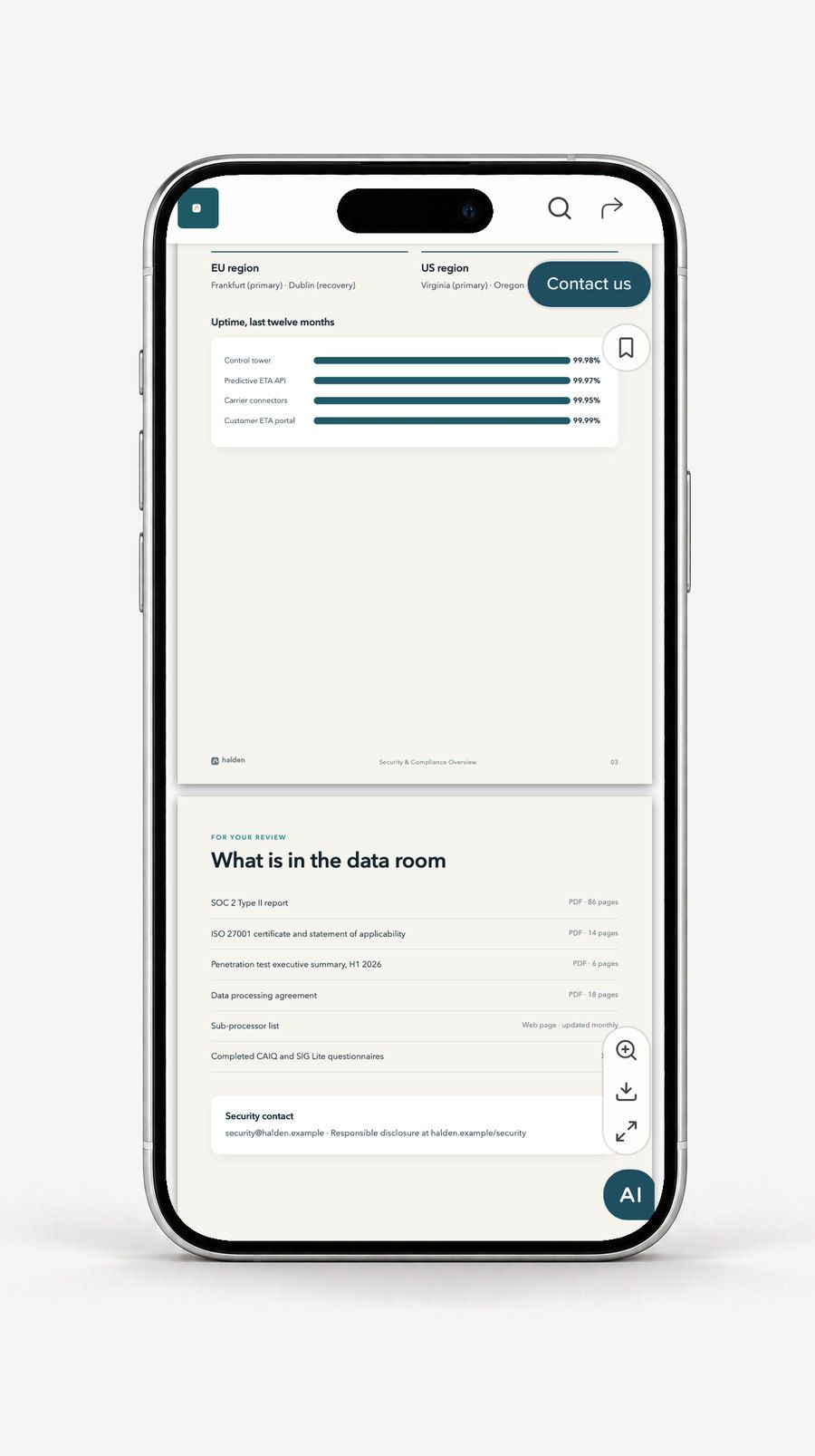
Sized for the screen
Each page fits the phone’s width and scrolls top to bottom.
Their choice of view
If you allow it, readers pick how the pages are laid out.
Nothing to install
It opens in the phone’s own browser, from the link you sent.
“Since using RELAYTO, I’ve seen a clear shift—our interactive content cut down early demos, boosted engagement, and now supports 40% of our deals.”
 Łukasz HińczSenior Presales Engineer, Alpega Group40% · Presales & proposals
Everything PDF to Web does
- PDF to Web
- Every page of the PDF becomes a web page; nothing is redrawn.
- PowerPoint & Google Slides to Web
- PowerPoint files convert on upload; Google Slides decks embed live by link.
- Word & Docs to Web
- Word and Excel files convert on upload; Google Docs embed by link.
- Video, Image & Audio to Experience
- MP4 video, images and audio files each get their own page and link.
- Web page & URL import
- Paste a web address to embed the page, or keep it as a link.
- Link & Embed: 880+ providers
- YouTube, Vimeo, Google Slides and 880+ more, playing inside the page.
- Smart PDF Update: AI diff with guided review
- Matches reordered pages too; a dropped page’s link can pass to its replacement.
- Export back to PDF / print
- Readers download the PDF; after an update, the download is the new one.
You decide who can open and change it
A converted document is only as open as you set it, and every earlier version of its PDF is kept.
SOC 2 Type 2, GDPR, HIPAA and CCPA, documented in the Trust Center.
How Content Security works- Who can open it
- Public, a password, a one-time email code, your company only, or the people you name.
- Download on or off
- Decide, document by document, whether readers can download the PDF.
- Only editors update
- Replacing a document’s PDF needs edit rights on that document.
- Every version kept
- The version before each update is saved and can be restored.
- Work sign-in
- Your team signs in with Google, Microsoft Entra or LinkedIn accounts.
- Where files are kept
- Each workspace’s files stay in one region: EU (Ireland) or the United States.
Four steps from PDF to web page
Start with the documents people ask for most, and upload them as they are, a few at a time.
- Step 1
Upload a first batch
Drop in several files at once; each one converts on its own.
- Step 2
Check each one
Choose how it is laid out and look over the menu its bookmarks made.
- Step 3
Add video and forms
Put them on the pages that need them, when you are ready.
- Step 4
Share one link
Send the link, or embed the document in your own website.
Files come from Google Drive, Dropbox, Box or OneDrive; videos and tools from 880+ providers, such as YouTube, Vimeo and Google Slides, play inside the page; reader data exports as CSV for HubSpot, Salesforce or a spreadsheet. See every integration
Works with the rest of RELAYTO
- Content ExperienceDocuments that read aloud and answer questionsConverted pages can read themselves aloud, and their answers name the page they come from.
- Interactivity StudioMake your PDFs interactiveMake the converted PDF interactive with hotspots, forms and video.
- HubsDigital sales rooms and portalsGather converted documents into one sales room or portal per audience.
- AI BuilderOn-brand microsites from a briefTurn a PDF into a new on-brand microsite when its wording can change.
Common questions
About converting PDFs and decks, sharing by link, updates, file types and rebuilding.
How do I convert a PDF to a web page?
Upload the PDF to RELAYTO and each of its pages becomes a web page in the file’s own design. Its links still work, its bookmarks become the menu, and the whole document opens at one link you can send or embed on your site.
Can I turn a PowerPoint into a web page?
Yes. PowerPoint files (.ppt and .pptx) convert when you upload them and open as slides, with a menu built from the slide titles. Google Slides decks come in by link and play live inside the page.
Can I share a PDF as a link instead of an attachment?
Yes. The PDF becomes a web page at its own link, which opens in any browser on a phone or a computer. You choose who can open it, from anyone to only the people you invite, and whether they can download the file.
Do we have to rebuild our documents?
No. Upload the PDF, PowerPoint or Word file you already have. RELAYTO makes each web page from the file itself, so the design, fonts and images stay as they are. You can add video, forms or hotspots on top whenever you are ready.
What happens when we publish a new version of the PDF?
Upload it to the same document. Smart PDF Update matches every new page to its old one by its words and its look, even if pages moved, and shows you what is new and what would be removed. Matched pages keep their link, hotspots and narration. Nothing changes until you confirm, and the version before the update is saved.
Can we update a PDF without changing its link?
Yes. The document keeps its address and every matched page keeps its own page link, so links in emails, posts and other pages keep working. If a page is dropped, you can keep its link by dragging it onto the page that replaced it.
Which files and links can we bring in?
You can bring in PDF, PowerPoint (.ppt, .pptx), Word (.doc, .docx) and Excel files, images, MP4 video and audio, up to 500MB per file by default. You can also paste a web address and show the page inside yours or keep it as a link. Videos and tools from 880+ providers, such as YouTube, Vimeo and Google Slides, play in place.
How is this different from a PDF to HTML converter or a flipbook tool?
A PDF to HTML converter gives you code to host and maintain, and a flipbook tool makes the pages turn like paper. RELAYTO makes the PDF a web page you keep working on, at one link: add video and forms, put it in a hub, see who read which page, and replace the PDF later without losing any of that.
Which document should go first?
Bring a PDF your readers ask for. We will show it to you as a web page, and what happens when it changes.